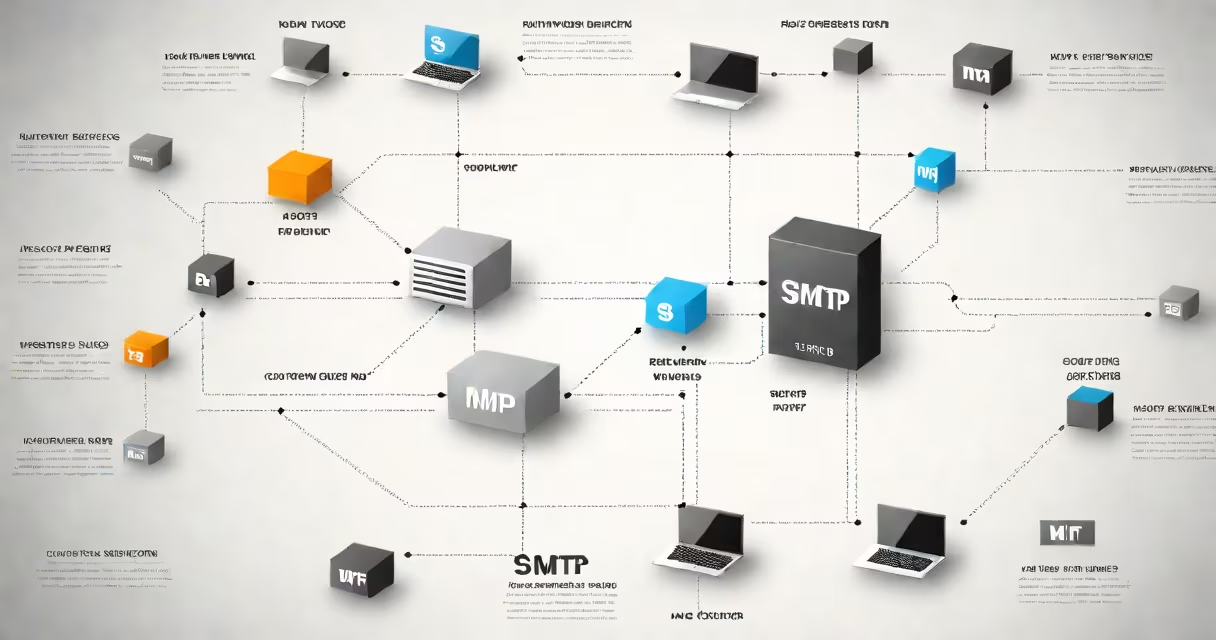
SMTP (Simple Mail Transfer Protocol) is the standard communication protocol used to send email messages between servers and from clients to servers. It handles the transmission of outgoing email across networks using a series of commands and responses.
When you click "send" on an email, your mail client (like Gmail or Outlook) uses SMTP to deliver the message to your email provider's server. That server then forwards the message to the recipient's mail server using the same protocol. The entire process relies on a handshake between systems, ensuring the message reaches its destination reliably.
SMTP operates over TCP port 25 by default, though port 587 (submission) and port 465 (SSL/TLS encrypted) are common for secure transmission. It's designed for simplicity and reliability, not for retrieving or storing messages-those tasks are handled by protocols like POP3 or IMAP.
SMTP functions through a sequence of command-response exchanges between sender and receiver systems. The process begins when a client connects to an SMTP server via TCP.
The server responds with a greeting (e.g., "220 mail.example.com ESMTP ready"). The client then sends a HELO or EHLO command to identify itself. The server replies with a confirmation code (250).
Next, the client specifies the sender with MAIL FROM: and the recipient with RCPT TO:. The server validates both addresses. If valid, it accepts the message and sends a 250 response. The client then transmits the message body with the DATA command, ending with a period on a line by itself.
If the server accepts the message, it returns a 250 OK response. The server may then forward the message to the recipient's mail server using the same process. If the recipient's server rejects the message, it returns a 5xx error code indicating failure.
SMTP doesn't handle encryption or authentication on its own. These are added through extensions:
mail.google.com uses MX records to route incoming mail.Without proper configuration, SMTP can be exploited for spam or phishing. To prevent abuse, most providers require authentication and rate limiting. Google Workspace, for instance, enforces OAuth2 for API-based access and blocks unauthenticated submissions.
Many assume SMTP is responsible for receiving or reading email. That's incorrect. SMTP only sends messages. Receiving and storing emails are managed by POP3 or IMAP. Confusing these roles leads to troubleshooting errors-such as thinking a message failed to arrive because SMTP didn't work, when the issue was actually with the recipient's IMAP server.
Another misconception is that SMTP always delivers instantly. In reality, delivery can take seconds to hours. Servers queue messages during outages or high load. A message sent at 9 a.m. might not reach the inbox until 10 a.m. due to network delays or filtering.
For example, when I configured an email relay for a small business, I initially assumed SMTP would deliver messages immediately. After testing, I discovered that the recipient's server rejected the message due to missing SPF records. Adding a proper DNS TXT record resolved the issue-proof that SMTP success depends on external validation, not just protocol compliance.
Not all SMTP servers perform the same function. Here's how they differ:
| Server Type | Function | Port Used | Example Use Case |
|---|---|---|---|
| Mail Submission Agent (MSA) | Receives outbound mail from clients, performs initial checks and authentication. | 587 (with STARTTLS) | Outlook or Thunderbird sending an email. |
| Mail Transfer Agent (MTA) | Routes messages between domains using DNS MX records. | 25 (unencrypted), 587 (encrypted) | Google's mail servers forwarding a message to Yahoo. |
| Mail Delivery Agent (MDA) | Delivers messages to local mailboxes, often using IMAP/POP3. | Not applicable (operates after SMTP) | Storing an email in a user's inbox. |
Some services combine MSA and MTA roles. For example, Amazon SES acts as both a submission and transfer agent. Others, like Microsoft Exchange, separate these functions for scalability and security.
Because SMTP predates modern internet security, it was originally designed without built-in encryption or sender validation. This led to widespread spam and spoofing.
To combat this, several standards were introduced:
According to the IETF RFC 7505, DMARC adoption has increased since 2018. As of 2023, over 70% of major domains use DMARC with a reject policy, reducing phishing attempts by up to 90% in monitored cases.
Even with these protections, attackers still exploit weak configurations. A poorly set SPF record can allow unauthorized relaying. A misconfigured DKIM key can result in legitimate messages being marked as spam.
When you send an email from Gmail:
mx.yahoo.com).This entire chain takes under 10 seconds in normal conditions. If any step fails-say, the SPF check fails-the message is rejected with a 550 error.
Understanding SMTP how does it work reveals that email delivery is not a single action but a multi-step validation process involving multiple protocols and systems. It's not just about sending a message-it's about proving the sender is who they claim to be.
Knowing how SMTP works enables better troubleshooting, improved security, and smarter automation. Whether configuring a newsletter service or setting up a custom mail server, understanding the underlying protocol prevents common failures.