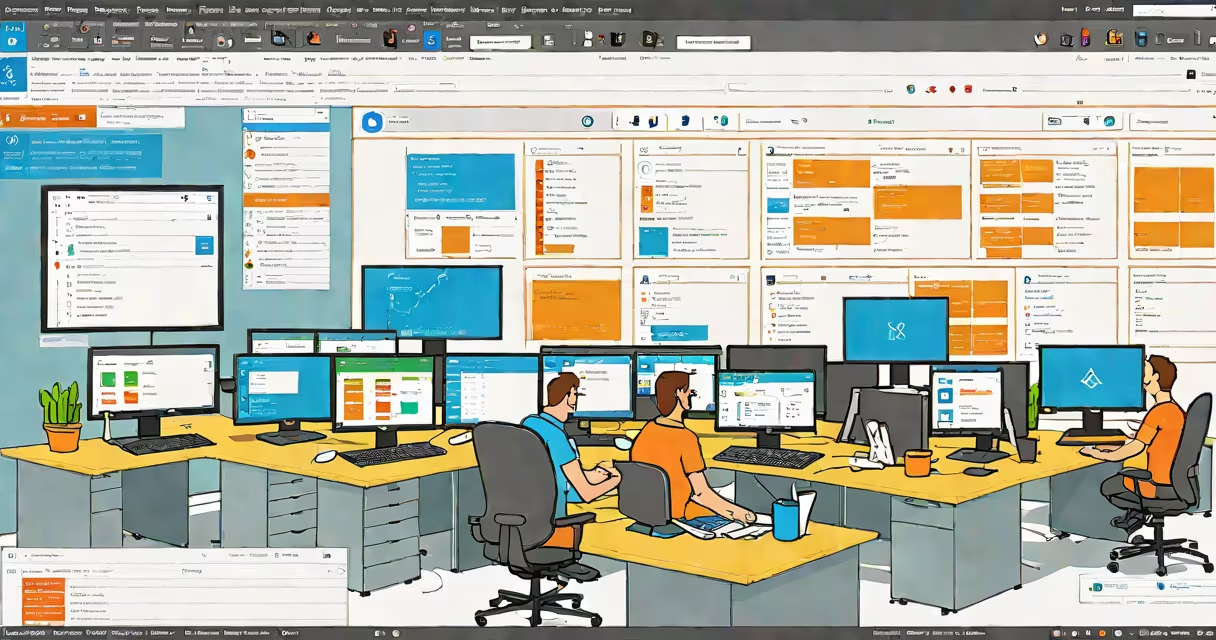
Azure Databricks Essential Training is a structured curriculum that teaches users how to set up, manage, and deploy data analytics and machine learning workflows using the Azure Databricks platform-a unified environment for big data processing and AI development within Microsoft Azure.
Microsoft Azure integrates with Databricks through shared authentication and resource pools, enabling secure access to data lakes, SQL databases, and machine learning models. The training covers core operations such as creating clusters, managing notebooks, and orchestrating jobs via Delta Lake and Apache Spark.
Participants learn to ingest data from Azure Blob Storage and Azure Data Lake Storage, process it using PySpark and Scala, and visualize results with Power BI or built-in charts. Real-world scenarios include fraud detection, customer segmentation, and predictive maintenance pipelines.
Azure Databricks runs on Apache Spark, a distributed computing engine optimized for large-scale data processing. It executes code across multiple virtual machines in a cluster, automatically scaling resources based on workload demands.
When a user submits a job-such as aggregating sales data across 10 million records-the system divides the task into smaller units, distributes them across worker nodes, and combines results. This parallel execution reduces processing time from hours to minutes.
For example, a retail company ingests daily transaction logs from 50 stores. Using Spark SQL, they filter transactions by region, group by product category, and calculate total revenue. The entire process completes in under 15 minutes on a 10-node cluster.
Every Azure Databricks workspace includes four foundational elements: clusters, notebooks, libraries, and jobs.
| Component | Description | Use Case Example |
|---|---|---|
| Clusters | Virtual machines running Spark. Can be auto-scaling or static. | Running a nightly ETL job that processes 1TB of log files. |
| Notebooks | Interactive coding environments with support for Python, Scala, SQL, and R. | Exploring customer churn patterns using correlation matrices and scatter plots. |
| Languages | Supports Python, Scala, SQL, and R. Code runs in isolated sessions. | Using Python to train a logistic regression model on historical purchase data. |
| Jobs | Scheduled tasks that execute notebooks or scripts at defined intervals. | Generating a daily report of website traffic metrics at 6 AM UTC. |
Clusters can be configured for interactive analysis or batch processing. Interactive clusters maintain state between cells, ideal for iterative debugging. Batch clusters terminate after job completion, reducing costs.
Enterprises adopt Azure Databricks to unify data engineering, data science, and business intelligence teams under one platform. It eliminates tool fragmentation and reduces integration overhead.
According to Microsoft's official documentation, organizations using Azure Databricks report a 40% reduction in pipeline deployment time compared to legacy systems like Apache Hadoop or standalone Spark clusters.
For instance, a healthcare provider uses Azure Databricks to analyze patient visit data from electronic health records. They apply anomaly detection algorithms to flag unusual patterns in medication prescriptions, improving compliance monitoring across 200 clinics.
Many assume Azure Databricks is only for data scientists. In reality, it supports roles across the data lifecycle: data engineers build ingestion pipelines, analysts generate reports, and DevOps teams automate deployments.
Another misconception is that Databricks requires deep expertise in distributed systems. While Spark concepts like RDDs and partitions exist, most users interact with high-level APIs such as Spark SQL and DataFrame operations, which abstract complexity.
A key distinction: Azure Databricks is not a database. It processes data stored in external systems like Azure Synapse Analytics, Cosmos DB, or ADLS Gen2. It does not persist data long-term unless explicitly saved to a storage account.
Consider a telecom company aiming to reduce monthly subscriber loss. The team uses Azure Databricks to:
This workflow runs entirely in Azure Databricks, with results exported to a Power BI dashboard updated hourly.
I once led a migration from a local Spark cluster to Azure Databricks for a logistics firm. The original setup required manual provisioning of VMs and network configuration. After switching, we reduced cluster startup time from 45 minutes to under 5 minutes and cut infrastructure costs by 30% due to changing scaling.
The biggest challenge wasn't technical-it was cultural. Engineers accustomed to local debugging had to adapt to remote notebook sessions and logging through Azure Monitor. The training course helped bridge that gap by including hands-on labs on error handling and performance tuning.
Understanding both tools enables smooth movement from spreadsheet-level analysis to production-grade data systems.
Organizations that complete Azure Databricks Essential Training gain the ability to build end-to-end data solutions-from raw data ingestion to model deployment-within a single, secure, cloud-native environment.