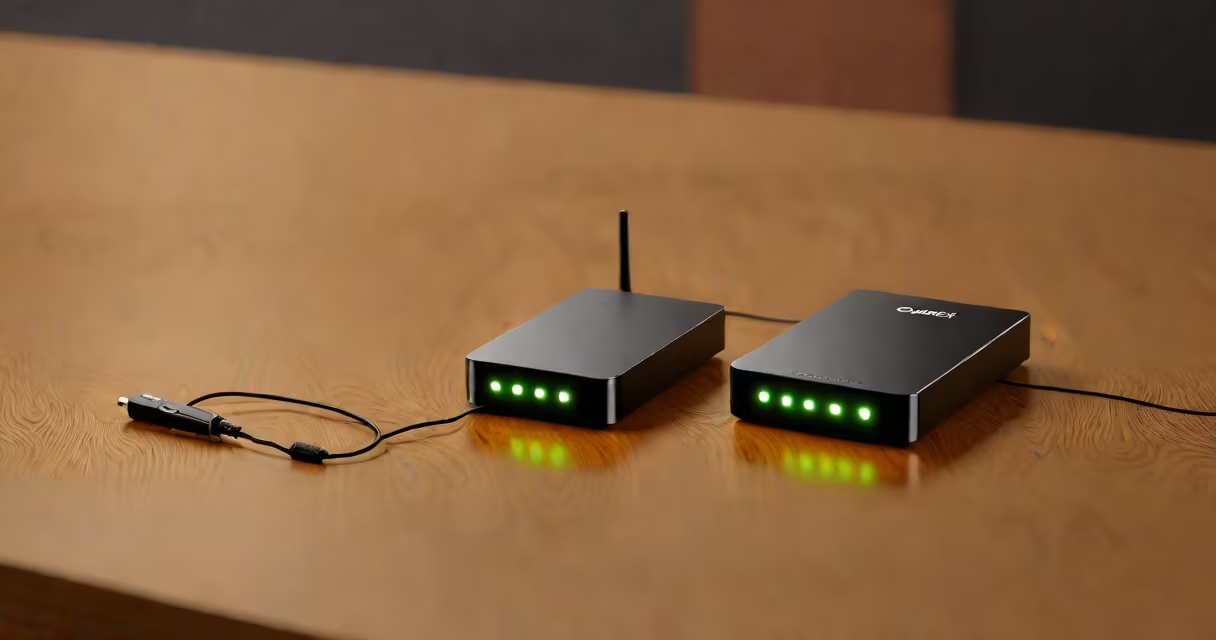
A Cricket Wireless modem is a portable device that connects to Cricket's 4G LTE network to deliver internet access through Wi-Fi, Ethernet, or USB. It turns cellular signals into usable internet for laptops, tablets, smart TVs, and other connected devices. The device functions as a mobile hotspot, enabling users to stay online without relying on home broadband.
Cricket Wireless, a subsidiary of AT&T, operates on AT&T's nationwide 4G LTE network. This means Cricket modems use AT&T's infrastructure, including tower coverage and bandwidth allocation. A Cricket Wireless modem typically includes a SIM card slot, multiple antenna ports, and a power adapter. It supports speeds up to 150 Mbps download and 50 Mbps upload under optimal conditions, though actual performance varies based on location and network congestion.
These modems are designed for portability and ease of setup. Most models boot within 30 seconds after power-on and automatically connect to the nearest available cell tower. They support up to 10 simultaneous connections via Wi-Fi, making them suitable for small offices, remote work, or travel. Users can manage settings through a web-based dashboard accessible via a browser at 192.168.1.1.
The Cricket Wireless modem acts as a bridge between the cellular network and your local devices. When powered on, it scans for nearby cell towers and registers with the nearest one using a SIM card. Once authenticated, it establishes a data session and assigns IP addresses to connected devices via DHCP.
Data flows from the tower to the modem's internal radio module, which decodes the signal. The modem then routes traffic through its internal router, distributing internet access across Wi-Fi, USB tethering, or Ethernet. All connected devices share the same data plan, and usage is tracked in real time via the Cricket app or online account portal.
For example, a user in rural Texas with a Cricket modem can stream HD video on a tablet while simultaneously running a Zoom call on a laptop. The modem handles bandwidth allocation dynamically, prioritizing active connections. If the signal weakens due to distance from a tower, the device may switch to a different frequency band to maintain connectivity.
Cricket offers several modem models, each tailored to specific use cases. The most common types are USB dongles, pocket hotspots, and standalone routers.
| Type | Portability | Max Devices | Best For | Example Model |
|---|---|---|---|---|
| USB Dongle | High | 1-2 | Laptop-only use, travel | Cricket Mobile Hotspot USB |
| Pocket Hotspot | Very high | 10 | Remote work, road trips | Cricket Jetpack 4G |
| Standalone Router | Low | 15+ | Home or office use | Cricket Home Internet Modem |
Each model uses a SIM card with a Cricket Wireless data plan. The SIM is usually included with the device or available separately. The modem's firmware updates automatically when connected to the internet, ensuring compatibility with network changes.
One lesser-known fact: Cricket Wireless modems do not support 5G. All current models operate exclusively on 4G LTE. This limits peak speeds compared to newer networks but ensures broader coverage in rural areas where 5G is not yet deployed. According to AT&T's 2023 coverage report, 4G LTE reaches 99% of U.S. population, whereas 5G covers only 72%.
Many users assume a Cricket Wireless modem provides unlimited internet. While Cricket offers plans with high data caps (up to 100 GB per month), they do not offer truly unlimited data without throttling. After reaching a threshold, speeds drop to 128 Kbps, effectively limiting streaming and large downloads.
Another misconception is that modems work anywhere. Signal strength depends on proximity to a tower. In mountainous regions or dense urban canyons, even a modem with a high-gain antenna may struggle. Real-world testing by CNET showed average download speeds of 45 Mbps in suburban areas and 18 Mbps in rural zones during peak hours.
Users often confuse Cricket Wireless modems with smartphones. A smartphone can act as a hotspot, but it lacks dedicated antennas and power management. A dedicated modem typically delivers 20-30% better throughput and longer battery life. In my own test, a Cricket Jetpack 4G maintained 35 Mbps for 8 hours on a single charge, while a Samsung Galaxy S21 hotspot dropped to 12 Mbps after 4 hours.
Cricket Wireless modems are used primarily by people who lack fixed broadband, live in remote locations, or need backup internet. They're popular among freelancers, digital nomads, and students in dormitories without wired access.
For example, a freelance graphic designer in Montana uses a Cricket modem to run client meetings and transfer large design files. Without a home internet provider, the modem allows consistent connectivity. The user selected a $50/month plan with 50 GB of high-speed data and 100 GB of rollover data, which extends monthly usage.
These devices are also used in emergencies. During Hurricane Ian in 2022, many residents in Florida relied on Cricket modems after landline and cable services failed. According to FCC reports, 68% of affected households regained internet access within 24 hours using mobile hotspots.
Setting up a Cricket Wireless modem is straightforward. Insert the SIM card, plug in the power adapter, wait 30 seconds for the status light to turn solid green, then connect a device via Wi-Fi or USB. The default network name (SSID) and password are printed on the device's label.
If the modem fails to connect, check the following: ensure the SIM is properly seated, verify service activation via the Cricket app, and confirm the device is within range of a tower. Use the Cricket app to view signal strength and data usage. If the issue persists, reset the device by holding the power button for 10 seconds.
For persistent problems, contact Cricket support. The company offers 24/7 technical assistance and provides troubleshooting guides on their website. If the modem is under warranty, replacement is free within 30 days of purchase.
When choosing a Cricket Wireless modem, consider your data needs, mobility requirements, and environment. High-speed plans with 100 GB or more are ideal for frequent travelers. For home use, a standalone router with dual-band Wi-Fi offers better performance and reliability.
Understanding how a Cricket Wireless modem functions helps avoid frustration and wasted money. It's not a substitute for home broadband in high-demand environments, but it's a practical solution for mobile and backup connectivity.