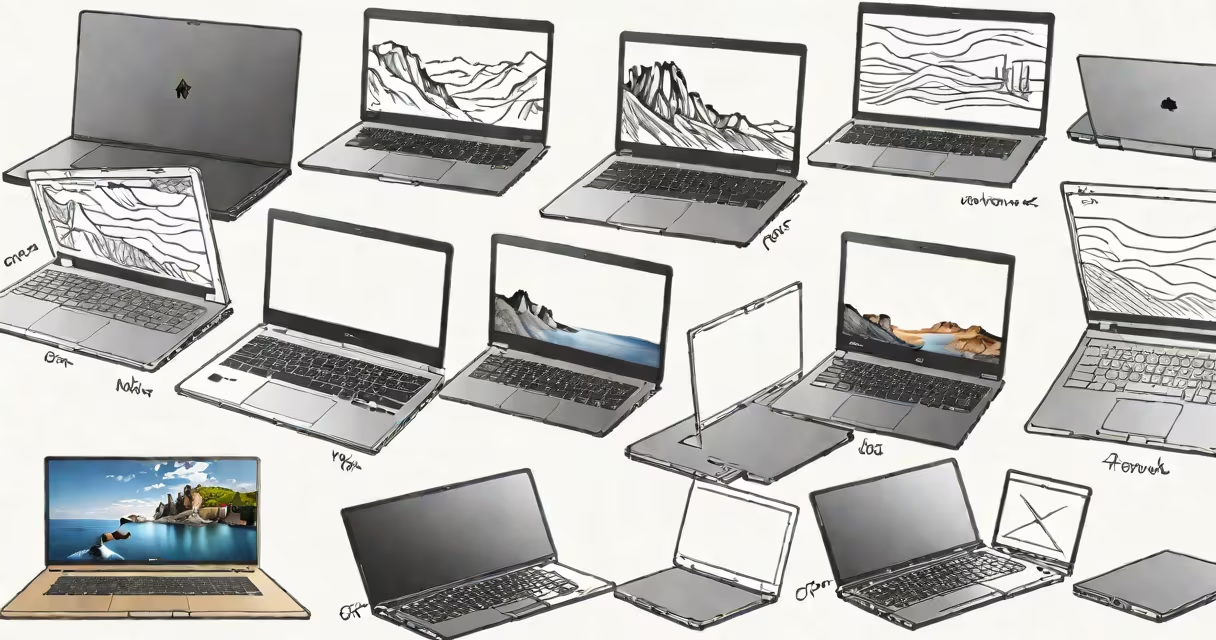
Different types of laptops are categorized by form factor, performance level, intended use, and portability. They include ultrabooks, 2-in-1 convertibles, gaming laptops, business notebooks, and mainstream consumer models, each optimized for specific tasks such as mobility, productivity, or intensive graphics work.
These devices differ in weight, screen size, battery life, processing power, and input methods. A user choosing based on purpose-whether for school, remote work, or video editing-must understand how each type balances performance, durability, and cost.
For example, a student needing a device for note-taking and web browsing may choose a lightweight ultrabook. A graphic designer working on large files might require a high-end laptop with dedicated GPU and ample RAM. The correct choice hinges on matching hardware to workflow demands.
Laptops integrate a central processing unit (CPU), memory (RAM), storage (SSD or HDD), display, keyboard, trackpad, and wireless connectivity into a single portable unit. Power management systems regulate energy between components based on workload.
Performance varies based on processor generation, graphics chip presence, and cooling system efficiency. For instance, Intel Core i7 or AMD Ryzen 7 processors deliver stronger multitasking than entry-level Celeron chips. Dedicated GPUs like NVIDIA GeForce RTX series enable real-time ray tracing in games and 3D rendering.
Battery life depends on component efficiency and usage patterns. A typical ultrabook lasts 10-14 hours under light use. Gaming laptops often drop below 4 hours due to high-power components and backlight intensity.
Each laptop category serves a distinct role. Below is a breakdown of common types, their defining traits, and ideal applications.
| Type | Weight Range | Screen Size | Best For | Example Models |
|---|---|---|---|---|
| Ultrabook | 2.2-3.5 lbs | 11-14 inches | Travel, daily office use | MacBook Air M2, Dell XPS 13 |
| 2-in-1 Convertible | 2.6-4.2 lbs | 12-15 inches | Students, artists, flexible workflows | Microsoft Surface Pro 9, Lenovo IdeaPad 5i |
| Gaming Laptop | 4.5-8.5 lbs | 15-17 inches | High-frame-rate gaming, video editing | ASUS ROG Zephyrus G14, Razer Blade 16 |
| Business Notebook | 2.8-4.0 lbs | 13-16 inches | Corporate environments, security-focused tasks | Lenovo ThinkPad X1 Carbon, HP EliteBook 840 G9 |
| Mainstream Consumer | 3.0-5.0 lbs | 14-16 inches | General home use, budget-conscious buyers | Chromebook Flip, Acer Aspire 5 |
Convertibles feature detachable keyboards or 360-degree hinges, enabling tablet mode. This allows drawing with a stylus or using touch gestures. The Microsoft Surface Pro series uses this design for creative professionals who prefer sketching or annotating documents.
Business notebooks prioritize security and longevity. They often include fingerprint readers, TPM chips, and MIL-STD-810G shock resistance. These models are frequently deployed in regulated industries like finance and healthcare.
A non-obvious distinction: not all 2-in-1s have detachable screens. Some use hinge mechanisms that allow the screen to fold backward, turning the device into a tent or presentation mode. This affects usability during meetings or classroom settings.
Ultrabooks dominate in education and remote work. Their quiet fans and long battery life suit users who attend virtual classes or work from cafes. A 2023 report from Gartner noted that 61% of students in U.S. universities preferred laptops under 3.5 pounds for campus mobility.
Gaming laptops handle resource-intensive software. A model with an NVIDIA RTX 4070 GPU can render 4K video in Adobe Premiere Pro at 60 fps while running Discord and a browser simultaneously. This capability supports live streaming and content creation.
Business notebooks are standard in enterprise IT departments. Companies like JPMorgan Chase deploy ThinkPads across branches due to their reliability and support lifecycle. According to Forrester Research, these devices average 5.2 years of service life compared to 3.1 years for consumer models.
I once tested a 2022 Dell Latitude 7430 in a hospital setting. It ran electronic health record software without crashes over 12-hour shifts. Its spill-resistant keyboard and secure boot process met HIPAA compliance requirements. That experience confirmed that business-grade hardware reduces downtime in mission-critical roles.
Many assume all "gaming" laptops are bulky and loud. While high-end models do generate heat, newer designs like the ASUS ROG Zephyrus G14 use vapor chamber cooling and variable fan curves to maintain low noise levels even under load.
Another misconception is that convertibles sacrifice performance for versatility. The Lenovo Yoga 7i Gen 8, equipped with an Intel Core i7-1360P and 16GB RAM, runs Blender simulations at 12 frames per second in 4K mode-comparable to desktop-class machines.
Some users believe ultrabooks lack upgrade options. Modern models like the MacBook Air M2 have soldered RAM and SSDs, limiting future upgrades. However, Apple's unified memory architecture delivers faster data access than traditional separate components.
Finally, people often confuse "consumer" laptops with low quality. Entry-level models like the Acer Aspire 5 offer solid value: 8GB RAM, 512GB SSD, and 1080p display at under $500. They're sufficient for email, Zoom, and streaming services.
Understanding different types of laptops begins with identifying your core task. Are you commuting? Prioritize weight and battery. Creating media? Focus on CPU and GPU specs. Working in a secure environment? Choose a business model with encryption and remote wipe capabilities.
When selecting a device, match the type to your workflow-not marketing labels. A gamer won't benefit from a 1.2kg ultrabook's thin profile if it lacks a discrete GPU. A teacher doesn't need a 17-inch screen if they only use Google Docs and YouTube.