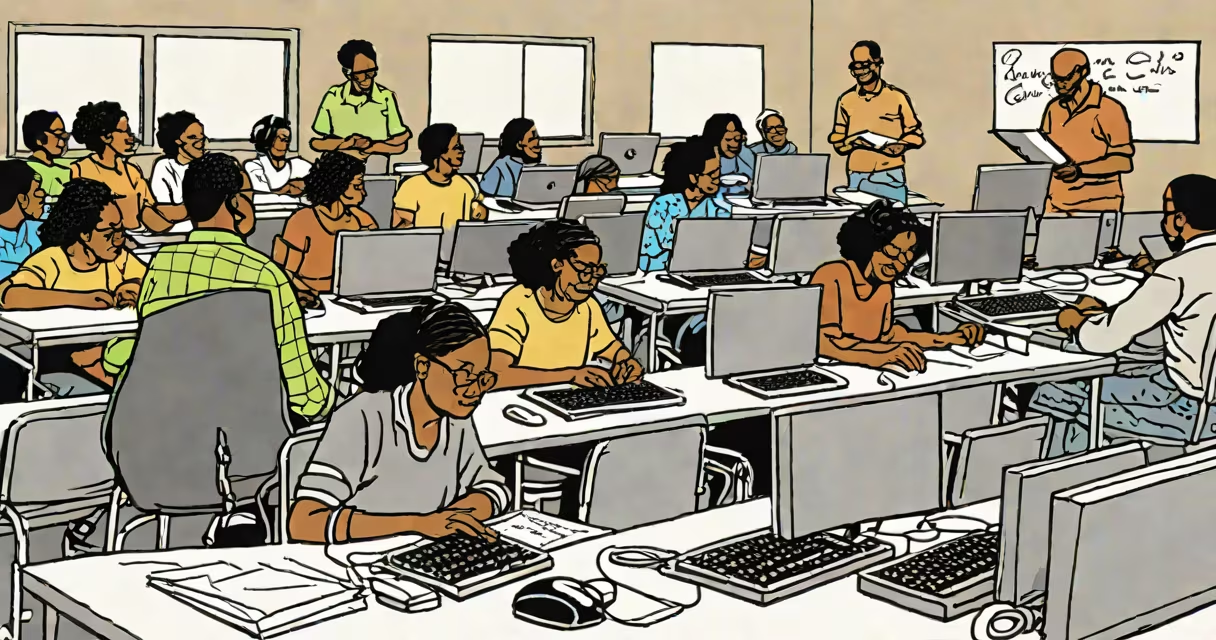
Goodwill computer classes are free, instructor-led training sessions offered through local Goodwill organizations to teach adults foundational digital skills such as using email, browsing the web, creating documents, and preparing for job searches. These classes are designed for people with little or no prior computer experience and are available at no cost to participants.
Classes are typically held in community centers, libraries, or dedicated training spaces operated by Goodwill chapters across the United States. They focus on practical, real-world applications of technology rather than advanced technical theory. Participants learn how to use computers and basic software like Microsoft Word and Excel, go through online job boards, and manage personal digital tasks securely.
According to Goodwill Industries International, over 160,000 individuals participated in digital literacy programs across the U.S. in 2022, with 87% reporting increased confidence in using technology after completing a course. The organization partners with local workforce development agencies and nonprofits to ensure curricula meet regional employment needs.
Each session runs between four and eight weeks, depending on the location and course level. Classes usually meet twice a week for two hours, allowing time for hands-on practice. Instructors are trained volunteers or certified staff who provide individualized support during lab time.
Participants begin with orientation to computer hardware-understanding keyboards, mice, monitors-and progress to operating systems like Windows 10 or macOS. Lessons cover file management, printing, installing updates, and using common applications. As students advance, they learn how to apply these skills to real-life situations, such as filling out online forms or sending résumés via email.
A typical class structure includes a 30-minute lecture, 45 minutes of guided practice, and 15 minutes of Q&A. For example, a beginner module might start with "Turning on a computer" and move to "Creating a document in Word." By the end, learners can independently complete tasks like saving files to a USB drive or logging into a secure website.
Goodwill offers tiered instruction based on participant readiness. Courses are grouped into three levels:
| Level | Skills Covered | Duration | Prerequisites |
|---|---|---|---|
| Beginner | Powering on/off, mouse/keyboard navigation, file basics, internet safety | 4 weeks | None |
| Intermediate | Email setup, document creation, spreadsheet basics, online job applications | 6 weeks | Completion of Beginner course |
| Advanced | Resume building, LinkedIn profiles, video interviews, cloud storage | 8 weeks | Intermediate certification |
Some locations also host specialized workshops, such as "Using Zoom for Job Interviews" or "Avoiding Online Scams." These are often scheduled quarterly and advertised through local bulletin boards, social media, and partner organizations.
Goodwill computer classes are most commonly used by unemployed or underemployed adults seeking to improve their employability. A 2021 study by the National Skills Coalition found that 65% of middle-skill jobs require digital proficiency, yet only 44% of U.S. adults possess those skills. Goodwill fills this gap by offering accessible training aligned with labor market demands.
These classes are especially valuable in rural communities and underserved urban neighborhoods where access to affordable tech education is limited. In Detroit, for example, Goodwill's computer labs served over 1,200 residents in 2023, with 72% of graduates securing temporary or permanent employment within six months.
They're also used by seniors transitioning into digital life. A participant in a Chicago class shared that she learned to video call her grandchildren after attending a beginner session. She later enrolled in an intermediate course to master email attachments and online shopping.
Many assume goodwill computer classes are only for low-income individuals. While eligibility is based on financial need in some regions, enrollment is open to anyone regardless of income. In California, for instance, 38% of attendees in 2022 were employed full-time but wanted to upgrade their digital skills for career advancement.
A lesser-known fact: many Goodwill centers offer devices for loan during class. In Portland, Oregon, participants can check out a laptop or tablet for the duration of the course. This removes the barrier of needing personal equipment, which is critical for those without home access.
Maria, a 54-year-old former administrative assistant from Houston, lost her job during the pandemic. She had used computers briefly in her previous role but felt overwhelmed by new technology. She enrolled in a Goodwill computer class at her local center in January 2023.
Over six weeks, she learned how to create a resume in Word, attach it to an email, and apply to jobs on. She practiced using Google Drive to store documents and set up a Gmail account. By the end of the course, she completed five job applications and received three interview invitations.
She secured a position as a customer service coordinator at a healthcare provider in April. Her manager noted that her ability to handle digital forms and respond promptly to emails gave her an edge over other candidates. Maria now volunteers as a peer mentor in the next class cycle.
Other providers like public libraries and community colleges offer similar courses, but Goodwill stands out due to its nationwide network and integration with employment services. Unlike library programs, Goodwill often connects learners directly with hiring partners and provides follow-up coaching.
Goodwill computer classes are not a substitute for formal IT certifications, but they serve as a important entry point for adults entering the digital workforce. They are effective because they combine structured curriculum, consistent instruction, and real-world relevance-all at no cost.
Goodwill computer classes equip adults with practical digital skills needed for everyday life and employment. With no fees, flexible scheduling, and proven outcomes, they remain one of the most accessible pathways to digital inclusion in the U.S.