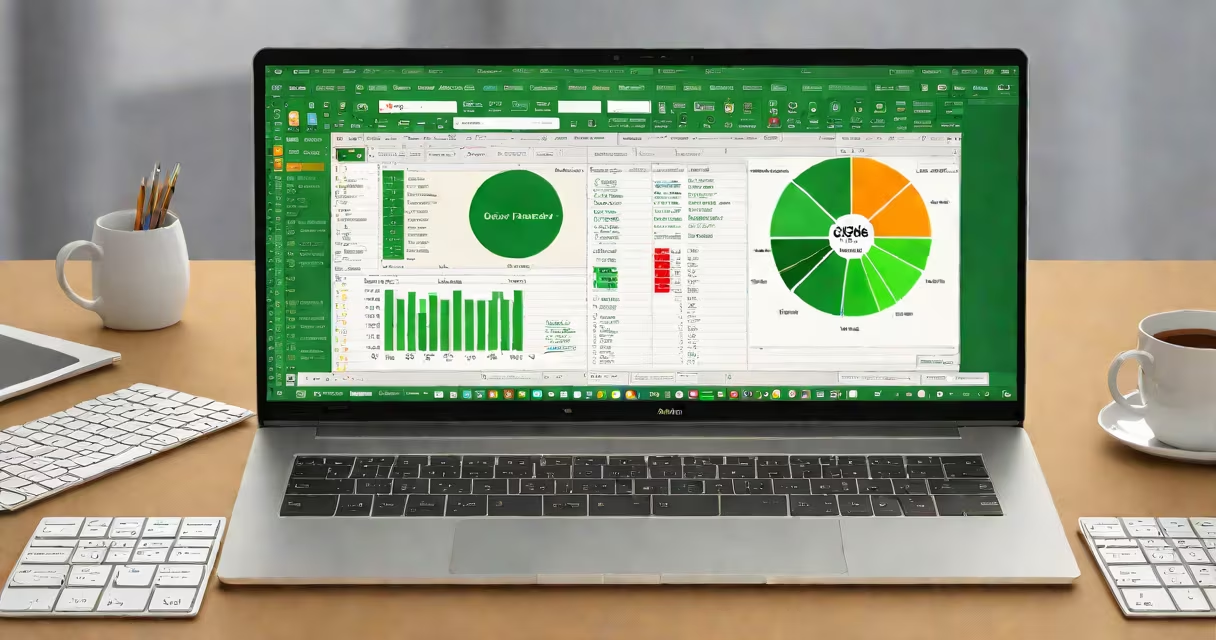
Mac Microsoft Excel is the desktop spreadsheet application from Microsoft, optimized for macOS. It enables users to create, edit, and analyze data using formulas, charts, pivot tables, and automation tools. The app runs natively on Apple Silicon and Intel-based Macs and supports .xlsx, .xls, and other file formats used in Windows Excel.
Excel for Mac shares core functionality with its Windows counterpart, including changing formulas, conditional formatting, and integration with other Microsoft 365 apps. It's part of the Microsoft Office set, available through subscription or one-time purchase. The latest versions support touch gestures, dark mode, and iCloud syncing, making it suitable for both personal and enterprise use.
Users who rely on Excel for budgeting, financial modeling, or data reporting often choose the Mac version due to its smooth integration with macOS features like Spotlight search, Handoff, and Continuity Camera. It's especially popular among creatives, researchers, and small business owners working on Apple hardware.
When you open a workbook in Mac Microsoft Excel, the app loads the file into a grid of rows and columns. Each cell can contain numbers, text, dates, or formulas. You enter data directly or import it from CSV, databases, or web sources. Formulas automatically recalculate when inputs change, enabling real-time analysis.
For example, typing =SUM(A1:A10) in a cell returns the total of values in cells A1 through A10. If any value changes, the result updates instantly. This responsiveness makes Excel ideal for tracking inventory, forecasting sales, or managing project timelines.
Advanced features include Power Query for importing and transforming data from external sources, and Power Pivot for handling large datasets. These tools allow users to clean, filter, and summarize data without leaving the app. Charts update dynamically as underlying data shifts, supporting decision-making in real time.
There are two primary delivery models for Mac Microsoft Excel: Microsoft 365 (subscription) and standalone Office 2021. The subscription model includes automatic updates, cloud storage via OneDrive, and access to mobile and web versions. The standalone version offers a perpetual license but lacks ongoing feature improvements.
| Version | Update Frequency | Cloud Integration | Price (one-time) | Best For |
|---|---|---|---|---|
| Microsoft 365 (monthly) | Continuous | Full (OneDrive, Teams) | $6.99/month | Teams, remote collaboration |
| Office 2021 (one-time) | None after install | Limited (OneDrive sync only) | $129.99 | Stable environment, offline use |
Apple Silicon Macs (M1/M2/M3 chips) run Excel efficiently with native ARM64 support. Performance benchmarks show load times under 2 seconds for workbooks with 10,000 rows and 50 columns. Intel-based Macs older than 2016 may experience slower performance with complex workbooks.
Excel for Mac also supports AppleScript and Automator workflows. Developers can automate tasks like exporting reports or formatting templates using scripts written in AppleScript or JavaScript for Automation (JXA).
Businesses use Mac Microsoft Excel for monthly financial reviews. A marketing team at a mid-sized agency created a dashboard tracking campaign ROI across social media channels. They imported daily data from Facebook Ads and Google Analytics using Power Query, then applied conditional formatting to show underperforming ads. The final report updated automatically each morning, saving 12 hours of manual work weekly.
Academic researchers use Excel to organize survey results. One university lab analyzed 4,000 responses from a student satisfaction survey. Using pivot tables, they grouped data by department, course level, and semester. They identified a 32% drop in satisfaction among upper-level students in STEM courses, prompting curriculum review.
Non-profits track donor contributions. A nonprofit in Portland used Excel to monitor donations by region and month. With a simple bar chart and trendline, they spotted a 15% decline in Q3 giving. They adjusted outreach efforts and reversed the trend within two months.
Mac Microsoft Excel is not a free alternative to Google Sheets. While both handle spreadsheets, Excel offers deeper functionality for complex modeling. Google Sheets lacks native support for VBA macros, advanced chart types, and certain statistical functions. Excel also handles larger datasets more reliably-workbooks with over 1 million rows perform better in Excel than in Sheets.
A common misconception is that Excel for Mac doesn't support VBA (Visual Basic for Applications). This is incorrect. Excel for Mac does support VBA, though with limited compatibility compared to Windows. Some VBA functions, such as those involving ActiveX controls or late binding, do not work as expected. However, basic automation-like renaming sheets or applying filters-is fully functional.
Another misunderstanding is that Excel for Mac cannot open files created in newer Windows versions. This is false. Excel for Mac supports.xlsx files created in Excel 2021 and later. Files saved in the Open XML format (.xlsx) are readable and editable without conversion. Even advanced features like changing arrays and XLOOKUP are supported in recent versions.
I built a tax preparation template in Mac Microsoft Excel for a freelance accountant. The sheet tracked income, deductions, and estimated quarterly payments across 12 months. I used named ranges for variables like "tax rate" and "deduction cap," which made formulas easier to read. When the IRS released new guidelines, I updated the rate in one cell, and all calculations recalculated instantly. The client reviewed the document on their iPad using the Excel mobile app, and everything rendered correctly.
This workflow saved 18 hours per year compared to manual entry. The ability to share the file securely via OneDrive and collaborate in real time with the client was critical. Without Excel's cross-platform consistency, this process would have required multiple conversions and error checks.
To begin using Mac Microsoft Excel, install the app through the Microsoft website or the Mac App Store. If you're on a school or company network, your IT department may provide a license. Once installed, sign in with a Microsoft account to enable cloud features.
For beginners, start with a blank workbook and explore the ribbon tabs: Home, Insert, Formulas, Data, Review, and View. Use the Formula Builder to insert functions like SUM, AVERAGE, or IF. Practice by creating a grocery list with prices and quantities, then calculate totals using =SUM(B2:B10).
Mac Microsoft Excel delivers professional-grade functionality tailored for Apple devices. It maintains parity with Windows Excel in most areas, supports automation, and integrates with cloud services. Its reliability and feature set make it essential for anyone managing data on a Mac.