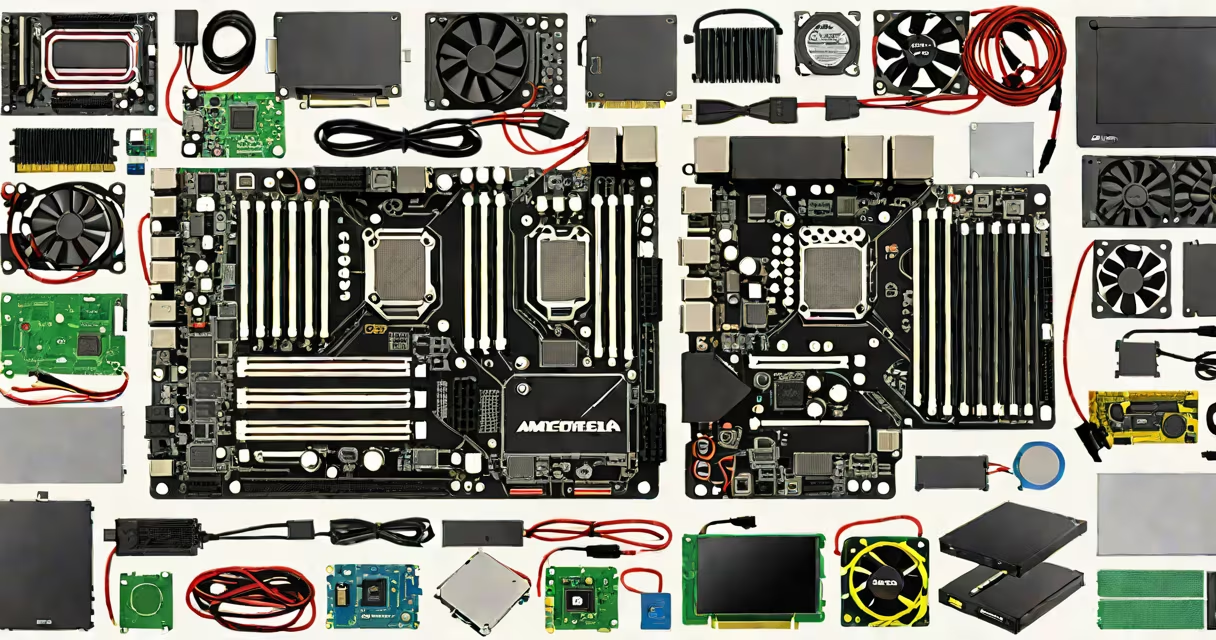
The parts needed to build a gaming computer consist of a central processing unit (CPU), graphics processing unit (GPU), motherboard, random access memory (RAM), storage drive, power supply unit (PSU), and a computer case. These components work together to run games at high frame rates and maintain system stability under load.
A gaming PC requires careful selection of compatible parts. The CPU handles game logic and system tasks. The GPU renders visuals and determines maximum resolution and frame rate. The motherboard connects all components and supports specific CPU and RAM types. RAM stores active game data for quick access. Storage holds the operating system, games, and files. The PSU supplies stable power. The case houses everything and manages airflow.
Each part must match in specifications. For example, a Ryzen 5 5600X requires an AM4 socket motherboard and DDR4 RAM. A GeForce RTX 4070 needs a PCIe 4.0 x16 slot and sufficient power from the PSU. Mismatched parts result in boot failure or poor performance.
The CPU executes instructions from games and system software. Modern gaming CPUs like Intel's Core i5-13600K or AMD's Ryzen 5 7600 offer multiple cores and high clock speeds. These enable smooth gameplay and multitasking. A CPU without adequate cooling may throttle performance during long sessions.
The GPU processes pixel rendering and shading. High-end models such as the NVIDIA GeForce RTX 4090 deliver ray tracing and DLSS support for realistic lighting and higher frame rates. The GPU connects via PCIe and draws significant power-typically 250-450 watts depending on model.
The motherboard acts as the central hub. It provides power delivery, data pathways, and expansion slots. Motherboards come in form factors like ATX, micro-ATX, and mini-ITX. Choose one that fits your case and supports your CPU and RAM. For example, an ASUS ROG Strix B650E features PCIe 5.0, USB-C, and dual M.2 slots.
Use this table to compare essential parts and their compatibility criteria:
| Component | Common Types | Key Compatibility Factors |
|---|---|---|
| CPU | Intel Core i5/i7/i9, AMD Ryzen 5/7/9 | Socket type (LGA 1700, AM5), TDP, integrated graphics |
| GPU | NVIDIA RTX 40-series, AMD Radeon RX 7000-series | PCIe 4.0/5.0 x16, power draw (150-450W), physical size |
| Motherboard | ATX, micro-ATX, mini-ITX | Socket, chipset (Z790, B650), RAM type (DDR5), M.2 support |
| RAM | DDR5 6000MHz CL30, DDR4 3200MHz | Speed, latency, dual-channel pairing, module count |
| Storage | NVMe SSD (M.2), SATA SSD, HDD | Interface (PCIe Gen4, SATA III), capacity (1TB minimum) |
| PSU | 80 Plus Gold, 750W-1000W | Wattage, efficiency rating, modular cables, 12V rail output |
| Case | Mid-tower, full-tower, compact | Size compatibility, fan count, cable management space |
One non-obvious requirement: the motherboard's BIOS must support the CPU. Older motherboards may not recognize newer CPUs without a firmware update. For example, a B550 board may not boot a Ryzen 7 7700X without a BIOS flash.
Another common mistake is assuming all PSUs are equal. A 750W PSU from a reputable brand like Corsair or Seasonic delivers stable voltage under load. A cheap 750W unit may fail during peak usage, causing crashes or hardware damage.
Gaming computers demand high performance under sustained load. A 1080p 144Hz setup requires a GPU capable of 100+ FPS in titles like Cyberpunk 2077. A CPU with six or more cores ensures smooth background operations like streaming or recording.
For example, a build using an AMD Ryzen 7 7700X, NVIDIA GeForce RTX 4080, ASUS TUF B650E motherboard, 32GB DDR5 RAM, 1TB NVMe SSD, 850W 80 Plus Gold PSU, and a Fractal Design Meshify 2 case runs AAA games at max settings. This configuration achieves 160 FPS average in Red Dead Redemption 2 at 1440p.
Storage choice affects load times. An NVMe SSD reduces game startup from 45 seconds to under 10 seconds compared to SATA SSDs. This difference is measurable in benchmark tools like CrystalDiskMark.
Proper airflow prevents thermal throttling. A case with front intake and rear exhaust fans maintains CPU and GPU temperatures below 80°C during extended play. Dust buildup over time can raise temps by 15-20°C.
Many assume more RAM equals better gaming performance. While 16GB is standard, 32GB offers no frame rate gain in most games. The benefit appears only in content creation or heavy multitasking.
I once assembled a system using a micro-ATX motherboard in a full-tower case. The case had enough room, but the motherboard's power connector didn't reach the PSU due to cable routing. I had to replace the PSU with a modular version to fix the issue.
Some buyers prioritize flashy RGB lighting over component quality. RGB adds no performance. A quiet, efficient PSU with good power delivery matters more than illuminated fans.
Before installing parts, confirm:
With the right parts selected and verified, building a gaming computer becomes straightforward. The parts needed to build a gaming computer are not interchangeable. Each plays a distinct role in delivering performance, reliability, and longevity.