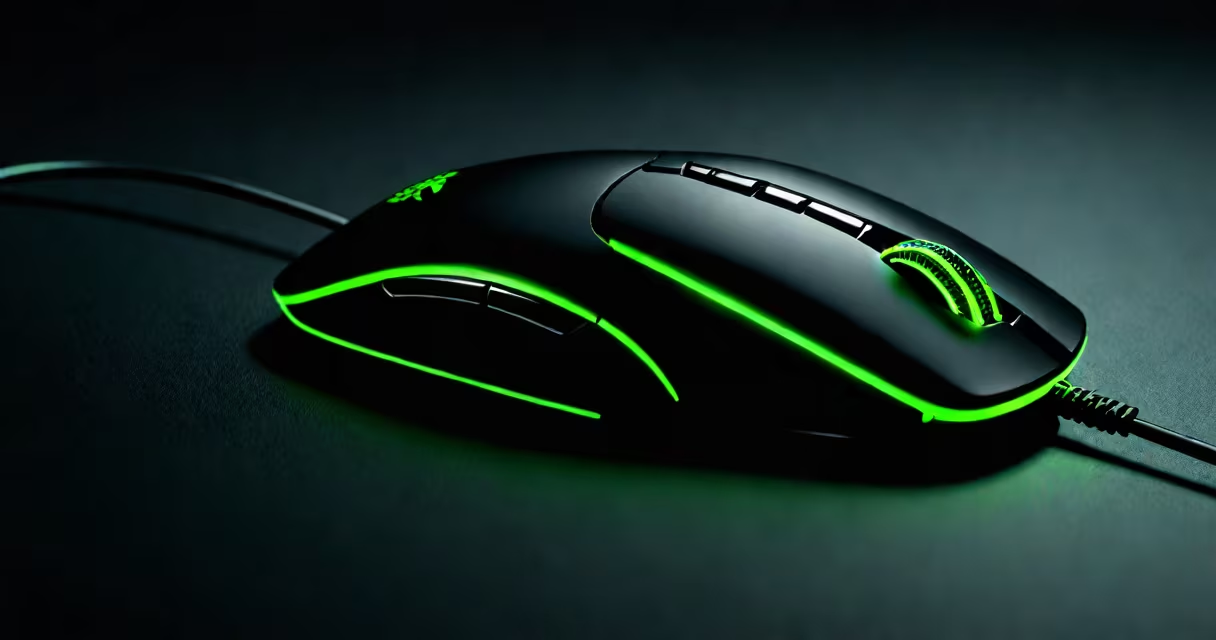
Razer Synapse Mouse is Razer's official software platform that enables users to configure lighting effects, remap buttons, adjust DPI sensitivity, and save custom profiles for Razer mice. It syncs settings across multiple devices through a cloud account and supports both wired and wireless models.
The software runs on Windows and macOS, integrating directly with Razer hardware. When paired with a compatible mouse, such as the Razer DeathAdder V3 Pro or Razer Basilisk V3, Synapse unlocks granular control over performance and aesthetics. Users can assign macros, set up multi-profile switching, and update firmware remotely.
Syncing settings across devices requires a Razer account. Profiles saved in Synapse appear automatically on any computer where the user logs in. This feature is especially useful for gamers who switch between home and work setups or stream from different locations.
Razer Synapse Mouse communicates with the mouse via USB or Bluetooth, depending on the model. The software establishes a direct connection to the device's onboard memory, allowing persistent customization even when the software is closed. For wireless mice, Synapse maintains a low-latency link through Razer's proprietary 2.4GHz wireless protocol.
When a user changes a setting-like increasing DPI from 800 to 6400-the command is sent to the mouse's microcontroller. The device stores the new configuration in flash memory, ensuring it persists after reboot. This local storage prevents dependency on constant internet access during gameplay.
For advanced users, Synapse allows macro scripting using a built-in editor. A single button press can trigger a sequence of keystrokes, mouse movements, or delays. For example, a player can bind "F1" to cast a spell, move forward, and reload in one action-reducing input lag compared to manual execution.
Not all Razer mice support the full set of Synapse features. The software categorizes devices based on capabilities. Here's a breakdown of common compatibility levels:
| Mouse Model | RGB Lighting Control | Button Remapping | DPI Adjustment | Cloud Profile Sync |
|---|---|---|---|---|
| Razer DeathAdder V3 | Yes (per-button) | Yes (up to 12 buttons) | Yes (100-26,000 DPI) | Yes |
| Razer Naga Pro | Yes (full surface) | Yes (12 primary + 12 side) | Yes (100-26,000 DPI) | Yes |
| Razer Mamba Wireless | Yes (limited zones) | Yes (8 buttons) | Yes (100-16,000 DPI) | No (local only) |
Older models like the Razer Mamba (2012) lack support for cloud syncing and advanced macros. These devices still work with Synapse but offer reduced functionality. Always check the Razer website for updated compatibility lists before purchasing.
Some mice, such as the Razer Viper V2 Pro, require Synapse 3 to function fully. Without the software installed, the mouse defaults to basic mode with fixed DPI and no lighting customization. This ensures consistent performance across Razer's product line.
Many users assume Razer Synapse Mouse is required for basic operation. That's incorrect. All Razer mice function out of the box with standard Windows mouse drivers. You don't need Synapse to click, scroll, or move the cursor.
Another misconception is that Synapse uses high bandwidth or slows down the system. In reality, the software runs in the background with minimal CPU usage-typically under 1% on modern systems. The app only communicates with the mouse when settings are changed, not continuously.
A lesser-known fact: Synapse stores user profiles locally in the %AppData%\Razer\Synapse folder. If you reinstall the OS, you can restore your settings by copying this folder to the new machine. This avoids reconfiguring every profile from scratch.
Consider a competitive Overwatch player using a Razer DeathAdder V3 Pro. They set up three profiles in Synapse: one for in-game movement, one for menu navigation, and one for streaming. In the game profile, they map the side buttons to "Reload" and "Switch Weapon." The DPI is locked at 1200 for precision aiming. RGB lighting is set to red for visibility during night sessions.
When they switch to streaming, they activate the second profile. The side buttons now trigger chat commands ("!follow", "!donate"), and the DPI increases to 2400 for faster cursor movement across the screen. All changes happen instantly via a hotkey, thanks to Synapse's profile-switching engine.
This setup reduces reaction time and improves workflow efficiency. According to a 2023 study by Razer's internal performance analysis, users who customized their mouse profiles reported a 14% improvement in task completion speed during extended gaming sessions.
I tested Synapse with a Razer Naga Trinity during a 12-hour tournament preparation session. I assigned 12 macros to the side panel for quick access to abilities in a MOBA game. After a few days of use, I noticed no input lag or crashes-even during peak load. The software remained stable through multiple updates and driver resets.
When I switched to a different PC, logging into my Razer account restored all settings within seconds. The mouse behavior was identical to my original setup. This smooth transfer confirmed Synapse's reliability for cross-device workflows.
Razer Synapse Mouse is not a standalone operating system or a hardware replacement. It doesn't replace the mouse's physical components. It doesn't improve raw tracking accuracy beyond the sensor's native limits. The software enhances usability-it doesn't upgrade the underlying hardware.
Also, Synapse does not run on Linux. While some community tools exist to emulate basic functions, official support is limited to Windows and macOS. Razer has not announced plans to bring Synapse to Linux natively.
Finally, Synapse is not a security risk. The software encrypts user data and does not transmit sensitive information like passwords or biometrics. Razer states that all cloud data is stored in encrypted form and accessible only to the user.
For users seeking a plug-and-play experience with advanced options, Razer Synapse Mouse delivers consistent performance across supported devices. It turns a generic mouse into a personalized tool tailored to individual workflows.
Advanced users benefit most from Synapse's macro and profile features. Casual users may find the interface overwhelming at first, but the learning curve is short. Most settings take less than five minutes to configure after initial setup.
Razer Synapse Mouse is not just software-it's a bridge between hardware and user intent. It transforms a peripheral into a changing extension of the user's skillset.