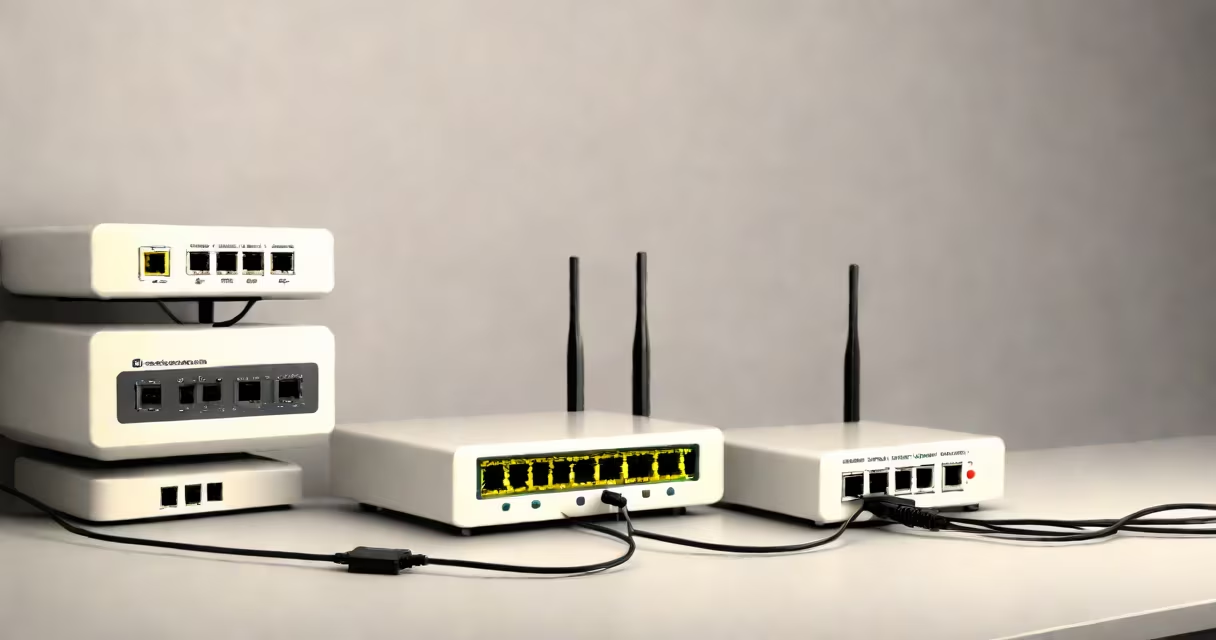
A modem translates signals from your internet service provider into data your home devices can use. A router manages traffic between those devices and the internet, creating a local network. Together, they enable internet access across multiple devices.
Modems connect to your ISP's infrastructure-cable, fiber, or DSL-and convert incoming signals into usable digital data. They typically have one WAN (wide area network) port for the internet connection and may support multiple Ethernet ports for wired devices. A router receives that data and distributes it across your home network using Wi-Fi or Ethernet cables. It assigns IP addresses, handles device communication, and enforces security rules.
Most homes use a combined modem-router unit, often called a gateway. These integrate both functions into a single device. However, separating them allows greater control and scalability. For example, a business might use a high-end router with a separate, ISP-approved modem for better performance and easier troubleshooting.
A modem operates at the physical layer of the OSI model. It receives raw data from your ISP through a coaxial cable, fiber optic line, or telephone wire and converts it into a format your home network can interpret. This process involves decoding signals from the ISP's network and forwarding them to your router.
Once the router receives the data, it operates at the network layer. It assigns unique IP addresses to each connected device-like your laptop, phone, or smart TV-using DHCP. It also routes traffic between devices and the internet, managing which data goes where based on destination addresses. Routers also enforce firewall rules, block unauthorized access, and prioritize bandwidth for specific applications.
For example, if you stream a movie on Netflix while someone else downloads a large file, the router decides how much bandwidth each task gets. Without a router, all devices would share the same connection path, leading to congestion and slow speeds.
Modems come in several types based on the internet connection:
Routers are categorized by wireless standards:
| Standard | Max Speed | Frequency Band | Use Case |
|---|---|---|---|
| Wi-Fi 4 (802.11n) | 600 Mbps | 2.4 GHz & 5 GHz | Basic home use |
| Wi-Fi 5 (802.11ac) | 1.3 Gbps | 5 GHz | High-bandwidth tasks |
| Wi-Fi 6 (802.11ax) | 9.6 Gbps | 2.4 GHz, 5 GHz, 6 GHz | Multiple devices, low latency |
Many modern routers support mesh networking, where multiple nodes extend coverage throughout a home. This solves dead zones caused by thick walls or large floor plans. For example, a tri-band Wi-Fi 6 router with three spatial streams can maintain stable connections for 20+ devices simultaneously.
People often confuse a router with a Wi-Fi extender. A router creates a network. A Wi-Fi extender repeats an existing signal to reach farther areas. Extenders reduce speed and increase lag because they rebroadcast data rather than manage it.
Another mistake is assuming a modem alone provides internet access. Without a router, only one device can connect at a time, usually via Ethernet. You cannot share the connection across multiple devices or use Wi-Fi.
Some users believe upgrading their router improves their ISP's speed cap. That's false. Your ISP sets the maximum throughput. A faster router won't exceed that limit. For example, if your plan offers 300 Mbps, a Wi-Fi 6 router won't deliver 1 Gbps unless your ISP provides it.
One non-obvious fact: many ISPs require you to use their approved modem. Using a third-party modem may void your service agreement. The FCC reports that 68% of U.S. households rely on ISP-provided equipment due to compatibility requirements (FCC Consumer Updates). Always verify modem compatibility before purchasing.
Suppose you live in a suburban home with a 500 Mbps fiber plan. You buy a DOCSIS 3.1 cable modem and a Wi-Fi 6 router. You plug the modem into the wall jack, connect it to the router via Ethernet, and power both on.
The modem establishes a connection with your ISP. It receives a public IP address and forwards data to the router. The router then broadcasts a Wi-Fi signal and assigns private IP addresses to devices like your smartphone, tablet, and smart speaker.
You can now stream 4K video on Netflix, play online games, and video call family-all at the same time. The router balances load, prevents interference, and blocks malicious traffic. If someone tries to access your network from outside, the router's firewall blocks the request.
This setup works because the modem handles the internet link, and the router manages internal communication. Separating the roles ensures reliability and performance.
On a recent trip to a rural cabin, I set up a standalone modem and router using a portable 4G LTE hotspot as the upstream connection. The modem converted the cellular signal into Ethernet, and the router created a secure Wi-Fi network. It supported five devices with consistent speeds-proof that the separation of function enables flexibility even in remote locations.
Understanding the difference between a modem and router helps you choose the right gear, troubleshoot issues, and avoid unnecessary upgrades. When you see "modem" and "router" listed separately, remember: one brings the internet in, the other shares it around.