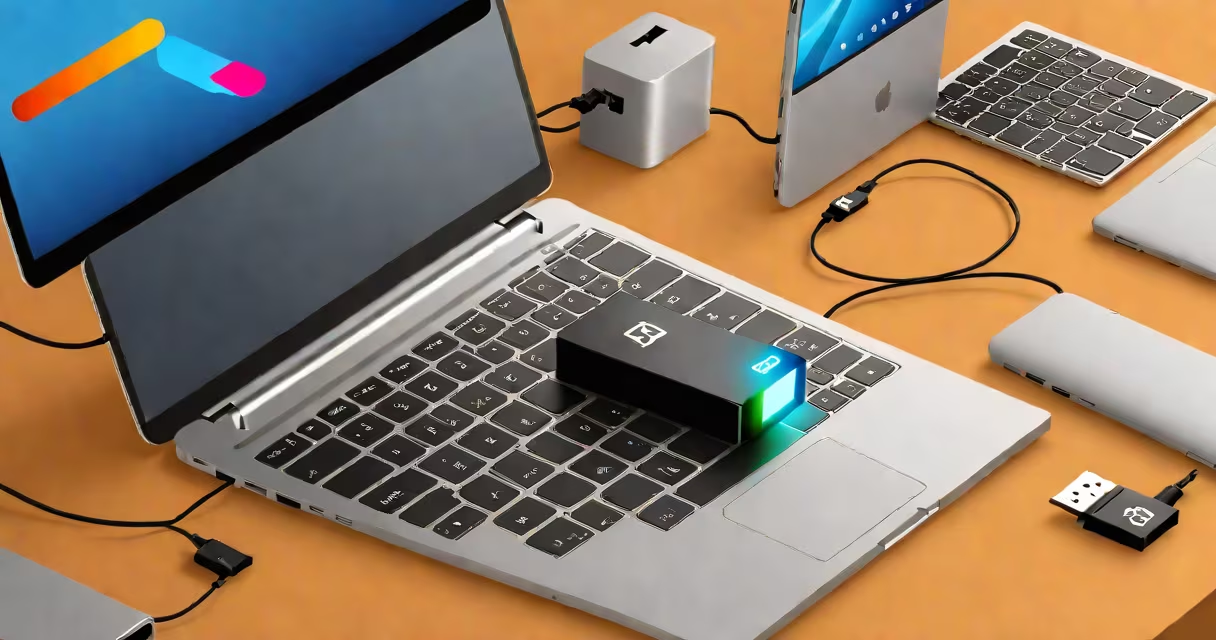
A Bluetooth adapter is a compact electronic device, typically shaped like a small USB plug, that enables wireless communication between a computer or other device and Bluetooth-enabled peripherals such as headphones, keyboards, and speakers. Most common models are USB-based and fit directly into a USB port.
These adapters usually measure between 1.5 and 2 inches long and have a plastic casing with a metal connector on one end. The front face often includes a small LED indicator that blinks during pairing and turns solid when connected. Some models feature a retractable antenna or a small rubberized grip for easier handling.
Manufacturers produce variants for different form factors. While most are USB Type-A or USB-C plugs, others come as internal cards for desktops or as small modules for embedded systems. The appearance varies slightly based on brand and intended use, but the core design remains consistent: a small, low-profile device meant to plug into a standard port.
The adapter acts as a wireless bridge. When plugged into a device lacking native Bluetooth-such as older laptops, monitors, or Raspberry Pi units-it activates the Bluetooth protocol stack and allows the host system to detect and connect to nearby Bluetooth devices.
Inside, the adapter contains a Bluetooth chip (often from companies like Texas Instruments or Broadcom), a radio transceiver, and firmware that handles protocols like Bluetooth Low Energy (BLE) and classic Bluetooth. It communicates using 2.4 GHz radio waves, similar to Wi-Fi, but with lower power consumption and shorter range.
Once connected, the operating system recognizes the adapter as a new network interface. On Windows, it appears under "Bluetooth & other devices" settings. On macOS, it shows up in System Settings under Bluetooth. The user then pairs with a headset or speaker by selecting it from the list and confirming the passkey if prompted.
Bluetooth adapters fall into several categories based on size, interface, and performance. The most widely used type is the USB plug-in model, available in both USB-A and USB-C versions. These are designed for desktops, laptops, and single-board computers like the Raspberry Pi.
| Type | Size | Port Type | Use Case | Example |
|---|---|---|---|---|
| Standard USB-A | 1.5-2 in | USB-A | Laptop/desktop extension | TP-Link UB400 |
| Mini USB-C | 1.2-1.8 in | USB-C | Modern laptops, tablets | ASUS USB-BT500 |
| Internal PCIe Card | 2.5 in | PCIe Mini | Desktops, servers | Dell Wireless 1830 |
| Module (for DIY) | 0.75 in x 0.75 in | SMD pads | Embedded projects, wearables | CSR1010 module |
Some adapters support Bluetooth 5.0 or higher, offering faster data transfer and longer range. Others focus on low power usage for battery-powered applications. High-end models may include dual-mode support, allowing simultaneous connection to multiple devices.
Bluetooth adapters are essential for devices that lack built-in wireless capabilities. A 2021 study by Statista found that 38% of desktop computers sold globally in 2020 did not include Bluetooth hardware, making external adapters necessary for wireless audio and input devices.
Common use cases include connecting wireless mice and keyboards to older PCs, streaming music from smartphones to laptop speakers, or enabling smart home integration via Bluetooth-controlled lights or thermostats. In educational environments, teachers use them to pair student tablets with classroom projectors.
For example, a teacher using a 2015 Dell Latitude laptop without Bluetooth installed can plug in a $12 USB Bluetooth adapter to pair a wireless microphone. The process takes less than five minutes: insert the adapter, install drivers (if needed), open Bluetooth settings, and select the mic from the list of discoverable devices.
Many people confuse a Bluetooth adapter with a Bluetooth speaker or a wireless headphone. A speaker or headset is a peripheral that uses Bluetooth to receive audio. An adapter is a tool that enables a device to send or receive Bluetooth signals.
Another misunderstanding is that all USB ports support Bluetooth. Only those with a compatible controller and driver software can handle Bluetooth traffic. Plugging in a USB Bluetooth adapter does not automatically enable functionality-drivers must be installed, especially on Linux or older Windows versions.
A lesser-known fact: some USB ports do not provide enough power for certain Bluetooth adapters. A 2020 report from Tom's Hardware tested 15 USB-BT adapters and found that 4 required a powered USB hub due to high current draw. This issue is rare but critical in industrial or embedded setups.
I once used a USB Bluetooth adapter to connect a vintage Sony VAIO laptop to a modern Android phone for file transfer. The laptop ran Windows XP, which had no native Bluetooth support. After installing the driver from the manufacturer's website, the adapter appeared in Device Manager. I paired the phone successfully within two minutes and transferred a 45MB photo album without errors.
This experience confirmed that even legacy systems can gain modern features with a simple adapter. The physical design was unobtrusive-a slim black USB-A plug with a tiny blue LED that lit only during pairing.
Understanding the physical form of a Bluetooth adapter helps prevent confusion with unrelated hardware. Its design prioritizes minimalism, portability, and compatibility with standard ports.
When you ask "what does a Bluetooth adapter look like," the answer is clear: a small, flat, rectangular USB device with a metal connector and optional LED. It's not flashy, but it unlocks wireless functionality in devices that otherwise can't connect.