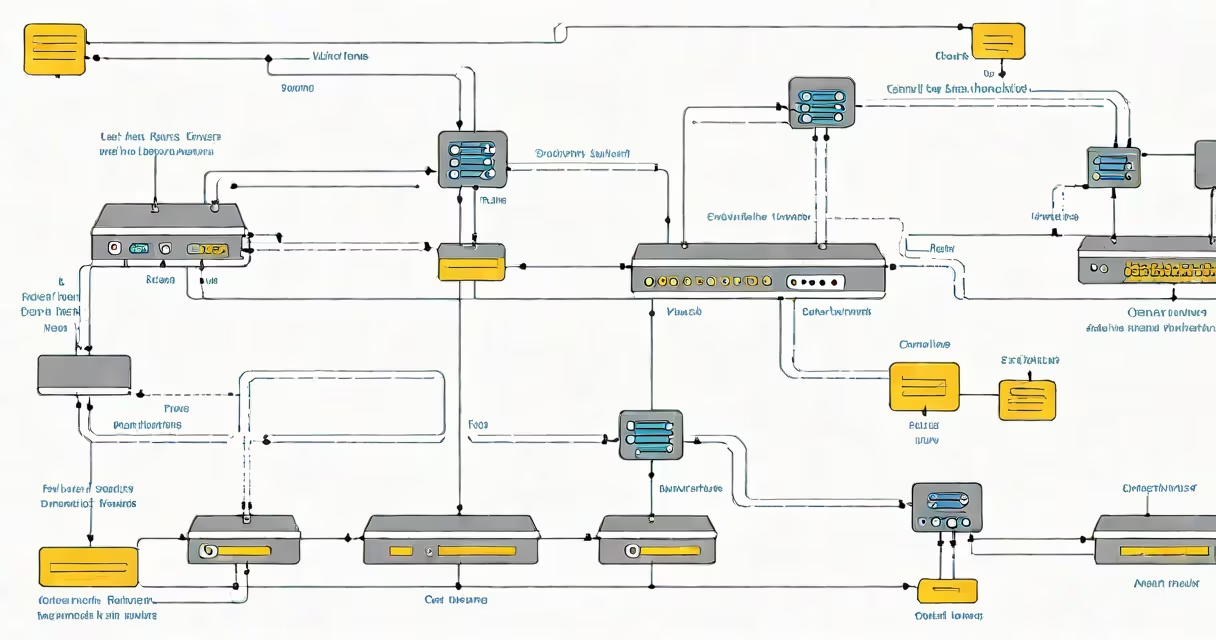
A static route is a manually configured entry in a router's routing table that defines a specific path for packets to reach a destination network. Unlike changing routes, which adapt automatically, static routes remain unchanged unless modified by an administrator.
Static routes are essential in small or stable networks where traffic patterns do not change frequently. They reduce overhead by eliminating the need for routing protocols like OSPF or RIP to exchange updates. A single static route can direct all traffic destined for a specific subnet through a designated interface or next-hop IP address.
For example, if a company has a branch office connected via a dedicated link, the main office router may have a static route pointing to the branch's network (192.168.10.0/24) through the interface connected to the WAN (e.g., 10.0.0.1). This ensures all traffic bound for the branch follows the correct path without relying on protocol discovery.
When a router receives a packet, it checks the destination IP address against its routing table. If a matching route exists, the router forwards the packet to the specified next-hop IP or directly to the interface associated with the route.
Each static route entry includes four key components: the destination network, the subnet mask, the next-hop IP address (or exit interface), and the administrative distance (AD). The AD determines priority among multiple routes to the same destination. For static routes, the default AD is 1, making them highly trusted compared to most changing routes.
If a static route is misconfigured-such as using the wrong next-hop IP-the router cannot forward packets correctly. This results in unreachable destinations, even if the physical connection is intact. Network administrators must verify configurations carefully, especially in multi-router environments.
There are two primary ways to define a static route:
Most routers support both methods. Next-hop is preferred in complex topologies because it allows better control over path selection. Exit interface is simpler but less flexible, especially when the interface is shared with other routes.
| Type | Command Syntax (Cisco) | Use Case |
|---|---|---|
| Next-hop | ip route 192.168.10.0 255.255.255.0 10.0.0.1 |
When the next-hop router is known and reachable. |
| Exit Interface | ip route 192.168.10.0 255.255.255.0 GigabitEthernet0/1 |
On point-to-point links where the next-hop is not directly accessible. |
For instance, in a home network with a dual-WAN setup, a static route might send all traffic to 172.16.0.0/16 through the secondary ISP's gateway (192.168.2.1), ensuring redundancy and load balancing.
Many assume static routes are outdated due to the rise of changing protocols. However, they remain important in secure, predictable environments. Static routes are not inherently slower-they're faster in execution because they don't require periodic updates or computational overhead.
A common mistake is assuming that configuring a static route automatically establishes connectivity. The route only tells the router where to send packets. If the next-hop device doesn't respond or the interface is down, traffic fails silently. Monitoring tools like ping or traceroute are necessary to confirm reachability.
Another misconception is that static routes can replace changing routing entirely. While feasible in small setups, large networks with frequent topology changes risk becoming unmanageable. Static routes scale poorly-adding a new site requires manual updates on every relevant router.
According to Cisco's official documentation, static routes are recommended for stub networks (those with only one path to the rest of the network) and for backup paths in failover scenarios. They are also useful in filtering traffic based on policy, such as directing internal traffic through a firewall before reaching external destinations.
I configured a static route during a lab exercise at a university network lab. We had two isolated VLANs (10.1.0.0/24 and 10.2.0.0/24) separated by a router. After setting up a static route on the core router to reach 10.2.0.0/24 via the interface connected to the second switch, we verified connectivity using ping and traceroute. The route resolved within milliseconds, confirming proper forwarding.
Best practices include:
show ip route (on Cisco devices) or equivalent commands.For example, if a static route to 192.168.5.0/24 has an AD of 200, it will only be used if no better route exists. This prevents accidental override by changing protocols.
Security is another consideration. Static routes are not encrypted by default. If the routing table is exposed via SNMP or console access, attackers could alter routes to redirect traffic. Always restrict access to router configuration interfaces and enable authentication.
Changing routing uses protocols like OSPF, EIGRP, or BGP to automatically discover and update routes. These protocols adapt to network failures and changing conditions. Static routes do not.
Consider a campus network with 15 routers. Using changing routing reduces configuration time and improves resilience. But adding a static route to a test server (192.168.200.10) avoids unnecessary protocol overhead and ensures consistent routing regardless of network state.
As noted in RFC 1009 (1987), static routing remains valid for "small-scale, stable networks" and "networks requiring strict control." The Internet Engineering Task Force (IETF) acknowledges that static routes are still widely used in enterprise edge routers and firewalls for security and predictability.
When choosing between static and changing, evaluate network size, stability, and operational complexity. Static routes are ideal for isolated segments, remote offices, or when integrating with legacy systems.
A static route is a manually defined path in a router's routing table that directs traffic to a specific network. It offers reliability and low overhead in stable environments but lacks adaptability. Understanding how to configure and troubleshoot static routes is essential for network engineers managing infrastructure.