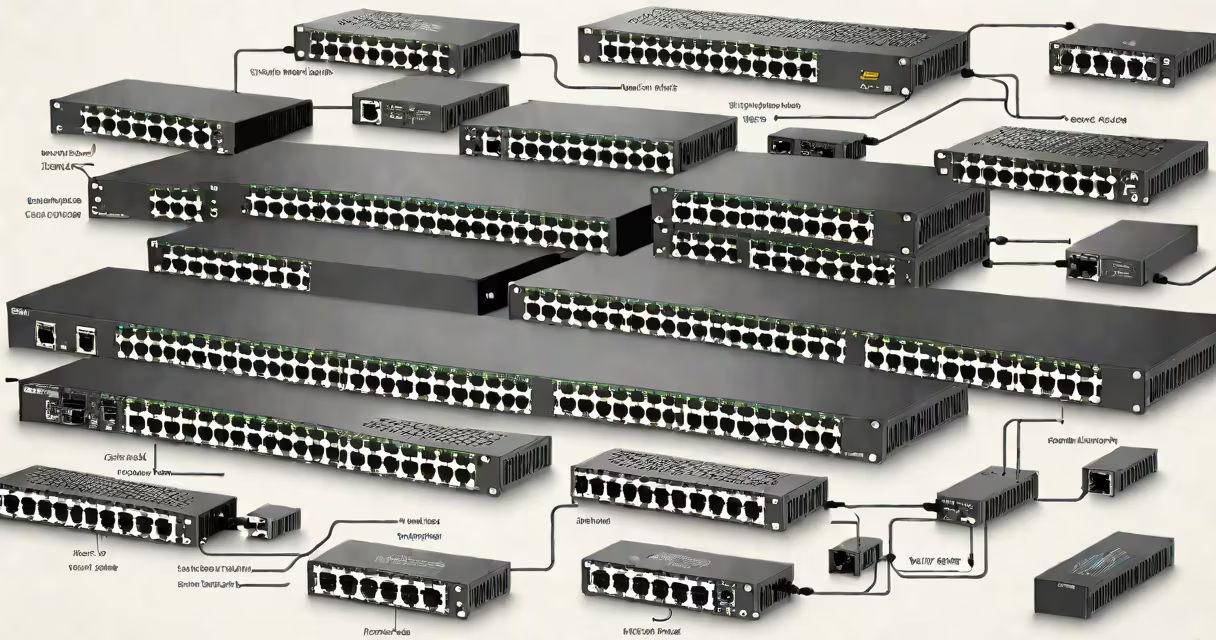
A 24 port 1gbps switch is a network device that connects up to 24 wired devices-like computers, printers, IP cameras, and VoIP phones-at speeds up to 1 gigabit per second per port. It operates at Layer 2 of the OSI model, forwarding traffic based on MAC addresses.
These switches are designed for environments requiring stable, high-speed local network performance. They support full-duplex communication, meaning data can flow both ways simultaneously, doubling effective bandwidth compared to half-duplex systems. A single 24 port 1gbps switch typically consumes less than 15 watts under load, making it energy efficient for continuous operation.
Most models come with auto-sensing ports that detect the speed and duplex mode of connected devices. For example, connecting a 100 Mbps laptop automatically configures the port to operate at that speed, while a 1 Gbps workstation runs at maximum throughput. This adaptability ensures backward compatibility without manual configuration.
The switch uses a switching matrix to manage data packets between connected devices. When a device sends data, the switch learns the source MAC address and stores it in a forwarding table. Subsequent traffic destined for that device is sent directly to the correct port, reducing unnecessary broadcast traffic.
For instance, if a computer on port 5 sends a file to a printer on port 12, the switch forwards the packet only to port 12. This prevents congestion and improves network efficiency. Without a switch, all devices would share a single collision domain-common in older hub-based setups-and performance degrades rapidly with more users.
Managed switches offer advanced features like VLANs, QoS tagging, and port mirroring. Unmanaged switches operate out of the box with no configuration needed. A typical unmanaged 24 port 1gbps switch costs $60-$120 and requires no software setup.
Switches fall into two main categories: managed and unmanaged. Managed switches allow administrators to monitor traffic, assign priorities, and isolate segments. Unmanaged switches are plug-and-play devices suitable for basic office setups.
| Type | Ports | Speed | Management | Use Case |
|---|---|---|---|---|
| Unmanaged | 24 | 1 Gbps | None | Small office, home network, guest access |
| Managed | 24 | 1 Gbps | Web interface, CLI, SNMP | Network monitoring, security segmentation, VoIP |
Some managed models include PoE (Power over Ethernet) capability, delivering power through the same cable used for data. A 24 port PoE switch can power up to 24 devices such as IP cameras or wireless access points without additional power supplies. The IEEE 802.3af standard supports up to 15.4 watts per port, sufficient for most surveillance gear.
Non-obvious fact: Many 24 port 1gbps switches have a backplane bandwidth of 48 Gbps or higher. This internal capacity allows the switch to handle full simultaneous traffic across all ports without bottlenecks. A switch with a 24-port 1 Gbps backplane must sustain 24 × 1 Gbps = 24 Gbps of throughput. The actual backplane speed exceeds this to allow for buffer space and error handling.
Small businesses often deploy 24 port 1gbps switches to connect workstations, servers, and peripherals. A design firm with 20 employees might use one switch to link desktops, shared storage, and a color printer. With 4 ports left unused, they can add new devices later without replacing the switch.
Home users sometimes assume a 24 port switch is overkill. But if someone runs a home server, multiple smart TVs, game consoles, and security cameras, a 24 port switch provides dedicated bandwidth and reduces Wi-Fi congestion. One user reported a 40% improvement in video stream quality after moving from a router's built-in 4-port switch to a standalone 24 port 1gbps model.
Common confusion: People think "1gbps" means the entire switch runs at 1 Gbps. That's incorrect. Each port operates independently at 1 Gbps. The switch's total throughput capacity-the backplane-is much higher. A 24 port 1gbps switch doesn't limit performance because it routes traffic efficiently, not by sharing a single pipe.
A medical clinic with 18 staff members uses a 24 port 1gbps unmanaged switch to connect electronic health record terminals, imaging workstations, and a centralized backup server. All devices require consistent low-latency access. The switch handles 120 Mbps average traffic during peak hours with no packet loss. When a technician replaced the old 10/100 Mbps hub, connection stability improved by 90%, and scan uploads dropped from 45 seconds to under 5 seconds.
Another example: A school lab with 20 student laptops uses a managed 24 port 1gbps switch. Administrators set up VLANs to separate student traffic from administrative systems. They enabled QoS to prioritize video conferencing during remote classes. During testing, audio lag dropped from 1.2 seconds to 0.1 seconds, improving teaching effectiveness.
If your current network relies on a router with only four 100 Mbps ports, adding a 24 port 1gbps switch increases speed and scalability. The switch acts as a central hub, offloading traffic from the router's CPU and freeing up bandwidth for internet-facing tasks.
Consider upgrading to a 10 Gbps switch when you run high-throughput applications like video editing, database replication, or virtual machine clusters. A 24 port 10GbE switch offers 10 times the bandwidth per port. However, both ends of the connection-switch and host-must support 10 Gbps. Using a 10 Gbps switch with 1 Gbps clients wastes capacity and increases cost.
Understanding the role of a 24 port 1gbps switch clarifies its place in modern network architecture. It's not a replacement for a router, but a complement. It extends reach, boosts speed, and simplifies device management. Whether deployed in a startup, school, or home office, it delivers reliable connectivity at scale.