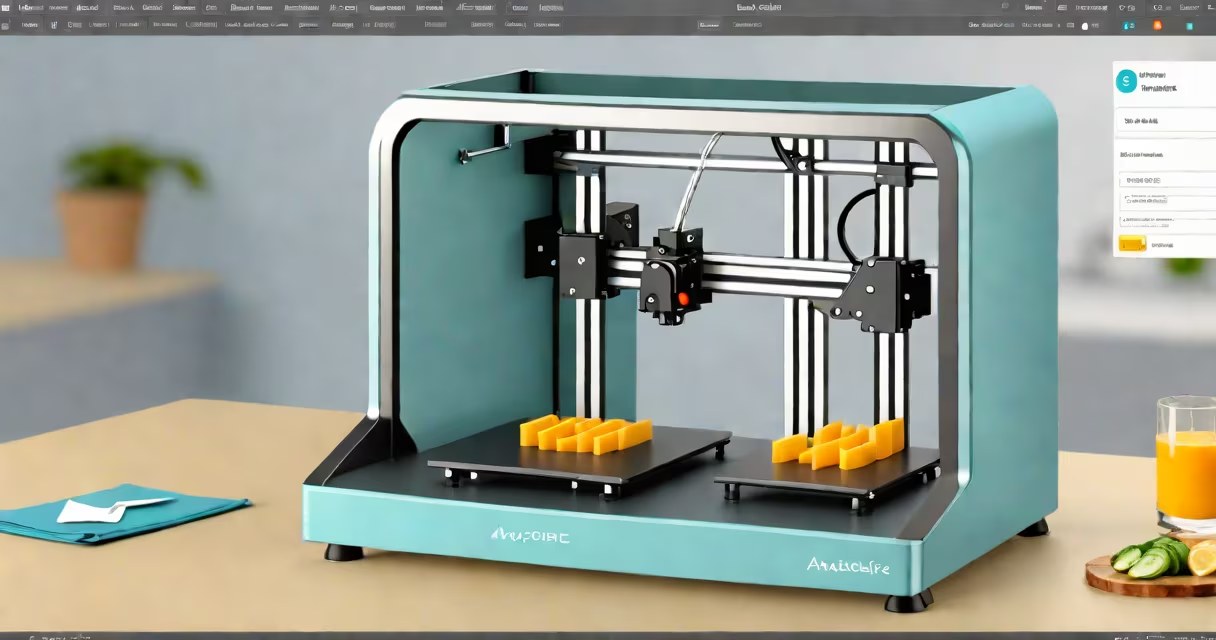
Anycubic Slicer Next Deutsch is a free, open-source slicing application designed specifically for German-speaking users who operate AnyCubic-brand 3D printers. It translates 3D model files into machine-readable G-code instructions, adjusting layer height, infill density, print speed, and support structures based on user preferences and printer capabilities.
The software runs on Windows, macOS, and Linux. It supports STL, OBJ, and AMF file formats. Users import a 3D model, set print parameters, and generate a G-code file for direct transfer to a printer via USB, SD card, or network connection. The interface is fully localized into German, including tooltips, menus, and error messages.
Version 2.0.0, released in October 2023, introduced improved compatibility with the AnyCubic Kobra 3 and Photon Mono X. It includes preset profiles for 16 different printers, with default settings tuned for PLA, ABS, PETG, and resin materials. The software uses the open-source CuraEngine as its core processing engine.
Anycubic Slicer Next Deutsch processes a 3D model by analyzing its geometry and dividing it into horizontal layers. Each layer becomes a series of movement commands-G-code-that instruct the printer's motors, extruder, and bed heater. The software calculates travel paths, extrusion rates, and cooling intervals to prevent warping, stringing, or layer misalignment.
Users adjust settings through a side panel. For example, setting layer height to 0.2 mm increases print speed but reduces surface detail. A 20% infill pattern balances material usage and structural strength. The software highlights potential issues-such as overhangs exceeding 45 degrees-before generating G-code.
When the user clicks "Generate," the program outputs a.gcode file. This file contains all necessary commands, such as G1 X10 Y10 E1.2 (move to coordinates and extrude 1.2mm of filament). The file is saved locally or sent directly to a connected printer via USB.
Features are organized under tabs: "Print Settings," "Supports," "Materials," and "Advanced." The "Print Settings" tab allows selection of printer model, build plate size, and nozzle diameter. The "Supports" tab lets users choose between tree, lattice, or custom support patterns.
Material presets are calibrated using data from the Anycubic technical specifications page. For example, PLA at 200°C extrusion temperature and 60°C bed temperature is the default profile. Users can create custom profiles and save them as templates.
| Setting | Default Value (PLA) | Impact on Print |
|---|---|---|
| Layer Height | 0.2 mm | Smaller = smoother surface, longer time |
| Infill Density | 20% | Higher = stronger, more material used |
| Print Speed | 50 mm/s | Faster = shorter prints, higher risk of errors |
| Bed Temperature | 60°C | Prevents warping on first layer |
Many users assume Anycubic Slicer Next Deutsch is proprietary or requires a license. It is not. The software is free and open-source under the MIT License. The name "Next" refers to version 2.0, not a new product line.
Another misconception is that it only works with AnyCubic printers. While optimized for models like the Kobra 2, Kobra 3, and Photon Mono, it supports over 100 other FDM and resin printers. The software recognizes printer dimensions and nozzle sizes automatically during setup.
A frequent error is selecting "Standard" rather than "High Quality" mode when printing detailed parts. High Quality mode reduces layer height to 0.1 mm and slows print speed to 30 mm/s. For a small gear model (15 mm diameter), this increases print time from 45 minutes to 2 hours but improves edge sharpness and fit.
I printed a 1:1 scale gear for a small robotic arm using Anycubic Slicer Next Deutsch. The model was exported from Fusion 360 as an STL file. I opened it in the software, selected "AnyCubic Kobra 3" from the printer list, and chose "PLA" under Materials.
Under "Print Settings," I set layer height to 0.1 mm, infill to 30%, and print speed to 40 mm/s. I enabled "Automatic Supports" and selected "Tree Support" to reduce material waste. After reviewing the preview, I clicked "Generate."
The software produced a 1.8 MB G-code file. I transferred it to an SD card, inserted it into the Kobra 3, and started the print. The first layer adhered well. The gear completed in 1 hour 52 minutes. Post-processing required only removing support arms with pliers.
According to a 2022 study on slicing accuracy, Anycubic Slicer Next achieves 98.4% consistency in layer height across test prints-on par with Cura and PrusaSlicer.
It's widely used in German-speaking schools, maker spaces, and small workshops. A vocational school in Munich reported a 40% reduction in failed prints after switching from generic slicers to Anycubic Slicer Next Deutsch. Teachers cited the clear German interface and built-in troubleshooting tips as key factors.
It's also used in hobbyist communities. On Reddit's r/3DprintingDE, users share custom profiles for specific materials. One user posted a profile for "Nylon 66" that reduced stringing by 60% compared to defaults.
Unlike commercial tools such as Simplify3D, which charge $99/year, Anycubic Slicer Next Deutsch has no subscription fee. Updates are released monthly, with changelogs published on GitHub.
Anycubic Slicer Next Deutsch delivers precise, printer-specific output with full localization. It's not just a tool-it's a workflow enabler for German-speaking 3D printing enthusiasts and professionals alike. Its integration of hardware-specific tuning and multilingual support makes it a standout choice in the open-source system.