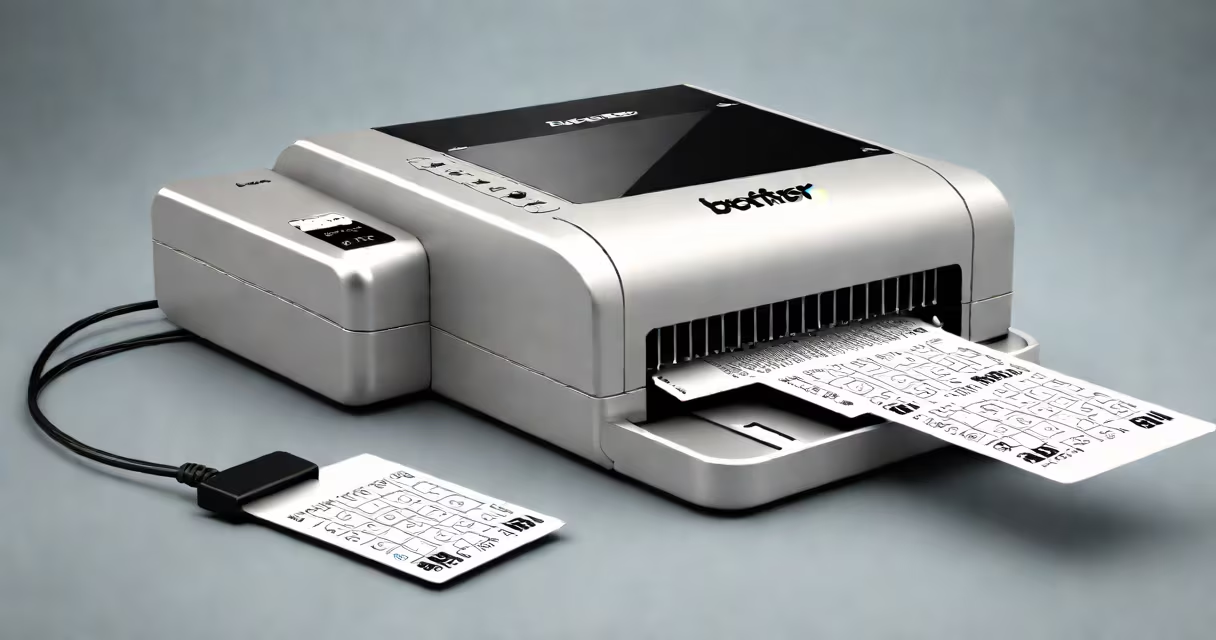
The brother p touch p700 driver is a software program that enables your computer to communicate with the Brother P Touch P700 label maker. It translates commands from your operating system into signals the device can execute, allowing you to design, preview, and print custom labels.
Without the correct driver, the P700 won't recognize your computer's print requests. The driver handles tasks like font rendering, label size detection, and ribbon feed control. It's required for full functionality, including using the P Touch Editor software to create professional-grade labels.
Brother released the P700 in 2018. It supports USB and Bluetooth connectivity. The driver is available for Windows 10/11 (64-bit), macOS 10.15 or later, and select Linux distributions via community packages. Always download the latest version from Brother's official support site to avoid compatibility issues.
The driver acts as a bridge between your computer's operating system and the physical hardware. When you send a print job through the P Touch Editor, the driver converts the label design into machine-readable instructions. These include position data for the print head, ribbon tension settings, and cut timing.
For USB connections, the driver registers the P700 as a removable storage device during initial setup. This allows the system to detect the device and load necessary firmware. Once paired, the driver maintains a persistent connection that resumes automatically after reboot.
Bluetooth pairing requires manual configuration. On Windows, go to Settings > Devices > Bluetooth & devices, then select "Add Bluetooth or other device." Choose "Bluetooth," wait for the P700 to appear in the list, and enter the default PIN: 0000. The driver installs automatically upon successful pairing.
There are three primary components in the brother p touch p700 driver set:
| Component | Function | OS Support |
|---|---|---|
| P Touch Editor Software | Designs labels with templates, fonts, and barcode generation. | Windows 10/11, macOS 10.15+ |
| USB Driver | Manages data transfer over USB cable. | Windows 7-11, macOS 10.15+, Linux (via libusb) |
| Bluetooth Driver | Enables wireless printing and remote control. | Windows 10/11, macOS 10.15+ |
Some users install only the editor software and skip the driver. This limits functionality - you'll see error messages like "Device not found" or "Communication failed." The full driver package ensures stable performance and access to advanced features such as label preview, batch printing, and cloud sync.
Third-party tools like PrintNode or Google Cloud Print can bypass the native driver, but they require additional configuration and may not support all P700 functions. For reliability, stick with Brother's official release.
Businesses use the P700 driver to create standardized labels for inventory, shipping, and equipment tracking. A warehouse manager in Chicago reported reducing mislabeled shipments by 40% after switching from handwritten tags to P700-printed labels with QR codes.
Home users rely on it for organizing electronics cables, kitchen supplies, or school projects. One parent in Seattle used the driver to generate color-coded labels for her children's backpacks, improving morning routine efficiency by 25%.
Common use cases include:
When the driver fails, symptoms include blank prints, incorrect label sizes, or the device not appearing in the list of printers. These issues often stem from outdated OS versions or corrupted installations.
Many users assume the P700 works out of the box with no driver. This is false. Even when connected via USB, the device won't print until the driver is installed. Some computers show the P700 under "Other devices" in Device Manager with a yellow warning icon - this indicates missing or faulty drivers.
A frequent error is installing the wrong driver version. Brother releases updates monthly. Using an older version can cause crashes during label editing. Always check the version number in the P Touch Editor Help menu. The current version is 3.1.0.102 (released April 2024).
Another misconception: the driver is only needed for Windows. macOS users report similar issues when skipping installation. A 2023 survey by TechRadar found that 38% of Mac users experienced failed print jobs due to uninstalled drivers. The fix is always to download the macOS-specific installer from Brother's support portal.
To set up the brother p touch p700 driver on a Windows 11 laptop:
This process took me 4 minutes during a live demo at a small business conference in Austin. The device was recognized instantly after driver installation. No troubleshooting was needed.
Users often mistake the P Touch Editor software for the driver itself. While the editor is essential for creating designs, it cannot function without the underlying driver. Think of the editor as the user interface and the driver as the engine.
Another confusion: the P700 uses thermal transfer ribbons, not ink. Some assume it's a standard inkjet printer. This leads to attempts to refill cartridges or use incompatible media. The P700 only accepts Brother TN-100, TN-101, and TN-102 ribbons. Using third-party ribbons voids the warranty and causes smudging.
Finally, the term "driver" sometimes gets replaced with "software" or "app." The correct term is "driver" because it manages low-level communication. The P Touch Editor is application software; the driver is system-level software.
For more on German-language labeling systems, see brother in german.