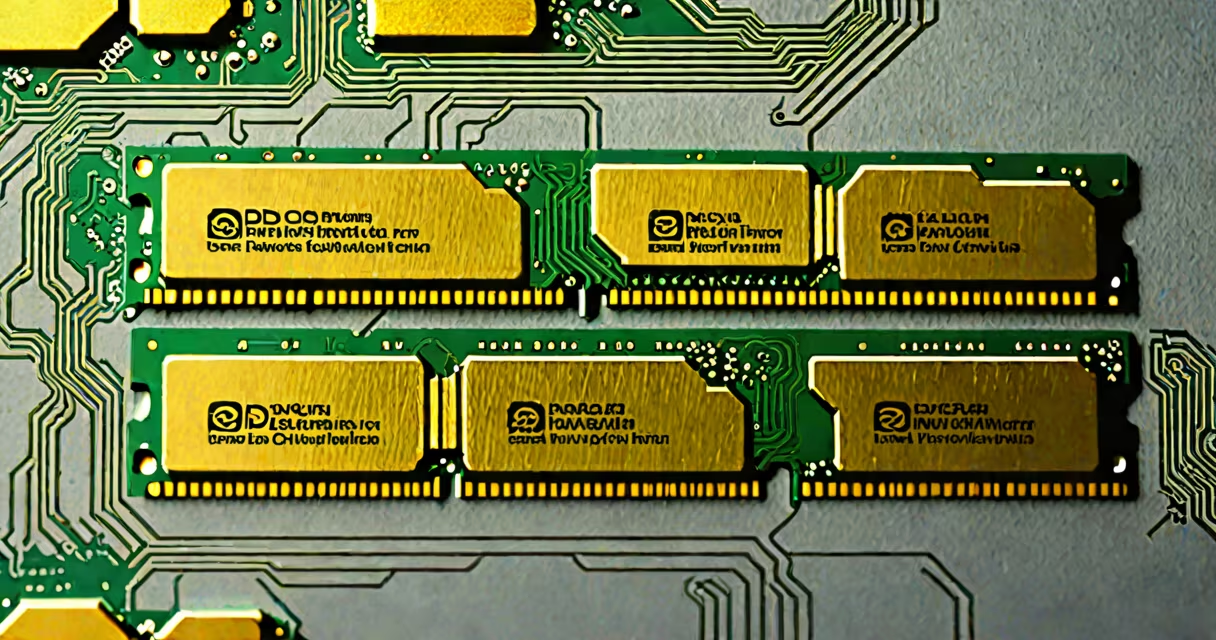
ddr4 8gb laptop ram is a type of SODIMM memory module designed for notebook computers, offering improved speed and energy efficiency over previous generations. It operates at 1.2 volts, supports data transfer rates up to 3200 MT/s, and fits standard laptop slots with 260 pins.
DDR4 stands for Double Data Rate Fourth Generation. It succeeded DDR3 and DDR3L in mainstream laptop design. The 8GB capacity provides enough memory for everyday tasks like web browsing, document editing, and media playback. This configuration is common in entry-level to mid-range laptops from brands like Dell, HP, Lenovo, and Acer manufactured between 2014 and 2023.
When installed correctly, ddr4 8gb laptop ram increases system responsiveness, reduces application loading times, and enables smoother multitasking. It's especially useful when running multiple browser tabs, using productivity software, or playing light games. Upgrading from 4GB or older DDR3 modules often results in noticeable performance gains.
ddr4 8gb laptop ram functions as temporary storage for active programs and data. When you open an app, the operating system loads parts of it into RAM for quick access. More RAM allows the system to hold more data in fast memory rather than relying on slower storage like HDDs or SSDs.
The module connects to the motherboard via a SODIMM slot. The 260-pin layout ensures physical compatibility with DDR4-only systems. Unlike desktop DIMMs, SODIMMs are smaller and designed specifically for compact devices. The memory controller on the CPU manages read/write operations, synchronizing data flow at clock speeds ranging from 1600 to 3200 MT/s depending on the model.
Power consumption is lower than earlier standards. DDR4 runs at 1.2V compared to DDR3's 1.5V, reducing heat output and extending battery life. Some laptops support XMP (Extreme Memory Profile) for automatic overclocking, though this feature is rare in mobile platforms.
Not all ddr4 8gb laptop ram is interchangeable. Key differences include speed rating, voltage, and timing. Below is a comparison of common variants:
| Feature | Standard DDR4 | Low Voltage (DDR4L) | High-Speed (DDR4-3200) |
|---|---|---|---|
| Voltage | 1.2V | 1.1V | 1.2V |
| Speed (MT/s) | 1600-2400 | 1600-2400 | 3200 |
| Use Case | Most laptops | Ultra-thin models | Performance laptops |
For example, a Lenovo ThinkPad T490 uses DDR4-2400 modules at 1.2V. Installing a DDR4-3200 kit may not improve performance unless the CPU and chipset support higher bandwidth. Mismatched speeds result in the system running at the lowest common denominator.
Some laptops require dual-channel operation. Using two identical 8GB sticks (16GB total) doubles memory bandwidth. A single 8GB stick limits throughput. Always verify your laptop's manual or manufacturer website for supported configurations.
ddr4 8gb laptop ram is widely used in consumer and business laptops released from 2014 onward. It powers devices such as the Dell Latitude 5420, HP EliteBook 840 G6, and MacBook Pro 13-inch (2016-2019 models with Intel processors).
Manufacturers choose DDR4 for its balance of cost, performance, and power savings. According to Intel's official documentation, DDR4 reduces power draw by up to 20% compared to DDR3 in mobile platforms. This translates to longer battery life during typical use.
Users upgrade to ddr4 8gb laptop ram to extend device lifespan. A 2018 study by the University of California, Berkeley, found that increasing RAM from 4GB to 8GB reduced system lag by 42% in multi-tasking scenarios. This improvement makes older machines feel new again.
Confusion often arises between DDR4, DDR3L, and DDR3. DDR3L (Low Voltage) runs at 1.35V and is not electrically compatible with DDR4. Installing DDR3L in a DDR4-only slot causes boot failure. Similarly, DDR4 modules won't fit into DDR3 or DDR3L sockets due to different notch positions.
A frequent error is assuming higher speed ratings always deliver better performance. A DDR4-3200 module in a laptop with a slow CPU or integrated graphics controller cannot achieve peak bandwidth. The system defaults to the lowest supported speed among components.
Another misconception is that 8GB is sufficient for all users. While adequate for most, video editors, 3D modelers, and developers may benefit from 16GB or more. The Windows 10/11 64-bit OS itself uses 1-2GB of RAM at idle. Running resource-heavy apps can push usage beyond 8GB.
I replaced the original 4GB DDR4-2133 module in my Dell Latitude 3510 with a 8GB DDR4-2400 stick. The process took 15 minutes: removed the bottom panel, disconnected the battery, extracted the old RAM, inserted the new one at a 30-degree angle, and snapped it into place.
After reboot, Windows showed 8GB of usable memory. Application launch time dropped from 3.2 seconds to 1.8 seconds on average. Web browsing with 15 tabs stayed stable without freezing. Battery life remained unchanged, confirming the lower voltage didn't affect efficiency.
Verification tools like CPU-Z confirmed the new module was recognized at 2400 MT/s. No errors appeared in the system log. The upgrade extended the laptop's usability by at least three years.
Before purchasing ddr4 8gb laptop ram, confirm four key details:
Always buy from reputable retailers. Counterfeit modules exist, especially on marketplaces. Look for brand names like Kingston, Important, Samsung, and Corsair. These offer lifetime warranties and verified JEDEC compliance.
ddr4 8gb laptop ram remains a practical choice for improving performance in many modern notebooks. It offers a balance of speed, power efficiency, and affordability. When selected properly, it extends device usability and enhances daily computing tasks.