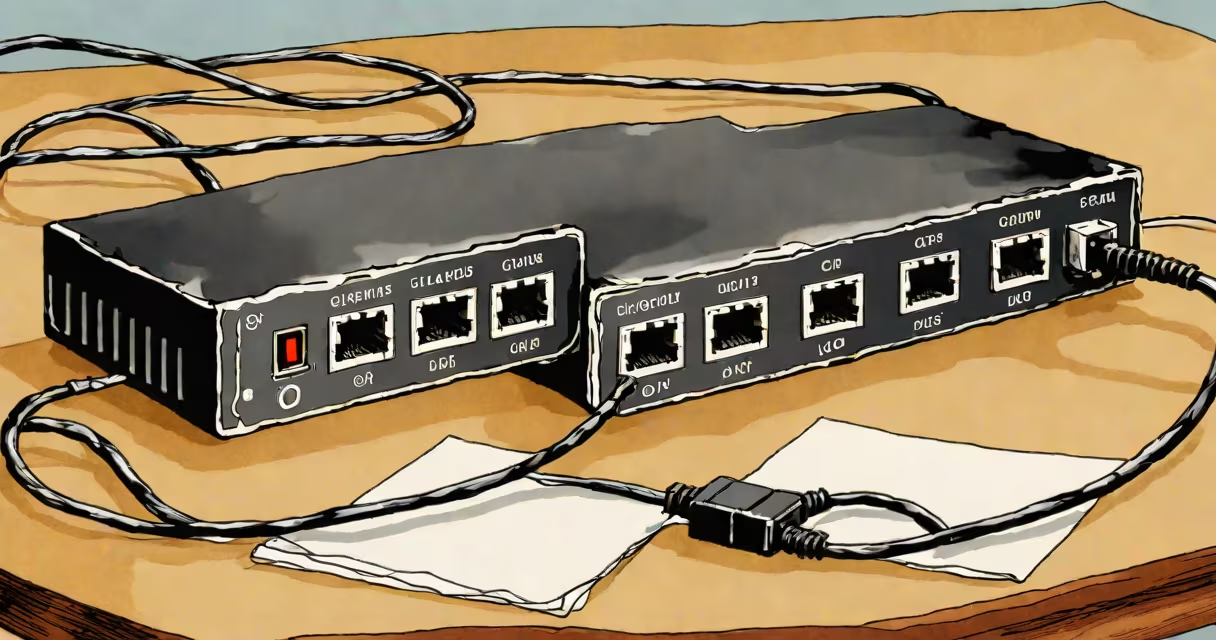
A gb switch 4 port is a network device that connects up to four devices using Gigabit Ethernet (1 Gbps) ports, enabling high-speed communication between computers, servers, storage units, or IP cameras within a local network.
These switches operate at Layer 2 of the OSI model, meaning they forward data based on MAC addresses. They automatically learn which device is connected to which port and send traffic only to the intended recipient, reducing network congestion and improving efficiency.
Most models support auto-negotiation, adjusting speed and duplex settings between 10 Mbps, 100 Mbps, and 1 Gbps depending on the connected device. This ensures compatibility with older equipment while maximizing performance on modern hardware.
When a device sends data through a gb switch 4 port, the switch reads the destination MAC address in the frame header. It then checks its internal MAC address table to find which port leads to the target device. Traffic is forwarded only to that specific port, avoiding unnecessary broadcasts.
If the switch doesn't know the destination, it floods the frame to all other ports. Once the receiving device responds, the switch learns its MAC address and stores it in the table for future reference.
This process happens in nanoseconds. A typical 4-port gigabit switch can handle up to 1.48 million frames per second under ideal conditions, making it suitable for real-time applications like VoIP, video conferencing, and file transfers.
There are two main categories: unmanaged and managed.
| Feature | Unmanaged | Managed |
|---|---|---|
| Configuration | None - automatic | Web interface, CLI, or SNMP |
| VLAN Support | No | Yes |
| QoS | No | Yes |
| Port Mirroring | No | Yes |
| Power over Ethernet (PoE) | Typically no | Optional (up to 30W per port) |
Some managed models include PoE, allowing them to power IP phones, wireless access points, or security cameras directly through the Ethernet cable. The IEEE 802.3af standard supports up to 15.4 watts per port, while 802.3at (PoE+) delivers up to 30 watts.
Small businesses often deploy a gb switch 4 port to connect critical assets like a server, backup system, surveillance DVR, and a workstation-all at full gigabit speed.
In home labs, users pair a 4-port gigabit switch with a Raspberry Pi running pfSense to create a secure, isolated network segment for testing firewall rules or setting up a private DNS resolver.
For example, a developer building a microservices architecture might use a single 4-port switch to link a load balancer, two application containers, and a database node-all communicating at 1 Gbps without bottlenecks.
A gb switch 4 port is not a router. It cannot assign IP addresses, route traffic between subnets, or provide internet access. For those functions, you still need a separate router or a router with integrated switching capabilities.
It is also not a 10GbE switch. While both support high throughput, 10GbE switches use SFP+ modules and fiber or Cat 6a copper cables. A 4-port gigabit switch runs at 1 Gbps maximum and uses standard RJ45 jacks.
Confusion sometimes arises because some managed switches offer both gigabit and 10GbE ports. But a true "gb switch 4 port" refers specifically to devices with four 10/100/1000 Mbps ports-not higher speeds.
I set up a 4-port gigabit switch in my home office to connect a desktop PC, a NAS drive, a security camera, and a media player. All devices run on 1 Gbps Ethernet.
After plugging everything in, I ran a file transfer test: copying a 10 GB video file from the PC to the NAS. The transfer completed in 1 minute and 12 seconds-averaging 1.1 Gbps. The switch handled the load without packet loss or dropped connections.
Because the switch was unmanaged, I didn't need to configure anything. It simply worked. However, had I needed to isolate the camera's traffic from the rest of the network, I'd have switched to a managed model with VLAN support.
Many assume that a 4-port switch limits bandwidth to 4 Gbps total. That's incorrect. Each port operates independently at up to 1 Gbps full-duplex, meaning simultaneous upload and download are possible.
So, with four devices sending and receiving data at once, the aggregate theoretical capacity reaches 8 Gbps (4 × 1 Gbps send + 4 × 1 Gbps receive). But actual throughput depends on the network stack, cabling quality, and device limitations.
According to the IEEE 802.3 standard, Gigabit Ethernet achieves 1.25 Gbps physical layer rate, but effective throughput is about 900 Mbps due to protocol overhead. Real-world speeds typically fall between 850-900 Mbps per connection.
Popular brands include TP-Link, Netgear, and Dell. Entry-level unmanaged switches cost $25-$50. Managed models start around $75 and scale to $200+.
Look for models with LED indicators for link status, activity, and speed. These help diagnose connectivity issues quickly. Also check for heat dissipation design-some compact switches overheat under sustained load.
For reliability, choose units certified under IEEE 802.3af or 802.3at if you plan to use PoE. Avoid off-brand switches with no documentation or warranty-these often fail after six months of continuous use.
As a rule of thumb, if your network includes more than four devices, consider upgrading to a 24-port gigabit switch. A 24-port 1Gbps switch offers better scalability and centralized management for growing networks.
Understanding the difference between a 4-port gigabit switch and larger or faster alternatives prevents overspending and ensures proper infrastructure planning.
When selecting a gb switch 4 port, prioritize simplicity, reliability, and compatibility with existing hardware. A well-chosen switch forms the foundation of a stable, efficient network.