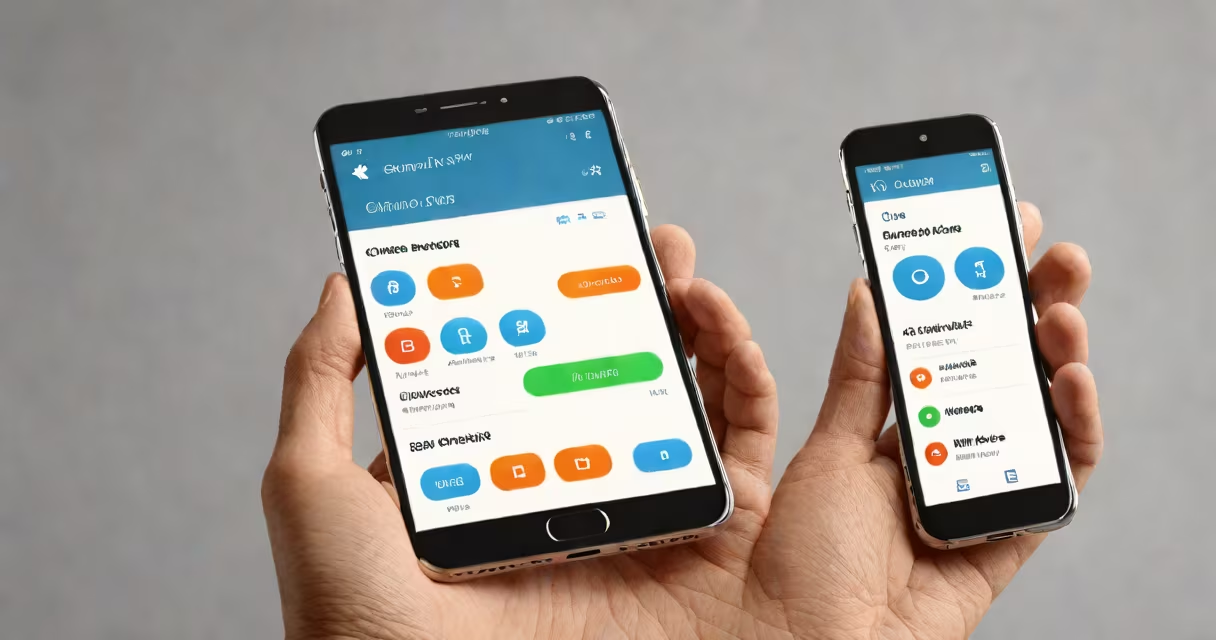
To see what phone you have, access the device's Settings app and go through to the About Phone or About Device section. This displays the manufacturer, model name, and software version. The process varies slightly between Android and iOS devices.
On Android phones, go to Settings > About Phone. The model name appears under "Model number" or "Device name." On iPhones, open Settings > General > About. The model name is listed as "Model" and includes a code like A2633.
These details are essential for troubleshooting, checking compatibility with apps, or verifying warranty status. Knowing your exact model prevents confusion when searching online support or buying accessories.
Every smartphone stores its hardware and software identity in system-level settings. These values are set during manufacturing and cannot be changed by users. They serve as unique identifiers for diagnostics, updates, and customer service.
On Android devices, the path is consistent across brands: Settings > About Phone > Model number. Samsung Galaxy S23 shows "SM-S911U," while Google Pixel 7 says "Pixel 7 Pro." The format often combines letters and numbers indicating region, variant, and generation.
iOS devices follow a similar pattern: Settings > General > About. An iPhone 14 Pro displays "iPhone15,4" - a code that maps to specific hardware features like the Changing Island or titanium frame. Apple uses this internal naming to track hardware revisions.
Phone models appear in different formats depending on the platform. Understanding these codes helps identify exact hardware versions, especially when comparing devices or purchasing replacements.
| Platform | Location | Example Output | Meaning |
|---|---|---|---|
| Android (Samsung) | Settings > About Phone | SM-S911U | Model S911U indicates a Samsung Galaxy S23 sold in the U.S. |
| Android (Google) | Settings > About Phone | Pixel 7 Pro | Clear model name; no cryptic code. |
| iOS (Apple) | Settings > General > About | iPhone15,4 | Refers to iPhone 14 Pro; the number after the comma identifies the revision. |
Some manufacturers use regional suffixes. For example, a OnePlus 11 may show "IN2203" for the Indian market version, while the global release is "IN2201." These differences affect cellular bands and software support.
A common mistake is confusing the model name with the brand name. "Galaxy S23" is the marketing name. The actual model number "SM-S911U" reveals whether the device supports 5G, has a specific camera configuration, or uses a particular processor.
Knowing your phone model helps avoid compatibility issues. When downloading apps, installing custom ROMs, or replacing batteries, the correct model ensures functionality and safety.
For example, a user trying to install a third-party app that requires "Android 13 API level 33" will need to verify their device runs that OS version. Checking the model number in Settings confirms whether the device qualifies.
I once helped a friend troubleshoot a Wi-Fi dropout issue. He had a Motorola Edge 5G (model XT2201-2), but kept assuming his phone was outdated. After checking the About section, we confirmed it ran Android 13. The problem wasn't the phone-it was a router firmware bug. The model number saved hours of unnecessary repair attempts.
People often mix up the model name with the serial number or IMEI. The IMEI (International Mobile Equipment Identity) is a 15-digit code used for network authentication and theft recovery. It's not the same as the model identifier.
Another error is relying on the device's appearance. A phone with a flat face and a notch might look like an iPhone 14, but the model number could be "iPhone14,3" - which is actually the iPhone 14 Plus, not the standard 14. Visual cues alone lead to incorrect assumptions.
Some users try to guess the model by looking at the back cover or logo. But many phones share similar designs across generations. The Samsung Galaxy S22 and S23 both feature a centered camera module and a matte finish. Only the model number reveals the difference in chipsets and battery size.
If the Settings menu is inaccessible due to a broken screen or software failure, you can still find the model number via physical inspection. Look for a small engraving near the SIM tray or on the back of older models.
On iPhones, the model number is printed on the back in tiny text. On newer models, it's etched into the metal frame near the antenna lines. For Android devices, the model number is often stamped inside the battery compartment or on the back panel.
For a deeper look, use the command-line tool ADB (Android Debug Bridge) on a computer. Connect the phone via USB, enable Developer Options, and run the command adb shell getprop ro.product.model. This returns the exact model string used internally by the OS.
On iPhones, connect to a Mac and use the Terminal command system_profiler SPUSBDataType | grep -A 5 "iPhone". This pulls device metadata including the model identifier.
Once you've found the model number, cross-check it against official databases. Apple's official iPhone model list provides detailed specs for every model released since 2007. Google's Android device catalog lists supported models and update timelines.
For example, if your phone shows "SM-S911U," search "SM-S911U specs" to confirm it's a Galaxy S23 with Snapdragon 8 Gen 2 and 12GB RAM. Misidentifying the model leads to incorrect expectations about performance or battery life.
Understanding how to see what phone you have isn't just about curiosity. It's a practical skill for managing device security, ensuring software updates apply correctly, and resolving technical issues quickly. Always verify the model number in Settings rather than guessing based on design or brand name.