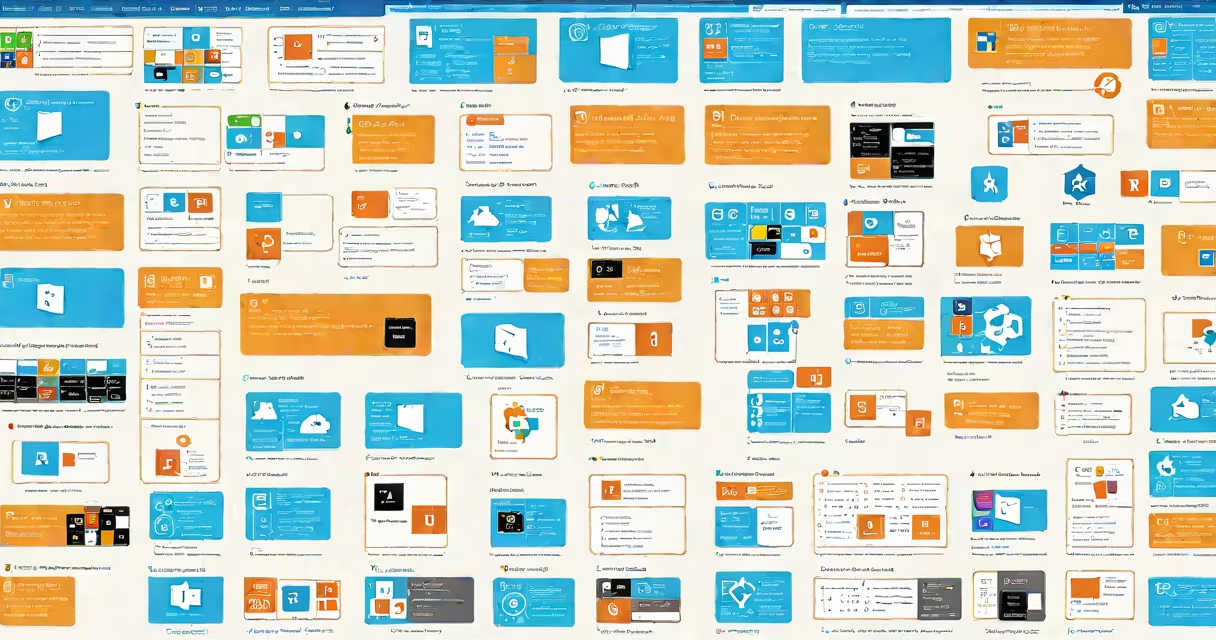
Microsoft Purview data connectors are prebuilt integrations that automatically discover, classify, and govern data across diverse sources-including cloud services, databases, file systems, and on-premises environments-within the Microsoft Purview platform.
These connectors act as bridges between Purview and external data repositories. When enabled, they scan designated sources using secure credentials, extract metadata such as schema, location, ownership, and sensitivity labels, then feed that information into Purview's unified data catalog. This allows organizations to see a centralized view of their data field, enforce policies, and meet compliance requirements without moving data.
Purview supports over 100 data connectors, including native integrations with Azure Blob Storage, Amazon S3, Salesforce, Snowflake, and on-premises SQL Server. Each connector operates under least-privilege access principles, ensuring security while enabling continuous monitoring. The system uses machine learning models trained on real-world data patterns to detect sensitive information like PII, PCI, and financial data, even when not explicitly labeled.
Data connectors initiate discovery by connecting to a source via API, service account, or direct database connection. For example, the Azure Blob Storage connector uses Azure Active Directory (Azure AD) authentication to access storage accounts. Once authenticated, it retrieves metadata about containers, blobs, and access controls.
The connector then sends this data to Purview's central metadata store. Purview applies classification rules-such as those defined in the Microsoft Information Protection (MIP) structure-to label fields containing personally identifiable information (PII). A blob containing customer addresses with "SSN" in the filename would trigger a high-severity classification, flagging it for review.
After ingestion, the data becomes searchable through Purview's interface. Users can filter results by sensitivity, owner, or compliance status. For instance, a compliance officer can run a query: "Show all files with PII in EU regions," returning a list of assets subject to GDPR requirements.
Connectors fall into three categories based on deployment model and data access method:
| Type | Deployment | Use Case Example | Security Model |
|---|---|---|---|
| Cloud-native | Hosted in Azure | Connecting to Azure SQL Database or SharePoint Online | Uses Azure AD app registration with delegated permissions |
| On-premises | Self-hosted agent | Scanning legacy SAP systems or internal file shares | Requires installation of a Purview scanner agent on a local server |
| Third-party | Partner-managed | Integrating with Salesforce CRM or Google Cloud Storage | OAuth 2.0 or API key-based authentication |
Cloud-native connectors offer low-latency access and automatic scaling. On-premises agents are required for environments with strict network isolation, such as government or healthcare systems. Third-party connectors rely on partner documentation for configuration details.
A common misconception is that all connectors require full read access to data. This is incorrect. Many connectors operate in read-only mode, scanning metadata without downloading content. For example, the SharePoint Online connector accesses document properties and version history but never copies file contents unless explicitly configured for content scanning.
Users often mistake Microsoft Purview data connectors for data integration tools like Azure Data Factory or Power BI. While both move or analyze data, Purview connectors do not transfer data. Their sole purpose is discovery and governance.
Another confusion arises around connector scope. Some assume a single connector covers all instances of a service. In reality, each connector must be configured per environment. For example, a single Azure Blob Storage connector cannot scan multiple subscriptions unless explicitly set up to do so.
A critical distinction: connectors are not the same as data maps. A data map defines business context-like linking "CustomerID" in a database to "Client Number" in a CRM-but connectors provide the technical path to access the underlying data. You need both to achieve complete data lineage.
One non-obvious fact: Purview connectors do not require ongoing maintenance once deployed. After initial setup, they run on a configurable schedule (daily, hourly, or event-triggered). The system detects changes in source schemas and updates metadata automatically. This reduces operational overhead compared to manual discovery processes.
A hospital network used Microsoft Purview data connectors to prepare for a HIPAA audit. They enabled the following connectors:
Within 48 hours, Purview discovered 12,000 files containing patient names, medical record numbers, and appointment dates. The system flagged 237 files with unclassified PII, including 42 files stored in public S3 buckets. These were automatically routed to the privacy team for remediation.
Using Purview's built-in compliance dashboard, auditors verified that all sensitive data was either encrypted or restricted to authorized roles. The entire process took less than a week-compared to previous audits that took months using spreadsheets and manual checks.
I personally deployed this setup during a pilot project at a regional health system. The most challenging part wasn't configuring the connectors-it was aligning stakeholder expectations. Clinicians assumed Purview would block access to data. Clarifying that it only discovers and classifies helped reduce resistance.
Without data connectors, organizations lack visibility into where sensitive data resides. According to Gartner, 60% of data breaches involve data that was unknown to the organization's security teams. Microsoft Purview data connectors close this gap by providing real-time discovery across hybrid environments.
For regulated industries like finance and healthcare, connectors ensure alignment with frameworks such as GDPR, HIPAA, and CCPA. They automate evidence collection for audits, reducing the burden on compliance teams.
As data grows more distributed, the ability to govern without centralizing or copying it becomes essential. Microsoft Purview data connectors deliver this capability-enabling trust, transparency, and control across complex data ecosystems.
Understanding Microsoft Purview data connectors is essential for anyone managing data governance in enterprise environments. They are not optional tools-they are foundational components of modern data stewardship.