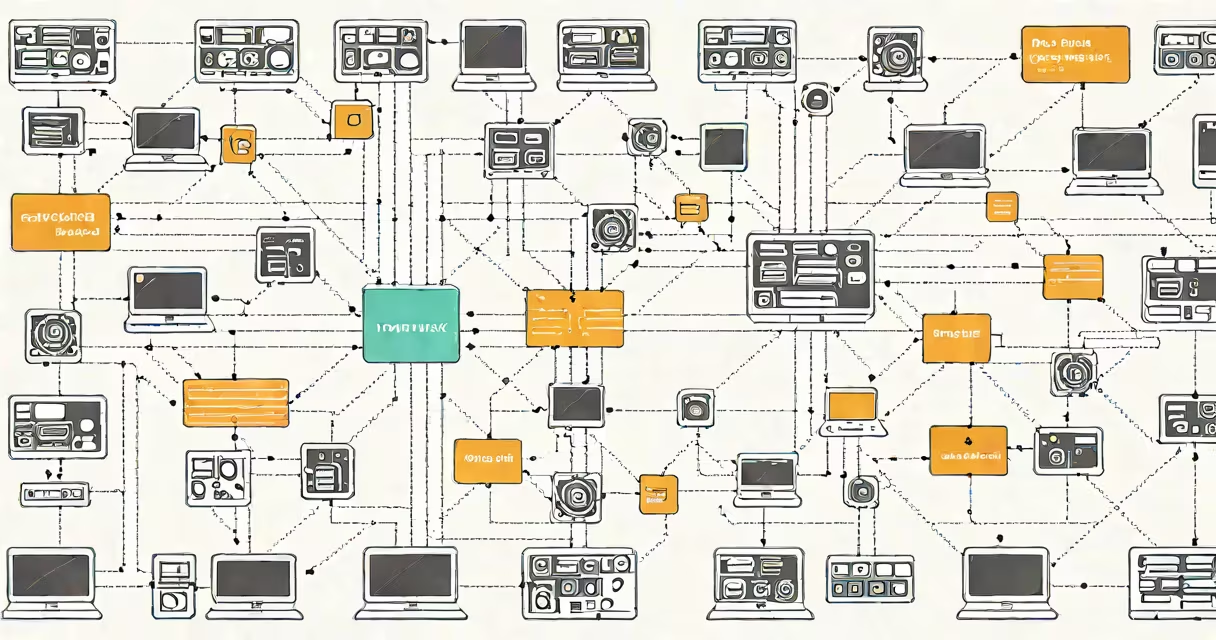
Network mapping tools open source are free software applications that discover, visualize, and document devices, connections, and traffic patterns within a computer network. These tools scan IP ranges, detect active hosts, map network topology, and generate visual representations of infrastructure-all without requiring paid licenses.
They operate by sending packets to network addresses and analyzing responses. Common methods include ICMP echo requests (ping), ARP queries, and SNMP polling. The results are compiled into maps showing routers, switches, servers, and endpoints, often with metadata like MAC addresses, hostnames, and open ports.
These tools are essential for IT teams managing complex environments. They support network audits, security assessments, troubleshooting, and capacity planning. Open source versions offer transparency, customization, and community-driven updates-critical advantages over proprietary alternatives.
When activated, a network mapping tool begins scanning a specified IP range or subnet. It sends out packets using protocols such as ICMP (used in ping), ARP (for local layer-2 discovery), and UDP/ICMP probes to elicit replies from devices.
For example, Nmap-a widely used open source tool-can send SYN packets to common port numbers across a range of IPs. If a device responds with a SYN-ACK, the tool infers that the port is open and likely running a service like SSH (port 22) or HTTP (port 80).
Once devices are detected, the tool correlates their responses to build a topology graph. Devices are represented as nodes; connections as edges. This structure allows users to see which systems communicate directly and identify bottlenecks or single points of failure.
Open source network mapping tools fall into categories based on function and scope:
| Tool | Type | Primary Use Case | Key Features |
|---|---|---|---|
| Nmap | Scanning & Discovery | Host and port detection | Scriptable scans, OS fingerprinting, service version detection |
| Netdisco | Topology Mapping | Automated network diagrams | SNMP-based discovery, web interface, supports VLANs |
| Observium | Monitoring & Mapping | Real-time performance tracking | Auto-discovery, historical data, alerting |
| Wireshark (with plugins) | Packet Analysis | Deep traffic inspection | Protocol decoding, filter expressions, export to JSON |
Nmap excels at rapid reconnaissance. Running nmap -sn 192.168.1.0/24 returns all active hosts in a local network. Netdisco uses SNMP to gather detailed switch and router data, then generates interactive maps via a browser dashboard.
Observium combines continuous monitoring with mapping. It tracks bandwidth usage, CPU load, and interface errors while updating the network layout dynamically. Wireshark doesn't map networks by default but can reconstruct communication flows when analyzing packet captures.
System administrators deploy network mapping tools open source during onboarding, incident response, or compliance checks. A university IT team might use Netdisco to audit lab equipment after a campus-wide upgrade, ensuring all devices are accounted for and properly segmented.
Security teams rely on them to detect rogue devices. During a penetration test, I discovered an unauthorized IoT camera connected to a finance department's VLAN using Nmap. The device responded to ICMP but had no firewall rules-exposing sensitive data to external access.
Enterprises use these tools to maintain accurate documentation. Without automated mapping, network diagrams become outdated. One healthcare provider reported a 40% reduction in downtime after switching from manual spreadsheets to Observium for network visibility.
Many assume network mapping tools open source are only for advanced users. While some require command-line familiarity, tools like Netdisco and Observium provide web dashboards accessible to non-engineers.
Another myth is that open source tools lack reliability. This is false. Nmap has been in active development since 1997 and is trusted by organizations including the U.S. Department of Defense and major cloud providers. Its accuracy is validated through peer-reviewed research and integration into commercial security platforms.
A less obvious point: not all open source tools perform full network discovery. Some focus only on active hosts or specific protocols. For example, fping is lightweight and fast but lacks service detection. Users must choose based on intent-not just availability.
I once used Nmap and Netdisco together to resolve intermittent connectivity issues in a small office. Initial ping tests showed no failures, but users reported dropped calls during video meetings.
Running nmap -sT -p 5060 10.0.0.0/24 revealed that a VoIP server was responding slowly on SIP port 5060. Netdisco confirmed the device was isolated on a low-bandwidth VLAN. After moving it to a dedicated voice segment, latency dropped from 400ms to under 50ms.
This case shows how combining tools reveals problems invisible to basic diagnostics. Open source solutions don't replace expertise-they amplify it.
network mapping tools open source deliver useful insight into network behavior. They enable proactive management, improve security posture, and simplify troubleshooting. With proven accuracy and no licensing costs, they remain indispensable in both small deployments and large-scale enterprise environments.