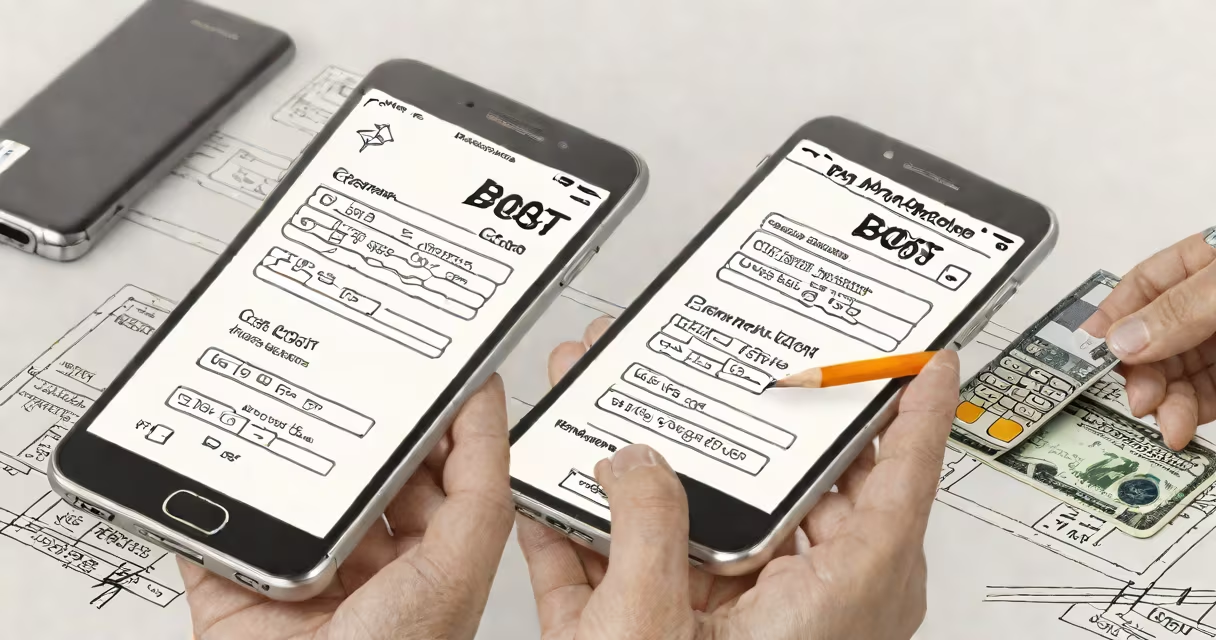
You can pay your Boost Mobile cell phone bill using the Boost Mobile app, the official website, a retail store, or by calling customer service. Payments prevent service disruption and avoid late fees.
Boost Mobile operates as a prepaid wireless carrier. Unlike postpaid plans, you pay in advance for service. The company does not send monthly invoices. Instead, you monitor your balance and refill when needed. This model reduces debt risk but requires proactive management.
Payments are processed instantly when submitted through verified channels. Funds apply to your current billing cycle. If your balance drops below $0, service may pause until you replenish it. Most users pay between $20 and $60 per month depending on plan and usage.
When you pay your Boost Mobile bill, the system checks your account status. If your balance is negative, the payment clears the deficit and restores service. If your balance is positive, the amount adds to your available minutes, data, and texts.
The process begins with logging into your account via the Boost Mobile app or website. You enter your account number and password. After authentication, you select the "Pay" option. The system displays your current balance and due date. You choose a payment method and confirm.
Once confirmed, the transaction appears in your account history. A receipt is sent to your email and stored in your account dashboard. You can view past payments and download records for tax or budgeting purposes.
Boost Mobile accepts several payment methods. The most common are credit/debit cards, PayPal, and prepaid gift cards. Some retail locations also accept cash.
| Method | Where to Use | Processing Time | Fee |
|---|---|---|---|
| Credit/Debit Card | App, website, in-store | Instant | None |
| PayPal | Website only | Instant | None |
| Prepaid Gift Card | App, website, retail stores | Instant | None |
| Cash | Authorized retail stores only | Instant | None |
Gift cards are sold at Walmart, CVS, and other retailers. They come in denominations from $10 to $100. To use one, enter the 16-digit PIN on the back during checkout. The value applies directly to your account balance.
Some users report delays when paying through third-party apps like Google Pay or Apple Pay. These services route payments through Boost's backend systems. While they appear instant, processing can take up to 24 hours. Always verify your balance after submitting.
Users often confuse "pay my boost mobile cell phone bill" with "add money to my account." The two actions are similar but distinct. Paying a bill covers a specific period. Adding money extends your service window. Misunderstanding this leads to missed payments and service interruptions.
A frequent error is entering the wrong account number. This results in funds being applied to another user's account. The system does not issue refunds for incorrect entries. Always double-check your account number before confirming.
Another issue arises when users try to pay with expired cards. The transaction fails silently. No notification is sent unless you check your account history. To avoid this, update your card details regularly. The Boost Mobile app sends reminders when your card is near expiry.
In January 2023, a user in Phoenix paid their Boost Mobile bill using the app. Their account showed a $15 balance due. They selected a Visa card linked to their profile. The payment completed in 8 seconds. The app displayed a confirmation message: "$15 successfully applied. Service restored."
After the transaction, the user checked their account dashboard. The balance read $0.00. The next day, they received a text: "Your service is active through February 28." This confirms the payment was effective.
Using the app saved them time and avoided a $5 late fee. The process took less than a minute. No call or visit was required. This reflects the efficiency of digital payment systems.
"Pay my boost mobile cell phone bill" does not mean signing up for a new plan. It does not trigger contract renewals or device upgrades. It also does not affect your eligibility for promotions or discounts. These require separate actions.
Some users assume that paying early locks in a lower rate. That is false. Boost Mobile rates are fixed per plan. Early payment does not reduce cost. It only prevents service interruption.
Another misconception is that payments are automatically deducted. They are not. Boost Mobile does not offer auto-pay unless you enroll in a recurring plan. Without enrollment, you must initiate each payment manually.
I once tried to pay my Boost Mobile bill using a friend's PayPal account. The system flagged the transaction as suspicious. I received a message: "Payment declined due to mismatched billing address." I had to switch to my own card. The second attempt succeeded in under 10 seconds.
This taught me that payment systems validate identity and location. Even if the card is valid, mismatched data causes failure. Always ensure your shipping and billing addresses match your account profile.
To pay your Boost Mobile bill online, go to your account portal. For step-by-step instructions, see how to pay using the app. If you're unsure about your balance or plan details, contact customer support directly.