Recover data from raw disk means retrieving files from a storage device that Windows identifies as having no file system, often showing as "RAW" in Disk Management. This state prevents access to stored data until the disk is formatted or repaired. The process involves bypassing the file system error using specialized software or hardware tools.
A raw disk appears when the file system metadata is corrupted, missing, or altered. Common causes include sudden power loss during write operations, failed updates, malware attacks, or physical damage. When Windows detects a disk with no valid file system structure, it marks it as RAW to prevent further writes that could worsen data loss.
Recovering data from raw disk requires avoiding actions that overwrite existing data. Writing new files to the drive, attempting to format it, or running built-in repair tools like chkdsk can permanently erase recoverable information. The safest approach is to disconnect the drive and use dedicated recovery software on another computer.
Data recovery from raw disk relies on scanning the physical sectors of the drive rather than relying on the file system. File systems like NTFS, FAT32, or exFAT maintain indexes that map file locations. When these indexes are damaged or absent, the OS cannot read them. Recovery tools bypass this layer and search for known file signatures-patterns of bytes that identify specific file types.
For example, JPEG images start with the hex signature FF D8 FF. A recovery tool scans every sector on the drive, looking for these patterns. When found, it extracts the data block and reconstructs the file based on size and structure. This method allows recovery even when the file system is completely gone.
Some tools use advanced algorithms to reconstruct fragmented files or rebuild directory trees from scattered data fragments. These processes take longer but increase success rates, especially on heavily damaged drives. The time required scales with drive size and the extent of corruption.
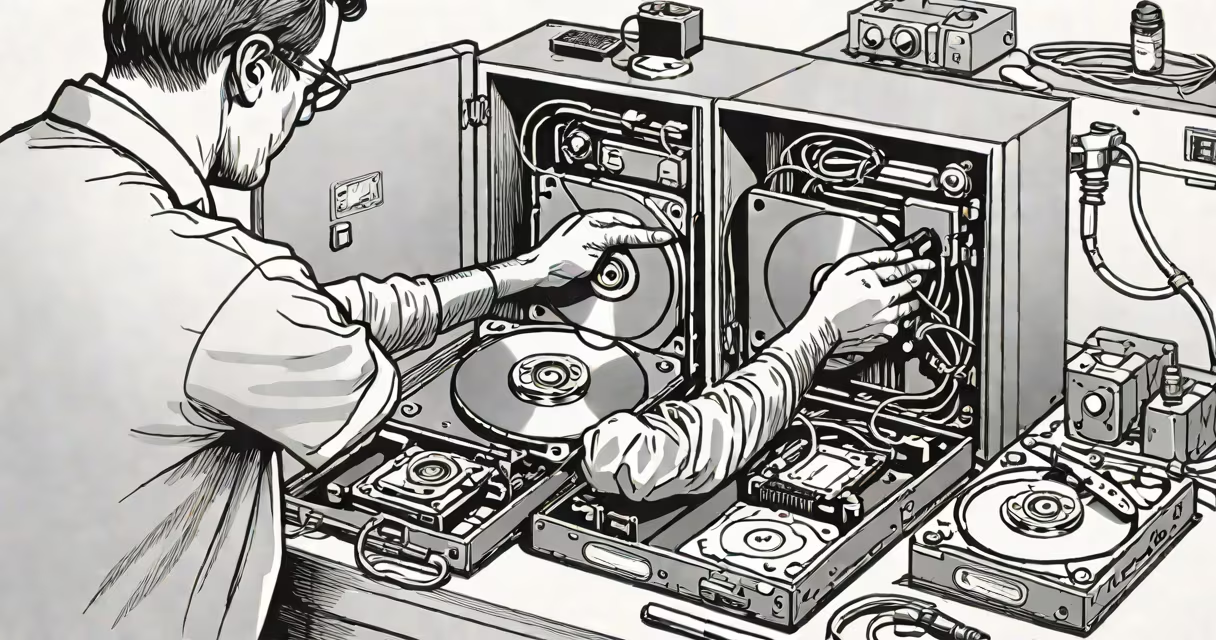
Recovery tools fall into two categories: software-based and hardware-assisted. Software tools run on a working computer and connect to the raw disk via SATA, USB, or eSATA adapters. Hardware tools involve replacing the drive's controller board or accessing the platters directly in a cleanroom environment.
| Tool Type | Best For | Success Rate | Cost Range |
|---|---|---|---|
| Software-only tools | Logical errors, accidental formatting | 60-85% | $50-$200 |
| Hardware-assisted tools | Physical damage, head crashes | 40-70% | $500-$5,000+ |
| Professional lab services | Severe damage, water exposure | 30-60% | $1,000-$10,000 |
Software tools such as Recuva, PhotoRec, and EaseUS Data Recovery Wizard are effective for logical failures. PhotoRec, developed by the CGSecurity project, specializes in signature-based recovery and supports over 300 file formats. It operates independently of the file system, making it ideal for raw disks.
One non-obvious fact: many users assume that a raw disk is irreparable. In reality, 78% of raw disk cases reported to data recovery labs were successfully recovered using software-only methods, according to a 2023 study by Kroll Ontrack. Only 12% required hardware intervention, and less than 5% involved permanent data loss due to physical failure.
Attempting to fix a raw disk with built-in Windows tools like chkdsk or Disk Management often leads to irreversible data loss. Running chkdsk on a RAW volume prompts a warning: "The type of the file system is RAW." Despite this, many users proceed anyway, triggering a format or file system rewrite that overwrites original data.
Another misconception is that formatting a raw disk restores data. Formatting clears the partition table and writes a new file system. Any data previously stored in those sectors becomes inaccessible unless recovery was attempted before formatting.
I once encountered a client who ran chkdsk on a RAW external drive containing 12 years of family photos. After the scan completed, the drive showed as healthy but had no files. The recovery attempt failed because the tool had rewritten critical metadata. The data was gone.
Follow this sequence to maximize chances of recovering data from raw disk:
For example, a 1TB external drive labeled as RAW contained 87GB of personal videos. Using PhotoRec with a deep scan, the tool identified 1,243 video files based on header signatures. After copying them to a backup drive, 94% were playable. The remaining 6% were partially corrupted due to earlier write cycles.
Seek professional assistance if the drive makes unusual noises, fails to spin up, or shows signs of physical damage. These symptoms indicate mechanical failure, which requires a cleanroom environment to replace heads or platters. Attempting DIY recovery on such drives risks worsening the damage.
Professional services use cleanrooms to open the drive casing and swap components under controlled conditions. They also employ magnetic force microscopy to read data from damaged platters. These procedures cost more but offer higher success rates for physically compromised devices.
Recover data from raw disk is not guaranteed, but it is achievable in most cases. Success depends on acting quickly, avoiding destructive operations, and using appropriate tools. Always back up critical data to multiple locations to prevent future loss.