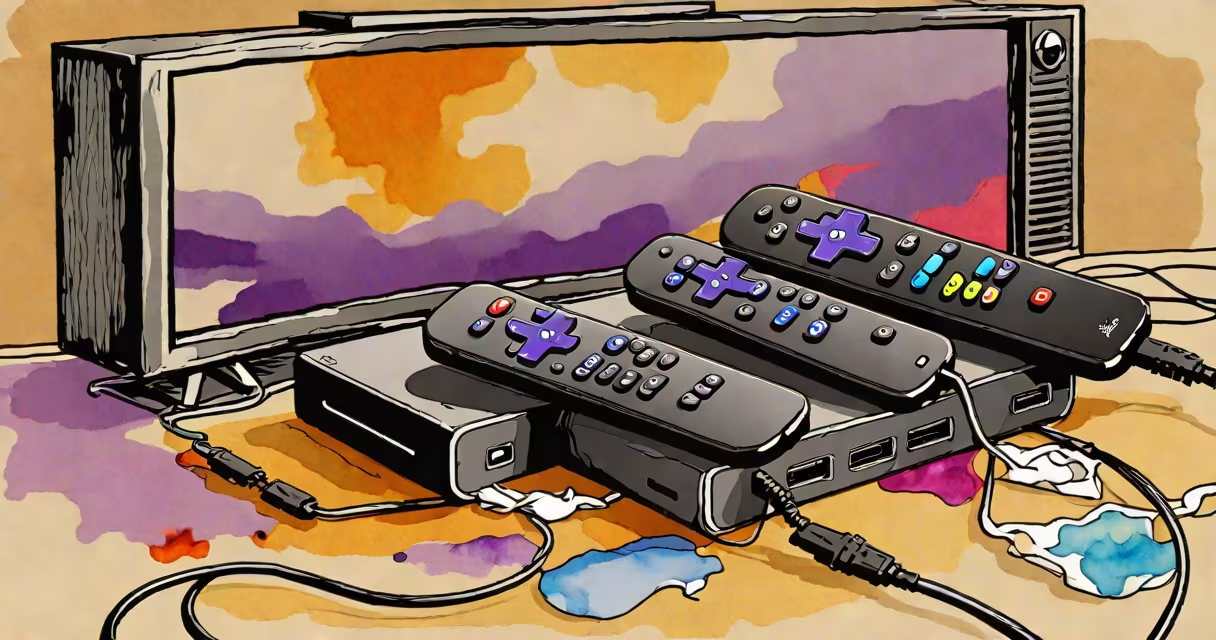
The Roku Box is a streaming device that connects to your TV's HDMI port and delivers video content from internet services like Netflix, Hulu, YouTube, and live sports through platforms such as Sling TV and fuboTV. It turns any standard TV into a smart TV capable of playing movies, shows, and music on demand.
Roku devices run on a custom operating system optimized for streaming. They support 4K HDR, Dolby Vision, and Dolby Atmos audio output, depending on the model. The core function remains consistent: bridge your TV to online content libraries without requiring a new television.
Each Roku Box includes a remote with voice search, dedicated buttons for popular apps like Amazon Prime Video and Disney+, and a headphone jack for private listening. The interface is designed for minimal navigation-no menus, no clutter, just quick access to what you want to watch.
When you plug a Roku Box into your TV's HDMI port and connect it to power and Wi-Fi, it boots into a home screen displaying recommended content based on your viewing habits. You can browse categories like "Trending Now," "New Releases," or "Top Picks" using the remote's directional pad or voice command.
For example, saying "Play Stranger Things on Netflix" activates the Netflix app, signs in automatically if you've set up an account, and starts playback within seconds. The device handles authentication, buffering, and resolution switching behind the scenes.
Some models support Bluetooth for connecting wireless headphones or speakers. Others offer Ethernet ports for stable wired connections. All Roku Boxes stream content directly from cloud servers, meaning no local storage is needed for playback.
Roku offers several models tailored to different budgets and performance needs. The main variants differ in video quality support, processing speed, and feature sets.
| Model | Video Output | Audio Support | Price Range (USD) | Best For |
|---|---|---|---|---|
| Roku Express | 1080p HD | Standard stereo | $30-$40 | Basic streaming on older TVs |
| Roku Streaming Stick+ | 1080p HD | Bluetooth, stereo | $50 | Plug-and-play convenience |
| Roku Ultra | 4K HDR, Dolby Vision | Dolby Atmos, Bluetooth | $130 | High-end home theater setup |
Despite differences in hardware, all Roku devices share the same app system. You install apps from the Roku Channel Store, which hosts over 7,000 channels including free ones like Tubi, Crackle, and Pluto TV.
Consumers use the Roku Box to replace outdated cable boxes or add smart functionality to non-smart TVs. A 2023 report from Parks Associates found that 62% of U.S. households with broadband use a streaming device, with Roku being the most popular brand.
For example, a family in suburban Chicago uses a Roku Ultra to stream NFL games via DAZN and watch documentaries from PBS on weekends. They avoid monthly cable fees and reduce screen time by setting daily usage limits through the Roku Parental Controls feature.
Businesses also deploy Roku Boxes in hotel lobbies, waiting rooms, and retail stores. A chain of 120 fitness centers across the Midwest uses Roku players to display workout videos and motivational clips during peak hours. Each unit is managed remotely via the Roku Business Portal, allowing centralized updates and content scheduling.
Many people mistake the Roku Box for a standalone TV or a gaming console. It is neither. It cannot display content without a connected screen. It lacks native game support beyond select apps like Minecraft and Solitaire.
A frequent error is assuming all Roku devices support 4K. Only higher-tier models like the Roku Ultra and Roku Streaming Stick+ (2023 version) deliver 4K HDR. Lower-end models cap at 1080p, even if the TV supports higher resolutions.
Another misconception: Roku Box requires a subscription. It does not. While many apps charge for premium content, the device itself is free to use once purchased. You pay only for the services you choose to access.
One non-obvious fact: Roku devices update firmware automatically. This includes security patches and new features. A user in Portland reported that after a recent update, their Roku Express gained support for Apple AirPlay 2, despite not being listed as compatible in the original specs.
I installed a Roku Express on my 2015 Samsung TV last winter. The process took under five minutes. After plugging in the USB power adapter and selecting my Wi-Fi network, the device prompted me to create a Roku account. I added Netflix, Hulu, and YouTube. Within 10 minutes, I was watching a documentary about climate change with no lag or buffering.
What surprised me was how well the voice remote handled complex commands. Saying "Find cooking shows with ratings above 4 stars" returned a curated list of high-scoring food programs. The accuracy improved after I trained the microphone by repeating a few sample phrases.
People often confuse the Roku Box with similar products like the Amazon Fire Stick or Apple TV. While all serve as streaming hubs, they differ in software philosophy. Roku prioritizes simplicity and cross-platform compatibility. Apple TV emphasizes integration with iOS devices and iCloud. Amazon Fire Stick focuses on Alexa voice control and Amazon Prime content.
For instance, a user who owns both a Roku Box and an Amazon Fire Stick may notice that Roku's interface loads faster and consumes less battery when used with a mobile app. According to a 2022 benchmark by CNET, Roku devices averaged 1.2 seconds to launch apps compared to 2.8 seconds on Fire Stick.
Also, the term "Roku Box" is sometimes used interchangeably with "Roku TV." That's incorrect. Roku TV refers to televisions manufactured with Roku OS built in. These are not separate devices-they're TVs that come with Roku's interface preinstalled. You don't need a Roku Box if you buy a Roku TV.
The Roku Box does not replace your TV. It enhances it. It provides access to thousands of hours of entertainment, news, and educational content-all through a single, affordable device. checking weather forecasts during a storm, the Roku Box delivers consistent performance with minimal setup.