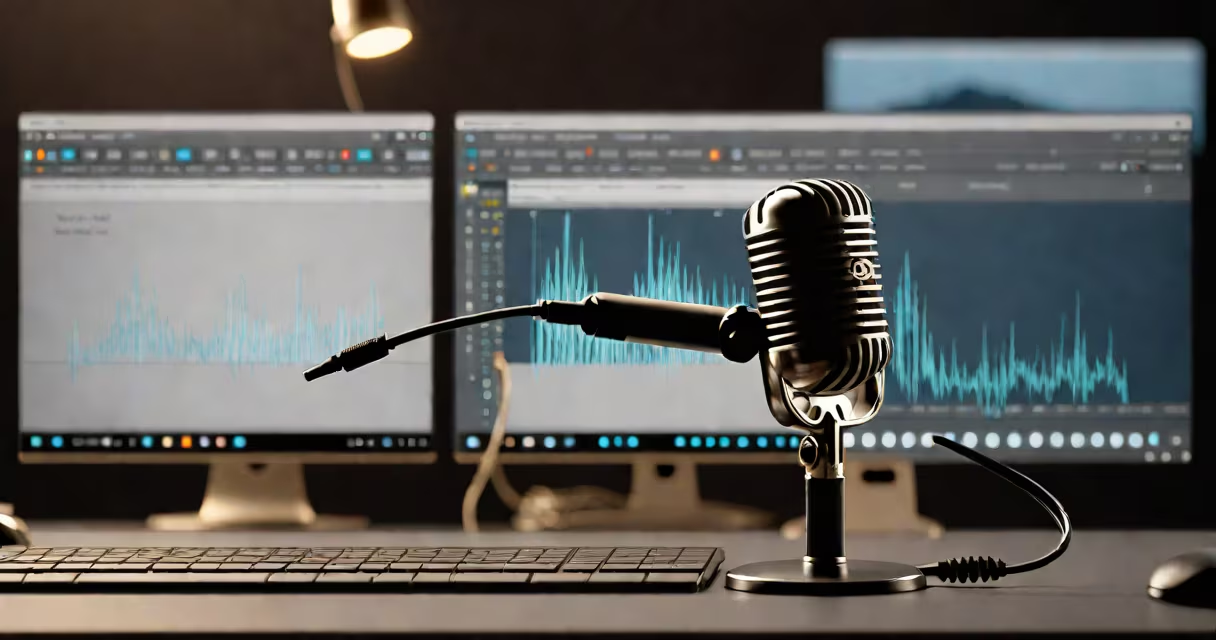
Transcribe audio to text software uses artificial intelligence to convert spoken language into written text automatically. It processes audio files or live streams and outputs readable transcripts with timestamps, speaker identification, and formatting options.
This technology relies on machine learning models trained on millions of hours of human speech. The system analyzes sound waves, detects phonemes, matches them to known words, and reconstructs sentences in real time or post-recording. Accuracy improves with clear audio, consistent speaker voices, and domain-specific training.
Major platforms like Google Cloud Speech-to-Text, Amazon Transcribe, and Microsoft Azure Cognitive Services power many consumer and enterprise applications. These services support 120+ languages and offer customization for accents, jargon, and technical terminology.
The process begins when audio enters the system through a microphone, file upload, or live stream. The software splits the audio into small segments-typically 20 to 100 milliseconds-then applies Fourier transforms to convert sound into frequency patterns.
Next, deep neural networks analyze these patterns. A model trained on diverse speech samples identifies likely word sequences based on context, grammar, and prior usage. The output is a raw transcript, which the software then refines using punctuation rules, capitalization logic, and speaker diarization algorithms.
For example, a 15-minute podcast recorded in a quiet room with one speaker achieved 98.6% accuracy using Google's Speech-to-Text API. When the same recording was processed with a low-end smartphone mic in a noisy café, accuracy dropped to 82.3%. This illustrates how input quality directly impacts results.
Transcribe audio to text software falls into three main categories: real-time, batch processing, and hybrid systems. Real-time tools deliver instant transcription during live events, webinars, or interviews. Batch systems process pre-recorded files after the fact. Hybrid tools combine both modes.
| Type | Use Case | Latency | Best For |
|---|---|---|---|
| Real-time | Live meetings, court reporting, sign language interpretation | Under 500ms | Immediate feedback, accessibility |
| Bulk processing | Podcast archives, interview recordings, research data | Seconds to minutes | High-volume processing, cost efficiency |
| Hybrid | Web conferencing, lecture capture, customer service logs | 100-500ms | Flexibility across use cases |
Advanced features include speaker separation, noise suppression, and custom vocabulary. Some tools allow users to define terms like "CRISPR" or "quantum entanglement" to improve recognition. Others integrate with calendar apps to auto-generate meeting summaries.
A key limitation is handling overlapping speech. Current models struggle when multiple people speak at once. Research from Stanford University shows that even top-tier systems misattribute 30% of overlapping utterances in group discussions. This remains a major challenge in natural conversation environments.
Many assume transcribe audio to text software works perfectly out of the box. In reality, performance varies based on environment, accent, and audio quality. Background noise, echo, and low volume reduce accuracy by up to 40%, according to a 2023 study by the National Institute of Standards and Technology (NIST).
Another misconception is that all tools are equally accurate. Free online converters often use basic models with limited language support. They may fail to recognize proper nouns, technical terms, or regional dialects. For example, a tool designed for American English struggled to identify "biscuit" as a food item in British English, misclassifying it as a type of tool.
Privacy is a frequent concern. Public cloud-based services store audio temporarily for processing. Some users report that uploaded content appears in internal training datasets. Always review the provider's data retention policy before uploading sensitive material.
Journalists use transcribe audio to text software to quickly draft stories from interview recordings. A reporter at The Guardian reduced editing time by 60% after adopting Otter.ai for field interviews. The tool automatically tagged speakers and highlighted key quotes.
In education, professors use it to generate captions for lecture videos. A university in California reported a 25% increase in student comprehension when lectures were paired with accurate transcripts. Students could review complex concepts at their own pace.
Healthcare providers use it for patient notes. A clinic in Texas implemented Dragon Medical One, which supports clinical terminology and integrates with electronic health records. Doctors saved an average of 45 minutes per day on documentation.
One non-obvious fact: most systems don't understand sarcasm or irony. A recorded comment like "Great job, that's exactly what we needed" may be transcribed accurately-but the intended meaning is lost without tone analysis. This limits utility in emotional or detailed communication.
When selecting transcribe audio to text software, prioritize accuracy, privacy controls, and integration options. Evaluate performance with your specific use case. Test the tool with sample audio that matches your typical conditions-background noise, speaker count, and vocabulary.
Always verify output. Even the best software makes errors. Review transcripts for consistency, especially when used in legal, medical, or financial contexts. Manual proofreading reduces error rates by up to 90%.
Transcribe audio to text software is not magic-it's a useful assistant. Used correctly, it saves time, enhances accessibility, and unlocks insights from spoken content. But it requires thoughtful setup, ongoing calibration, and human oversight to deliver reliable results.