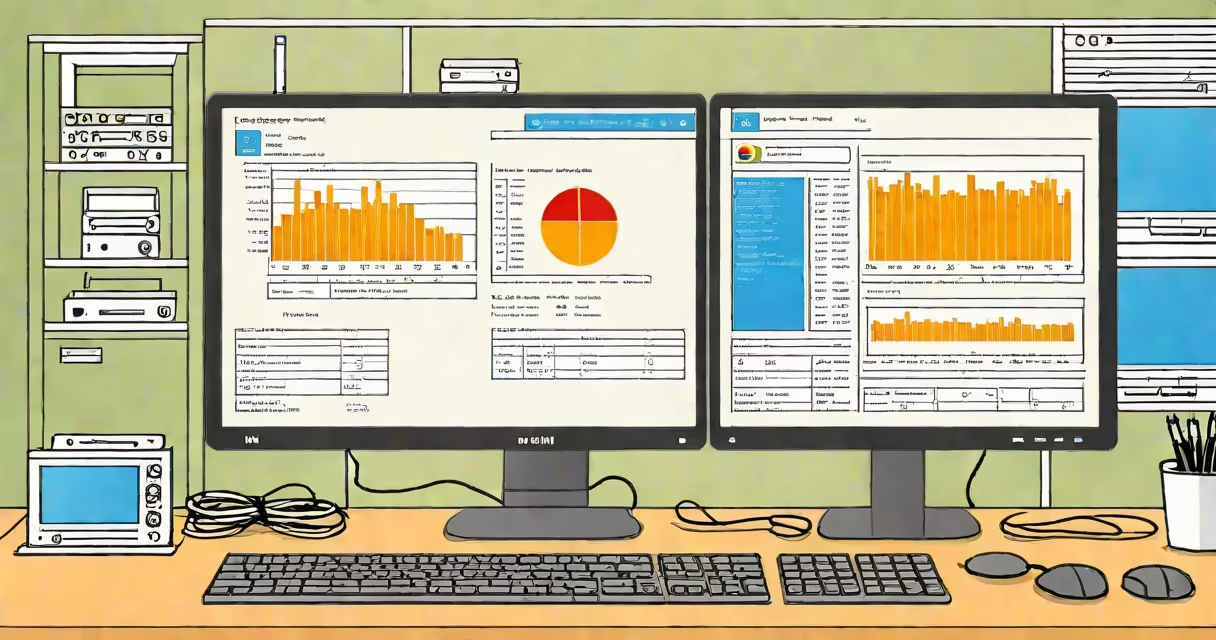
You can determine your current operating system by checking system settings, using command-line tools, or running diagnostic utilities. The operating system is the core software managing hardware resources and enabling application execution.
Every device running software-whether a laptop, smartphone, or embedded controller-uses an operating system (OS). This software handles memory, storage, input/output devices, and security. Knowing which OS you're using helps troubleshoot issues, install compatible software, and understand system limitations.
Common operating systems include Windows, macOS, Linux distributions (like Ubuntu or Fedora), Android, iOS, and real-time embedded systems such as FreeRTOS. Each has distinct naming conventions, version numbers, and interface styles.
On Windows, press Win + R, type winver, and hit Enter. A dialog box displays the version number and build (e.g., Windows 11, version 23H2, build 22631). Alternatively, open Settings > System > About to see the OS name, version, and architecture (x64 or ARM64).
On macOS, click the Apple logo in the top-left corner, then select "About This Mac." The screen shows the OS name (e.g., macOS Sonoma), version (14.5), and chip type (Apple M2 or Intel Core i7).
On Linux, open a terminal and run uname -a. Output includes the kernel version, hostname, OS name, and machine architecture. For example:
Linux ubuntu-vm 5.15.0-103-generic #113-Ubuntu SMP Fri Jan 12 18:41:51 UTC 2024 x86_64 x86_64 x86_64 GNU/LinuxThis indicates a 64-bit Ubuntu system running the 5.15 kernel.
Operating systems fall into categories based on purpose and environment. The most common types are desktop, mobile, server, and embedded systems.
| Type | Examples | Identification Method | Typical Use Cases |
|---|---|---|---|
| Desktop OS | Windows 11, macOS Sonoma, Ubuntu 24.04 | System Info panel, uname command |
Personal computing, office work, development |
| Mobile OS | Android 14, iOS 17 | Settings > General > About (iOS); About Phone (Android) | Smartphones, tablets |
| Server OS | CentOS Stream, Ubuntu Server, Windows Server 2022 | Terminal commands: cat /etc/os-release |
Web hosting, database management, enterprise services |
| Embedded OS | FreeRTOS, Zephyr, VxWorks | Hardware-specific debug console or firmware logs | IoT devices, medical equipment, automotive control units |
Some systems don't display their OS name. Embedded systems often lack a GUI. When debugging such devices, developers rely on serial console output or firmware images to extract OS details.
A non-obvious distinction: the term "operating system" sometimes refers only to the kernel layer, not the full software stack. For example, Android uses the Linux kernel but adds custom frameworks, apps, and drivers. So while the underlying OS is Linux, users refer to it as "Android."
Users often mistake the browser or application interface for the OS. Seeing a Chromebook with a web-based desktop doesn't mean the OS is Chrome. Chrome OS is a Linux-based system designed for cloud-first workflows.
Another error: assuming all Linux variants are the same. Ubuntu, Debian, and Arch Linux differ in package managers (apt, pacman, dnf), default shells, and update policies. Running lsb_release -a reveals distribution-specific details.
On older or locked-down systems, standard tools may be unavailable. In such cases, use systeminfo in Windows Command Prompt or cat /proc/version on Linux to access basic OS data.
I once helped a user whose Windows 10 laptop froze during startup. The issue wasn't malware-it was a corrupted system file. To diagnose, I opened Command Prompt as Administrator and ran:
systeminfo | findstr /C:"OS Name"The output showed:
OS Name: Microsoft Windows 10 ProNext, I checked the build number:
systeminfo | findstr /C:"OS Version"Result:
OS Version: 10.0.19045 N/A Build 19045With this data, I confirmed the system was running a known unstable build. Updating via Windows Update resolved the freeze. Without identifying the OS version, troubleshooting would have taken longer.
Knowing your operating system matters for software compatibility. Installing a 32-bit program on a 64-bit system may fail silently. Developers must verify OS and architecture before compiling code.
Security updates depend on OS version. A 2017 version of Windows 10 lacks patches for vulnerabilities discovered after 2020. Regular OS checks prevent exposure to known exploits.
Embedded systems run specialized operating systems optimized for low power and real-time response. These are not designed for general use. Devices like smart thermostats or industrial sensors use lightweight OSes such as FreeRTOS or Zephyr. They don't appear in standard system menus, making identification harder without direct access to firmware.
Always verify your OS before installing software, updating drivers, or configuring networks. Misidentification causes failed installations, crashes, and security risks.
Understanding what operating system you're using is essential for effective computing. Whether troubleshooting, developing, or securing a device, accurate OS identification enables correct action.