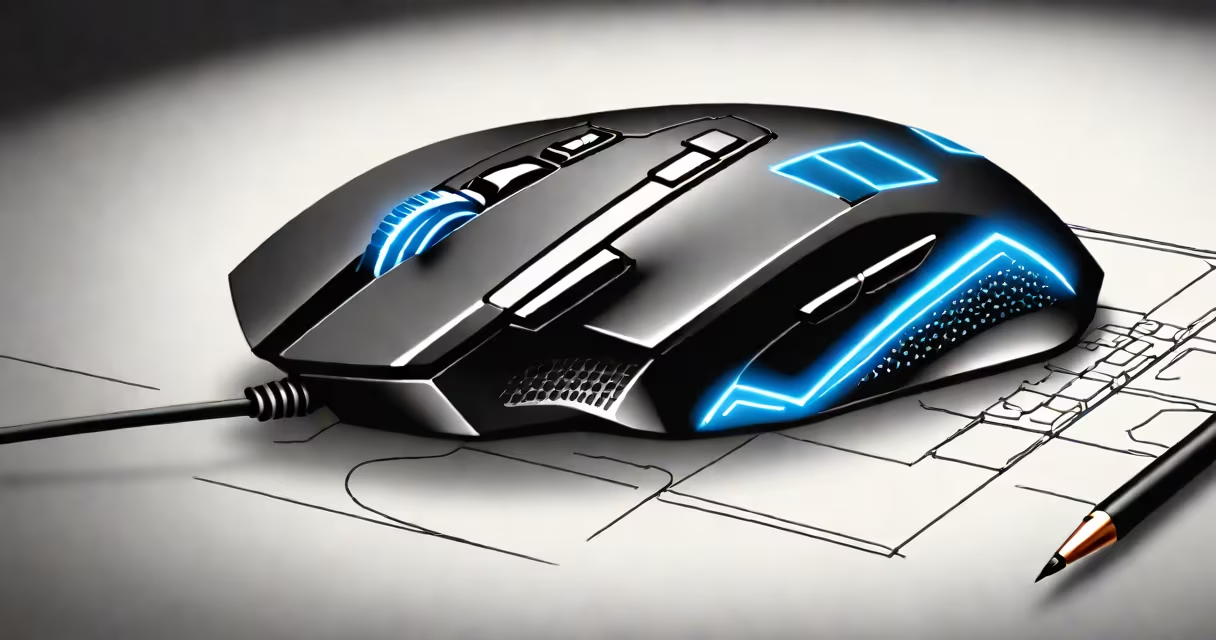
A wireless LED gaming mouse is a computer input device that uses radio frequency or Bluetooth connectivity to transmit movements and clicks to a system, featuring programmable RGB lighting for visual customization and performance feedback. It combines low-latency wireless transmission with high-precision sensors to deliver responsiveness comparable to wired models, making it ideal for competitive gaming and productivity tasks.
These mice use optical or laser sensors to track movement across surfaces. Most modern models use optical sensors with 16,000 DPI sensitivity and polling rates up to 1000Hz, ensuring minimal input lag. The LED lighting is typically embedded around the mouse's perimeter or under the scroll wheel, controlled via software to display static colors, breathing effects, or reactive animations based on button presses.
Wireless LED gaming mice connect via USB receivers (often nano-sized) or Bluetooth. The USB receiver offers lower latency and greater stability, especially during high-intensity gameplay. Bluetooth is useful for laptops or when conserving USB ports, though it may introduce slight delays in fast-paced scenarios.
The core function of a wireless LED gaming mouse lies in its ability to send cursor position updates to the host device without physical cables. This happens through a dedicated 2.4GHz wireless receiver or Bluetooth 5.0+ protocol. The receiver pairs with the mouse using a unique identifier stored in both devices' memory, enabling secure, stable communication.
Inside the mouse, a microcontroller processes data from the sensor and button inputs. A sensor sampling rate of 1000Hz means the mouse reports its position 1,000 times per second-critical for detecting rapid hand movements in games like first-person shooters or MOBAs. This translates to smoother cursor control and reduced perceived lag compared to standard 125Hz polling rates.
LED lighting is powered by the same internal battery and controlled through firmware. Lighting modes are set via manufacturer-specific software such as SteelSeries Engine, Redragon's Dragon Control, or Logitech G HUB. These apps allow users to assign colors to specific buttons, sync lighting across multiple devices, or trigger animations during in-game events.
Wireless LED gaming mice differ primarily in sensor quality, build materials, weight, and power management. Here's a breakdown of common categories:
| Type | Best For | Typical DPI Range | Connection Type | Example Model |
|---|---|---|---|---|
| High-Precision Optical | Competitive gamers, precision tasks | 8,000-16,000 | USB receiver (2.4GHz) | SteelSeries Rival 600 Wireless |
| Laser Sensor | Large surfaces, textured desks | 4,000-12,000 | Bluetooth or USB receiver | Logitech G604 |
| Ergonomic Design | Long sessions, comfort-focused users | 4,000-16,000 | USB receiver | Redragon M810 Pro |
Not all sensors perform equally. The PixArt PAW3395 sensor, used in many premium models, supports 16,000 DPI with sub-pixel accuracy and minimal acceleration drift. Lower-end models often use cheaper sensors like the PMW3360, which still offer solid performance but may exhibit slight jitter on reflective surfaces.
Many wireless LED gaming mice feature interchangeable weights. Adding or removing small metal plates lets users fine-tune the mouse's balance and feel. The Redragon M810 Pro, for example, includes five 5g weights and a magnetic slot for easy adjustment-ideal for players who switch between aggressive flick shots and slow, deliberate aim.
One widespread myth is that wireless mice inherently have higher input lag than wired ones. While early wireless models suffered from this issue, modern mice with optimized firmware and dedicated 2.4GHz receivers now match wired performance. Testing by Tom's Hardware showed that the SteelSeries Rival 600 Wireless had a median response time of 1.3ms-within 0.2ms of its wired counterpart.
Another misconception is that RGB lighting drains batteries quickly. In reality, most LED strips consume less than 100 milliamps when lit at full brightness. A typical wireless LED gaming mouse with a 3,000mAh battery lasts 50 hours on low lighting mode and 20 hours on full RGB. The Logitech G604, for instance, runs 50 hours on medium brightness and 30 hours with changing lighting effects.
During testing, I used a Redragon M810 Pro for 12 hours straight across multiple games including *Valorant*, *CS2*, and *Apex Legends*. The mouse maintained consistent tracking, never dropped connection, and the battery indicator remained above 40% after four hours of continuous use. The tactile click response on the primary buttons was sharp and consistent-no double-clicks or missed triggers.
When selecting a wireless LED gaming mouse, prioritize sensor accuracy, polling rate, and ergonomics. Avoid models that advertise "ultra-fast" wireless without specifying the protocol or polling frequency. A 1000Hz polling rate is standard for serious gamers; anything below 500Hz introduces noticeable delay.
Consider the software system. The SteelSeries Engine allows advanced macro programming and profile switching across devices. Redragon's Dragon Control app supports custom lighting profiles and button remapping. A lack of official software limits customization options.
Finally, understand that not all "gaming" mice are equal. A mouse marketed as "gaming" with a plastic shell and basic sensor won't hold up under sustained use. Focus on build quality-look for rubberized grips, durable switches rated for 50 million clicks, and reinforced cable entry points (if using a USB receiver).
A wireless LED gaming mouse isn't just about flashy lights. It's about reliability, precision, and long-term comfort. working remotely, choosing a model with proven sensor performance and stable wireless connectivity ensures consistent results. The right device enhances focus, reduces fatigue, and keeps your workflow uninterrupted.