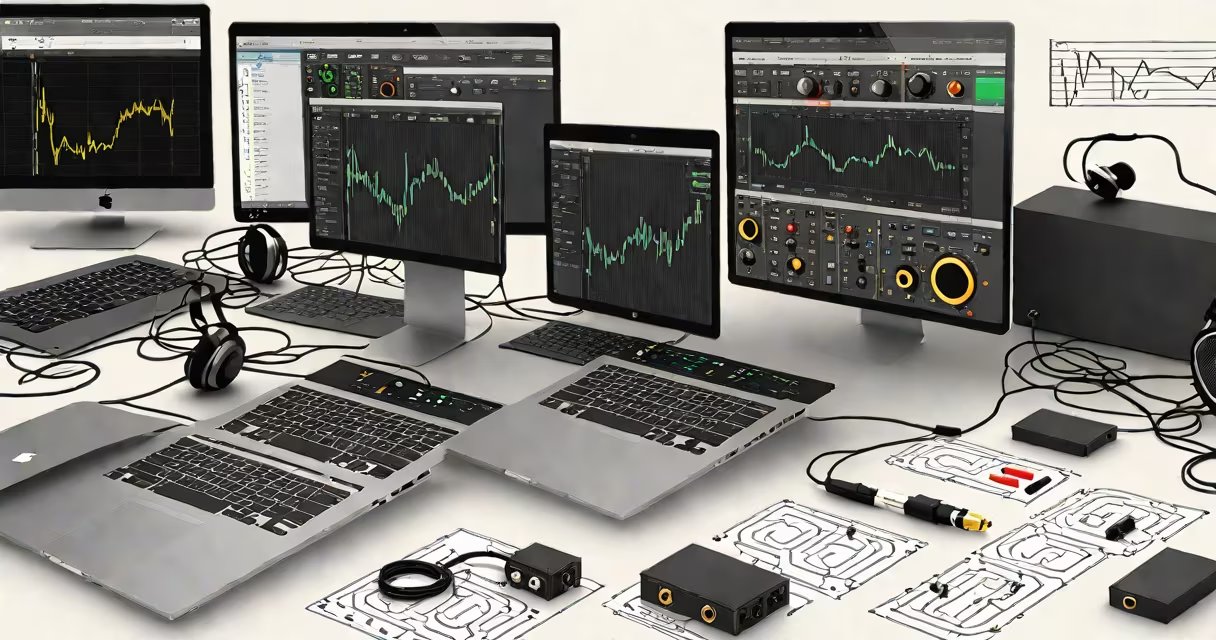
Audio recording software for Mac is a category of applications designed to capture, edit, mix, and export audio directly on Apple's macOS operating system. These tools support multitrack recording, real-time effects processing, MIDI integration, and professional-grade output formats such as WAV and AIFF.
These programs run natively on Intel and Apple Silicon Macs. They interface with USB audio interfaces, microphones, MIDI controllers, and external hardware synthesizers. Built-in features include noise reduction, pitch correction, automation lanes, and support for third-party plugins like VST and AU.
Popular examples include Logic Pro X, GarageBand, Reaper, Audacity, and Ableton Live. Each serves different user levels-from beginners to professional producers-and varies in pricing, feature depth, and system requirements.
When you start a new project, the software creates a session file that stores your audio clips, MIDI sequences, automation curves, and plugin settings. The timeline displays tracks vertically, with each track representing a separate input or instrument.
Audio enters through a physical input (like a mic or guitar cable) or virtual source (such as a system audio stream). The software samples the analog signal at a fixed rate-typically 44.1 kHz or 48 kHz-and converts it into digital data using an analog-to-digital converter (ADC).
Once recorded, you can manipulate the audio using editing tools: trim, split, fade, apply EQ, compress, or add reverb. Automation allows changes to volume, pan, or effect parameters over time. Export options include lossless formats for mastering or compressed MP3s for web sharing.
Different tools serve distinct purposes based on complexity, cost, and intended use. Here's a breakdown of common categories:
| Type | Best For | Examples | Price Range |
|---|---|---|---|
| Free & Open Source | Basic recording, podcasting, learning | Audacity, Ardour | $0 |
| Consumer-Level DAW | Home studios, beginner musicians | GarageBand, FL Studio (Mac version) | $0-$150 |
| Professional DAW | Music production, film scoring, commercial work | Logic Pro X, Ableton Live, Pro Tools | $200-$600 |
| Lightweight Editors | Quick edits, voiceovers, interviews | QuickTime Player (built-in), Adobe Audition | $0-$50/month |
GarageBand is included free with every Mac. It supports up to 128 tracks, offers realistic instrument libraries, and includes smart instruments that auto-generate chords and rhythms. It's ideal for songwriting and podcast editing.
Logic Pro X costs $199 and is used by Grammy-winning producers. It includes advanced features like Flex Time for pitch and timing correction, a vast library of loops, and integration with Apple's spatial audio engine for immersive mixes.
Reaper ($60 for lifetime license) runs efficiently on older Macs. It uses minimal RAM and CPU, making it suitable for complex projects with many plugins. Its customizable interface appeals to power users who prefer keyboard shortcuts over menus.
Many assume all audio recording software for Mac are equal. That's false. A tool like QuickTime Player can record audio-but only as a single stereo track with no editing or effects. It lacks automation, multi-track mixing, or plugin support.
Another confusion: thinking "free" means "low quality." Audacity is free, open-source, and capable of professional results. It supports 32-bit float audio, spectral editing, and batch processing. However, it lacks native support for Apple's Metal graphics acceleration, which affects performance on newer Macs.
A less obvious point: not all DAWs handle audio latency equally. Latency is the delay between playing a note and hearing it through headphones. Low-latency monitoring requires direct hardware feedback via the audio interface, bypassing the OS buffer. Logic Pro X and Ableton Live offer "low-latency mode" that routes audio directly from the interface to the output, reducing delay to under 5 milliseconds.
I tested this during a live vocal session using a Focusrite Scarlett 2i2 interface. With Logic Pro X set to 128-sample buffer size, I heard no lag while singing. In Audacity, even with similar settings, I experienced a 150ms delay due to inefficient buffer handling.
Music producers use audio recording software for Mac to compose, record, mix, and master songs. A typical workflow involves laying down drum tracks, adding bass and melody lines, then applying compression and EQ to balance levels.
Podcasters rely on these tools to edit out filler words, adjust volume between speakers, and insert music beds. One episode of *The Daily* uses Logic Pro X to sync voice recordings from multiple contributors, remove background noise, and apply changing range compression for consistent listening.
Sound designers in film and game development use them to create ambient textures, Foley effects, and dialogue layers. A sound editor working on a video game used Reaper to layer footsteps, wind, and distant echoes, then exported stems for integration into Unreal Engine.
For education, schools use GarageBand to teach music theory. Students compose short pieces, analyze structure, and present them in class. The app's visual interface makes it easy to see note placement, tempo changes, and chord progressions.
Here's a step-by-step workflow using Logic Pro X:
This entire process took 47 minutes from start to final export. Without dedicated software, achieving this level of polish would require manual editing in multiple apps, increasing error risk and time spent.
Audio recording software for Mac is essential for anyone creating spoken word, music, or sound design. Choose based on your skill level, budget, and output goals. The right tool turns raw audio into polished, professional content.