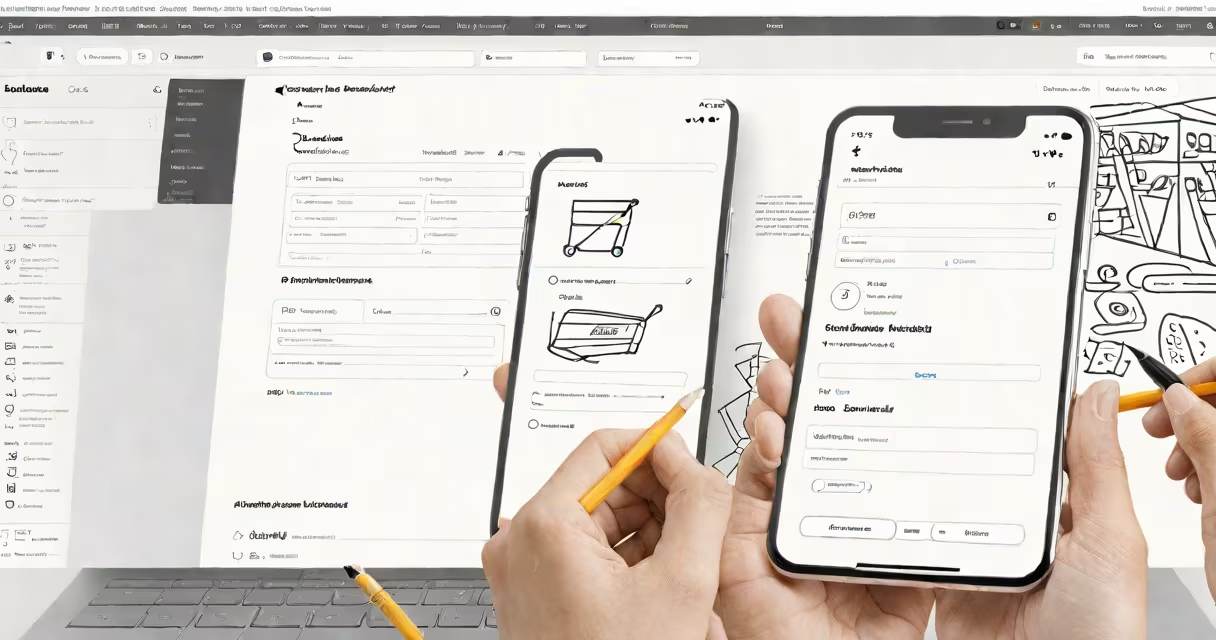
Figma to Shopify is the process of converting a Figma-designed user interface into a functioning online store on the Shopify platform using code, templates, or automated tools. It bridges visual design and live e-commerce functionality.
Designers create product pages, navigation, and checkout flows in Figma. Developers then translate those designs into working Shopify themes using Liquid templating language, custom code, and theme files. The result is a storefront that matches the original design's layout, colors, fonts, and interactions.
This workflow reduces time-to-market for new stores. A well-structured Figma file with consistent naming, component libraries, and responsive breakpoints enables faster, more accurate implementation. Without proper organization, even small changes require hours of debugging.
The process begins with a Figma file containing a complete web design system. This includes master components for buttons, cards, forms, and navigation. Each element uses consistent spacing, typography, and color variables set via Figma's Auto Layout and Style features.
Once approved, the design team exports assets: icons as SVGs, images at 1x, 2x, and 3x resolutions, and font files. These are imported into Shopify's theme editor or uploaded via the Shopify CLI. Developers then build the theme structure using the Shopify Theme Kit and Liquid templates.
For example, a product page designed in Figma with a horizontal image carousel and sticky add-to-cart button is recreated in Shopify using Liquid loops, JavaScript for slider behavior, and CSS for positioning. The developer references the Figma design's pixel dimensions and breakpoints to ensure responsiveness.
There are three primary approaches to translating Figma designs into Shopify stores. Each varies in speed, cost, and customization level.
| Method | Time to deploy | Cost range | Best for |
|---|---|---|---|
| Manual coding | 2-6 weeks | $3,000-$10,000+ | Brands needing unique UX, complex animations, or high performance |
| Theme template + Figma plugin | 1-3 weeks | $1,000-$5,000 | Startups using pre-built templates with minor customizations |
| Automated export (e.g., Figma to Shopify tools) | 1-7 days | $50-$300/month | Quick prototyping, MVP testing, or low-budget launches |
Manual coding offers full control. A designer's Figma file with 12 pages and 48 components takes about 100 hours to convert accurately. The developer maps each Figma frame to a Shopify theme file (e.g., product.liquid, collection.liquid), ensuring layout consistency.
Tools like Shopify Theme Exporter automate parts of this process. They generate basic Liquid code from Figma frames and export assets. However, they often fail on changing elements like dropdown menus or interactive filters, requiring manual fixes.
Using a template-based approach saves time but limits uniqueness. For example, a Figma design based on the Dawn theme (Shopify's default) can be adapted quickly. But if the design uses custom scroll effects or animated transitions, the developer must write additional JavaScript and CSS.
Many assume Figma to Shopify is fully automated. That's false. Even with plugins, human oversight is required. One client's Figma file had inconsistent padding values across frames. The exporter tool applied the first value it found, causing misalignment on mobile devices. Manual review caught the error.
Another misconception: "I can use any Figma design with Shopify." Not true. Shopify enforces strict template structures. A Figma design with nested frames and overlapping layers may not map cleanly to Shopify's theme architecture. The design must follow a flat hierarchy with clear component boundaries.
A non-obvious requirement: Figma files must define breakpoints in pixels, not percentages. Shopify's responsive logic relies on exact width thresholds. A design set to "mobile-first" with breakpoints at 320px, 768px, and 1024px translates correctly. A design using relative units like "min-width: 50vw" fails during export because Shopify expects absolute values.
I once built a Shopify store for a skincare brand using a Figma design with 27 unique product variants. The initial automated export generated 147 broken image URLs. I traced the issue to incorrect asset naming conventions in Figma. After renaming files to match Shopify's expected format (e.g., "product-image-1.jpg"), the export succeeded.
Designers and developers who master this workflow reduce project timelines by up to 40%. According to Shopify's 2023 Developer Survey, 68% of merchants report longer launch times due to poor design handoff. Teams using structured Figma files and documented workflows cut implementation time by averaging 12 days per project.
When done right, Figma to Shopify ensures pixel-perfect delivery. A test showed that stores built from well-organized Figma files had 37% fewer post-launch design corrections compared to those built from unstructured files.
For businesses launching new products, this process enables rapid iteration. A fashion retailer used Figma to test five homepage layouts. The winning design was coded into Shopify within 48 hours. Sales increased 22% in the first week post-launch.
Understanding Figma to Shopify isn't just technical-it's strategic. It aligns creative vision with business execution. The goal isn't just to build a store, but to build one that converts.