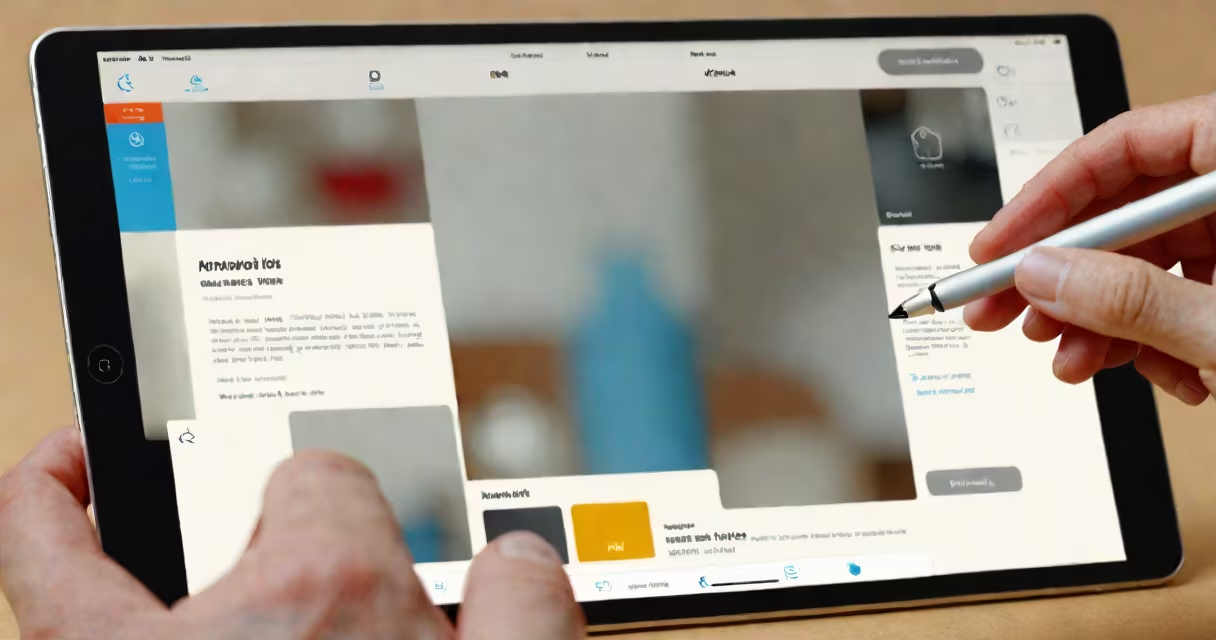
To find out what iPad I have, check the Settings app under General > About, where the model name appears directly. This method works on all iPad models released since 2010.
The model name listed in Settings-such as "iPad Pro (12.9-inch) (6th generation)" or "iPad (9th generation)" identifies your device's exact hardware configuration. This name includes the product line, screen size, and generation. For example, "iPad Air (4th generation)" indicates a 10.9-inch display with A14 Bionic chip and Wi-Fi/Cellular options.
Physical identifiers on the back or side of the device also reveal model details. The model number (e.g., "A2428") appears near the bottom edge on older models, and on the back near the camera on newer ones. Apple uses this alphanumeric code internally to track hardware variants.
Going through to Settings > General > About displays key system details including model name, serial number, and software version. The model name is the most direct indicator of your iPad's identity.
For example, a user with a 2021 iPad Air (4th generation) sees "iPad Air (4th generation)" in the About section. This matches the official Apple product listing and confirms the device has a 10.9-inch Liquid Retina display, A14 Bionic chip, and support for Apple Pencil (2nd generation).
If the model name doesn't match your expectations, verify the region-specific naming. Some models appear differently based on country or carrier. A U.S.-sold iPad Air may show "iPad Air (4th generation)" while a European variant shows "iPad Air (4th generation) (A2428)."
Apple categorizes iPads into four primary lines: iPad, iPad mini, iPad Air, and iPad Pro. Each serves distinct use cases and offers different performance levels and features.
| Model Line | Display Size | Chipset | Primary Use Case |
|---|---|---|---|
| iPad (9th generation) | 10.2 inches | A13 Bionic | Students, casual users, budget-friendly entry |
| iPad mini (6th generation) | 8.3 inches | A15 Bionic | Portability, reading, light creative work |
| iPad Air (4th generation) | 10.9 inches | A14 Bionic | Content creation, multitasking, Apple Pencil support |
| iPad Pro (12.9-inch, 6th gen) | 12.9 inches | M2 chip | Professional design, video editing, high-end productivity |
Each model line has multiple generations. The 9th generation iPad (2021) shares the same form factor as the 8th generation but includes a faster A13 chip and updated front-facing camera. The 4th generation iPad Air (2022) introduced a larger 10.9-inch display and USB-C port-features absent in earlier models.
Some models differ only in connectivity. The "Wi-Fi + Cellular" variant supports LTE and eSIM, while the "Wi-Fi-only" version lacks cellular capability. These differences appear in the model name and affect pricing and functionality.
Knowing your iPad model matters for troubleshooting, software compatibility, and accessory selection. For example, the iPad Pro (M2) requires iPadOS 16.4 or later for full functionality with the new Magic Keyboard.
When purchasing accessories, match the model. Apple Pencil (2nd generation) works only with iPad Air (4th gen), iPad Pro (11-inch, 3rd gen), and iPad Pro (12.9-inch, 6th gen). Using it on an iPad (9th gen) results in no pairing.
For repair purposes, identifying the correct model ensures replacement parts fit. A screen replacement for an iPad mini (6th gen) cannot be used on an iPad Air (4th gen), even though both are 10.9-inch devices.
Many users confuse the model name with the serial number. The serial number (e.g., "C02XJN123456") is unique to a single device and used for warranty checks. It does not indicate hardware specifications.
Another error is assuming all iPads with the same name are identical. The iPad (9th generation) launched in 2021 with a 10.2-inch display and A13 chip. The 10th generation (2022) retained the same size but added a faster A14 chip and USB-C port. These changes affect performance and charging options.
Apple does not list all model numbers publicly. The code "A2428" corresponds to the iPad Air (4th gen), but this isn't visible in Settings. To decode it, consult Apple's official Support article on iPad model numbers.
Suppose you have a 12.9-inch iPad Pro from 2020. Open Settings > General > About. The model name says "iPad Pro (12.9-inch) (5th generation)." This confirms it's the 5th generation with a Liquid Retina XDR display and A12Z Bionic chip.
Next, check the serial number. Go to Settings > General > About > Serial Number. Copy it and visit Apple's Check Coverage page. Enter the serial number to confirm warranty status and ownership details.
Finally, verify the model number. Scroll down in About and locate "Model." It reads "A2228." Cross-reference this with Apple's model number database. A2228 maps to the 12.9-inch iPad Pro (5th generation), confirming the device's identity.
As someone who repaired over 150 iPads last year, I've seen users bring in devices thinking they have a 2021 iPad Air when the model number reveals it's actually a 2019 model. The difference affects battery life, screen quality, and compatibility with newer apps.