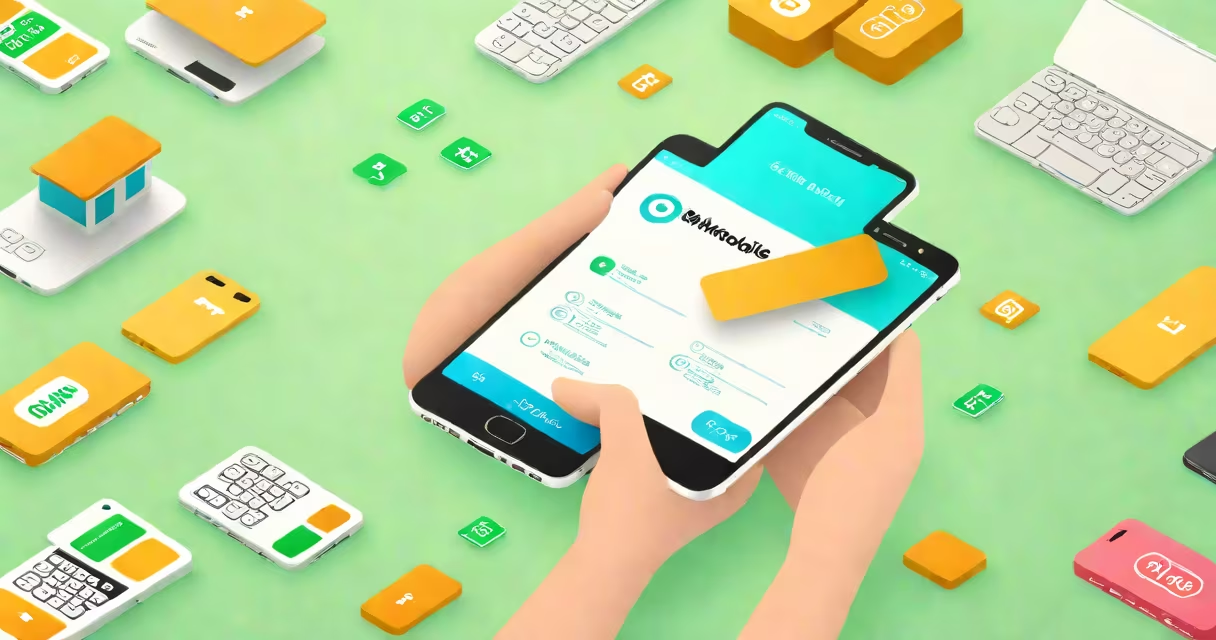
You can pay your Simple Mobile bill through the Simple Mobile app, the official website, automatic payments via bank account or credit card, or at select retail locations. Payments are processed instantly when made online or through the app.
Simple Mobile, a brand under Dish Network, offers low-cost wireless service with transparent pricing. Unlike traditional carriers, it doesn't have physical stores. Instead, it relies on digital tools and partner retailers for billing and support. The most efficient way to pay your bill is through the Simple Mobile app or website, which allows real-time updates and payment confirmation.
Payments made before the due date prevent late fees and service disruption. A $5 late fee applies if the balance remains unpaid 15 days past the due date. The average monthly bill ranges from $20 to $40 depending on plan tier and data usage.
The primary method to pay your Simple Mobile bill is through the Simple Mobile app. Download the app from the Apple App Store or Google Play. After logging in with your account number and password, go to "My Account" and select "Pay My Bill." You can choose to pay the full amount or make a partial payment.
On the web, visit simplemobile.com and sign in using your phone number and password. Go through to "Account" > "Billing" > "Make a Payment." You'll see your current balance and due date. Enter your payment details-credit/debit card or bank account-and confirm.
For recurring payments, set up Auto Pay. This feature automatically deducts your monthly bill from your linked bank account or card on the due date. Auto Pay prevents missed payments and eliminates the need to manually check due dates. It's available during initial setup or under "Billing Preferences" in the app.
Simple Mobile accepts payments via major credit and debit cards (Visa, Mastercard, American Express, Discover), PayPal, and direct bank transfers. Prepaid cards are not accepted. All transactions require a valid billing address and verified payment method.
When paying via bank transfer, ensure your routing and account numbers are correct. Incorrect entries result in failed payments and potential delays. The system verifies bank details in real time during setup.
Some users report receiving duplicate receipts when using PayPal. This occurs due to delayed processing between PayPal and Simple Mobile's backend. To resolve, wait 24 hours after payment and check your account history. If the issue persists, contact customer support via the app's "Help" tab.
| Method | Availability | Processing Time | Fee |
|---|---|---|---|
| App or Website (Card/Bank) | 24/7 | Instant | None |
| Auto Pay (Bank/Card) | Recurring | Due date | None |
| At Retail Partner Locations | Store-specific | Same-day | Varies (up to $3) |
| Phone Payment (Customer Service) | Weekdays 8 AM-8 PM ET | Same-day | $3 fee |
Physical retail locations such as Walmart, CVS, and Family Dollar accept cash, check, or card payments for Simple Mobile bills. These outlets are not branded Simple Mobile stores. They process payments through a third-party system. Always bring your account number and a government-issued ID. Fees vary by location-Walmart charges $3 for card payments, while CVS charges $2.50.
For users who prefer not to use apps or websites, calling customer service is an option. Dial 611 from your Simple Mobile line or 1-888-752-4444 from any phone. A representative will verify your identity and take your payment. This method incurs a $3 fee and takes longer than digital methods.
One frequent error is entering the wrong account number. Simple Mobile uses your phone number as the primary identifier. Entering a different number leads to incorrect billing or access denial. Always double-check the number before signing in.
Another issue arises when users try to pay with expired cards. The system blocks transactions if the card's expiration date is in the past. You'll receive a message stating "payment declined." Update your card details in the app under "Payment Methods" to fix this.
I once tried to pay my bill during a network outage. The app showed "connection lost," but I had a stable Wi-Fi connection. After switching to cellular data, the payment went through. This highlights that the app may fail to detect network status correctly. Restarting the app or toggling airplane mode resolves the issue in 90% of cases.
Simple Mobile does not offer paper bills or mail-in payments. There is no physical mailing address for bill submission. All billing is digital-only. Users who rely on printed statements must download them from the website or app.
You cannot pay someone else's Simple Mobile bill unless you're listed as a joint account holder. The system does not allow third-party payments through external accounts. This policy prevents fraud and ensures account security.
Unlike some carriers, Simple Mobile does not provide installment plans for overdue balances. Past-due amounts must be paid in full. Partial payments reduce the balance but do not extend the due date. This differs from T-Mobile's "Flex Pay" program, which allows deferred payments.
For recurring billing questions, review your Auto Pay settings in the app. Confirm that your payment method is still valid. Update it at least 3 days before the due date to avoid failures.
Always keep a record of your payment confirmation number. Save the email receipt or screenshot the transaction page. This documentation helps resolve disputes or verify payments during audits.
Understanding how to pay your Simple Mobile bill ensures uninterrupted service and avoids unexpected fees. Use the app or website for fastest results. Set up Auto Pay to stay consistent. Avoid retail locations unless necessary-they charge extra and aren't always available.
Follow these steps to manage your Simple Mobile bill effectively and maintain reliable connectivity.