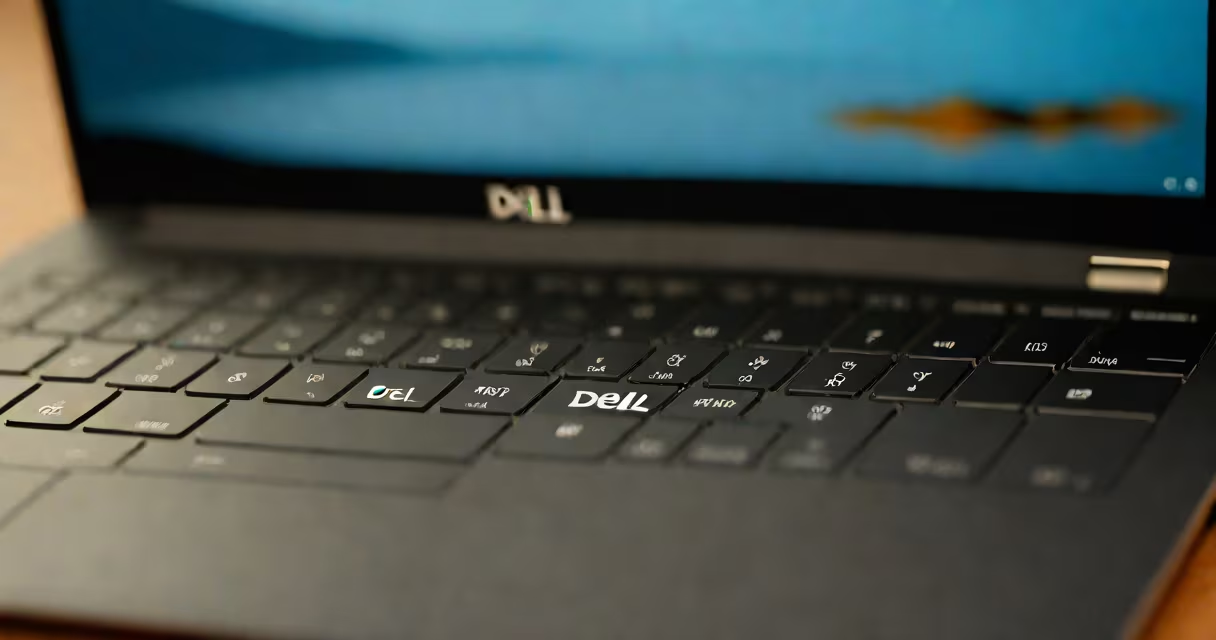
The laptop model number is a unique alphanumeric code assigned by the manufacturer to identify the specific configuration and hardware design of a device. It appears on the device's physical label, in system settings, or through command-line tools. Knowing this number helps verify warranty status, download correct drivers, and troubleshoot hardware issues.
Manufacturers assign model numbers during production. For example, a Dell Latitude 5420 has a distinct model number (e.g., 0Y6T2) that differs from the Dell Latitude 5430 (0Y6T3). This identifier is not the same as the serial number, which tracks individual units. The model number identifies the product family and specifications.
Using the correct model number ensures compatibility. A driver designed for a Lenovo ThinkPad T14 Gen 3 won't work on a T14 Gen 2. The model number is essential for support, upgrades, and repairs. Always confirm the model number before purchasing accessories or software.
Most laptops have a model number printed on a label attached to the bottom casing. Look for a sticker with multiple codes. The model number often appears under "Model," "Model No.," or "Product Model." On Dell devices, it may be labeled "Service Tag" or "System Model."
For example, on a Lenovo ThinkPad X1 Carbon Gen 9, the model number is listed as "20WQ" on the underside label. On HP Spectre x360 models, it appears as "14-ef0xxx." These codes are standardized across the product line and remain consistent regardless of configuration.
Some manufacturers place the label inside the battery compartment. Remove the battery cover (if removable) to check. If the label is damaged or missing, use software-based methods to retrieve the model number.
On Windows, open Command Prompt and run:
wmic computersystem get modelThis returns output like "Latitude 5420" or "ThinkPad X1 Carbon Gen 9." The result is pulled from the system BIOS and matches the official model name. You can also access this via Settings > System > About, where "Device model" displays the name.
On macOS, open Terminal and enter:
sysctl -n machdep.modelOutput shows the model name, such as "MacBookPro18,3" for a 2023 MacBook Pro. Apple uses a numeric code format based on internal design. To cross-reference, visit Apple's Hardware Support page and search by model identifier.
Linux users can run:
dmidecode -s system-product-nameThis command retrieves the product name from the DMI table. Output varies by distribution but typically returns strings like "HP EliteBook 840 G8." Ensure the dmidecode package is installed.
The model number identifies the product line and hardware configuration. The serial number is a unique identifier assigned to each individual unit. For example, two Dell Latitude 5420 laptops share the same model number (0Y6T2) but have different serial numbers (e.g., "ABC123456" and "DEF789012").
Manufacturers use the model number to group devices with similar features. The serial number tracks ownership, warranty eligibility, and repair history. Confusing the two leads to incorrect driver downloads or support tickets.
| Field | Meaning | Example |
|---|---|---|
| Model Number | Product family and hardware design | Dell Latitude 5420 (0Y6T2) |
| Serial Number | Unique ID for a single device | ABC123456 |
A common mistake is assuming the serial number is the model number. They serve different purposes. The model number stays constant across units. The serial number changes per device.
Users often confuse the model number with the processor name or display resolution. A laptop labeled "Intel Core i7" or "14-inch FHD" does not indicate the model number. These are feature descriptors, not identifiers.
Another error is relying solely on the operating system's "About" screen. While Windows and macOS show the model name, they may omit the full model number. For example, macOS shows "MacBook Pro (14-inch, 2023)" but not the internal model code like "MacBookPro18,3." Use command-line tools for precision.
I once encountered a customer who reported a failed GPU on a Lenovo ThinkPad T14 Gen 3. The support agent asked for the model number. The user provided "ThinkPad T14," which is too generic. The correct response was "20XV" - the actual model number. This delay caused a misdiagnosis. Always provide the full model number, not just the product name.
Use the model number to download drivers from the manufacturer's website. Dell's support site requires the model number to filter correct drivers. Entering "Latitude 5420" without the full code returns outdated or incorrect results.
Check warranty status using the model number. Microsoft's Warranty Check tool accepts the model number to verify coverage. Apple's Check Coverage service uses the model identifier to determine if a MacBook is still under warranty.
For repairs, technicians need the model number to source compatible parts. A replacement motherboard for a Sony Vaio Z series must match the exact model number. Using a part from a different model causes compatibility failures.
Tools like CPU-Z (Windows) or Open Hardware Monitor (cross-platform) display detailed system information. CPU-Z shows the model number under the "Mainboard" tab. Open Hardware Monitor lists it under "System Information."
These tools are useful when the OS fails to report the model number correctly. They read directly from the SMBIOS tables, bypassing potential OS-level errors. However, always verify results against official sources.
For enterprise environments, IT departments use tools like PowerShell scripts or SCCM to inventory model numbers across fleets. A script like Get-WmiObject -Class Win32_ComputerSystem | Select-Object Model pulls model data from multiple machines simultaneously.
Knowing how to get laptop model number is essential for accurate troubleshooting, driver installation, and support. Use the physical label, command-line tools, or system settings to retrieve it. Always distinguish between model number and serial number. Provide the full code when contacting support or downloading software.