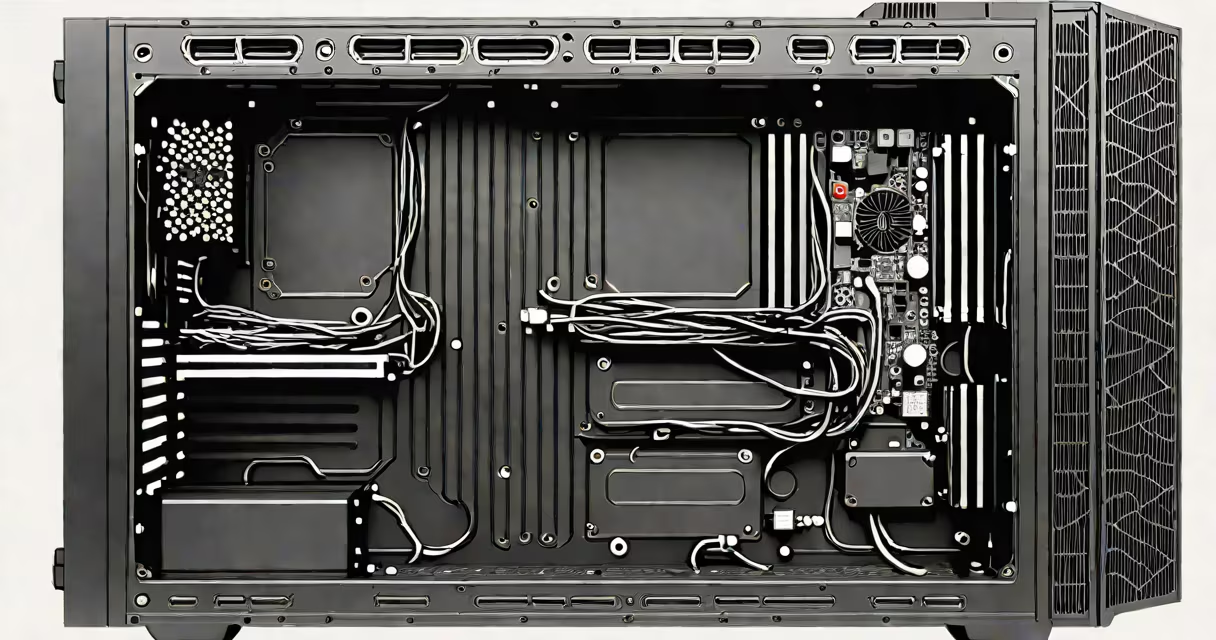
An ATX mid tower motherboard is a standard-sized printed circuit board designed to fit in mid tower computer cases, supporting full-size ATX motherboards with integrated components like CPU sockets, RAM slots, and expansion headers.
These motherboards measure 12 x 9.6 inches (305 x 244 mm), matching the ATX form factor specification set by Intel in 1995. They serve as the central hub for all system components-CPU, RAM, GPU, storage-and are engineered to work within the physical constraints of mid tower cases, which typically range from 18 to 24 inches in height.
Mid tower cases are the most common choice for desktop builds due to their balance of size, airflow, and component capacity. The ATX mid tower motherboard ensures compatibility with standard power supplies, cooling solutions, and case mounting points, making it ideal for gaming, productivity, and workstation systems.
The ATX mid tower motherboard connects all core hardware through standardized interfaces. The CPU socket (e.g., LGA 1700 for Intel 12th-14th Gen, AM5 for AMD Ryzen 7000 series) accepts the processor. DIMM slots hold DDR4 or DDR5 memory modules. PCIe slots support graphics cards, NVMe SSDs, and network adapters.
Power delivery comes via a 24-pin ATX power connector and an 8-pin EPS connector for the CPU. The motherboard manages voltage regulation, clock synchronization, and data routing between devices. BIOS firmware controls boot sequence, hardware detection, and system settings.
Internal case fans, front-panel headers, USB ports, audio jacks, and SATA connectors are routed through the motherboard's I/O shield and rear panel. This integration allows users to control lighting, monitor temperatures, and access peripherals without external hubs.
While the ATX form factor is standardized, motherboards differ in chipset, VRM quality, and feature sets. Common chipsets include Intel Z790, B760, and AMD X670, B650. These influence overclocking support, PCIe lane allocation, and USB version availability.
| Feature | Standard ATX | Enhanced ATX (eATX) | Micro-ATX (mATX) |
|---|---|---|---|
| Dimensions | 12 x 9.6 in (305 x 244 mm) | 12 x 13 in (305 x 330 mm) | 9.6 x 9.6 in (244 x 244 mm) |
| Case Compatibility | Mid tower, full tower | Full tower, high-end mid towers | Mid tower, small form factor |
| Expansion Slots | Up to 3 PCIe x16 slots | Up to 4 PCIe x16 slots | 1-2 PCIe x16 slots |
Most mid tower cases accept ATX motherboards. Some models, like the Fractal Design Meshify 2, support both ATX and micro-ATX. However, eATX boards require deeper cases-typically full towers-to accommodate longer PCBs and additional VRM heatsinks.
A key distinction often missed: not all mid tower cases support full-length GPUs. Cases with limited vertical clearance may restrict GPU length to 320 mm even if the motherboard supports longer cards. Always verify case specifications against GPU and motherboard dimensions.
ATX mid tower motherboards dominate consumer and professional builds. They're used in gaming PCs, video editing workstations, home servers, and developer machines due to their scalability and upgrade path.
For example, a build using an AMD Ryzen 9 7950X, NVIDIA RTX 4090, 128 GB DDR5 RAM, and dual 2 TB NVMe drives requires a motherboard with PCIe 5.0 support, multiple M.2 slots, and solid power delivery. The ASUS ROG Crosshair X670E Hero, an ATX mid tower motherboard, provides four M.2 slots, PCIe 5.0 x16 for the GPU, and 12+1 power phases for stable overclocking.
Another example: a budget-friendly workstation with an Intel Core i5-13400, 32 GB RAM, and a 1 TB SSD uses a B760 chipset motherboard. The MSI PRO B760M-P WiFi, despite being micro-ATX, fits in many mid tower cases. But if the builder chooses a full ATX board like the Gigabyte B760M AORUS Pro, they gain better thermal performance and more PCIe lanes-critical for future upgrades.
Mid tower cases with front-facing USB-C ports, RGB headers, and tool-free drive bays improve usability. The motherboard routes signals from these ports to the front panel, enabling plug-and-play functionality for external drives, monitors, and peripherals.
Many assume that "mid tower" implies a specific motherboard size. That's incorrect. A mid tower case holds ATX, micro-ATX, and mini-ITX motherboards. The term refers to case size, not motherboard format.
Another misconception: all ATX motherboards fit all mid tower cases. Reality check: some cases have restricted PCIe slot placement or insufficient clearance behind the CPU cooler. For example, the NZXT H510 has a 20 mm gap between the motherboard tray and the rear panel. If the motherboard's PCIe slot extends beyond the case's rear cutout, the GPU won't install properly.
A non-obvious fact: the orientation of the motherboard's I/O shield matters. Most cases expect the shield to face the rear panel. If reversed, the USB, HDMI, and Ethernet ports won't align with the case's front panel openings. This causes misalignment and potential damage during installation.
I once built a system using a custom aluminum mid tower case with a unique rear panel design. The motherboard's I/O shield was slightly offset. After installing the shield, I realized the USB 3.2 Gen 2 port wouldn't reach the case's front panel. I had to remove the shield, file down the metal edge, and re-install. This took 20 minutes and required a Dremel tool. Lesson: always double-check I/O shield alignment before securing the motherboard.
When selecting an ATX mid tower motherboard, prioritize compatibility with your case, CPU, and planned upgrades. Check the case manual for supported motherboard sizes and clearance specs. Use tools like PCPartPicker to validate part fit before purchasing.
Understanding the relationship between ATX mid tower motherboard and case dimensions prevents costly mistakes and ensures long-term reliability. Build with precision, not guesswork.