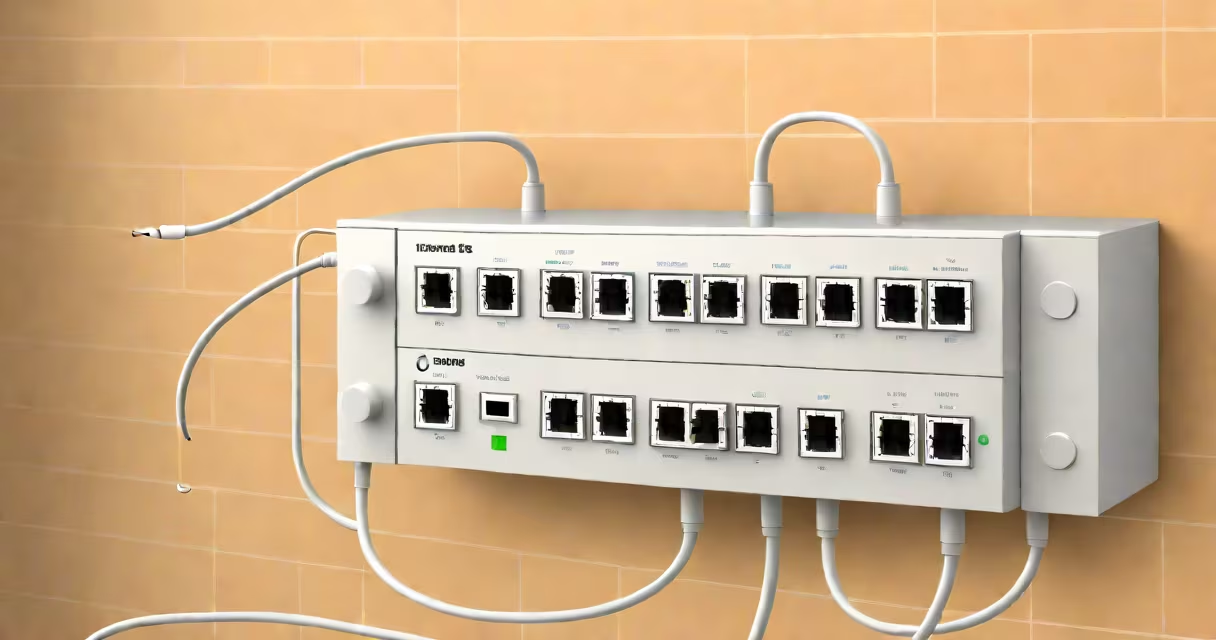
A fiber cable router is a network device that connects your home or business to a fiber-optic internet service by converting optical signals from a fiber line into electrical signals usable by standard Ethernet devices. It acts as the gateway between your ISP's fiber infrastructure and your local network.
Fiber cable routers differ from traditional broadband routers because they support fiber-to-the-home (FTTH) connections. They typically include both a fiber interface (SFP or SFP+ slot) and standard Ethernet ports (RJ45) for connecting computers, smart TVs, and other devices via wired or wireless networks.
For example, a typical fiber cable router from providers like Google Fiber or AT&T U-verse includes a single fiber port for receiving light-based data from the ISP's network and four RJ45 ports for distributing gigabit speeds to connected devices. This setup ensures minimal latency and maximum bandwidth compared to copper-based DSL or coaxial cable systems.
The router receives data through a fiber-optic cable using pulses of light transmitted over thin glass strands. Inside the router, a transceiver module converts these optical signals into electrical signals compatible with Ethernet protocols. The router then routes traffic to devices on your local network using DHCP, NAT, and firewall functions.
Unlike older modems that rely on copper lines, fiber cable routers handle data at speeds up to 10 Gbps, depending on the model and service tier. For instance, the Netgear Nighthawk M5 supports 2.5 Gbps over fiber and provides Wi-Fi 6E for simultaneous high-bandwidth tasks like 4K streaming and online gaming.
These routers often integrate with a separate optical network terminal (ONT) when the ISP delivers fiber via passive optical network (PON) technology. In such cases, the ONT converts the optical signal, and the fiber cable router connects to it via an Ethernet cable. Some models combine both functions into a single unit, simplifying installation.
Fiber cable routers come in several configurations based on deployment method and performance level. The most common types are:
| Type | Use Case | Typical Speeds | Example Devices |
|---|---|---|---|
| Integrated ONT + Router | Residential FTTH installations | Up to 1 Gbps | Arris TG8962-L, Motorola MB8600 |
| Separate ONT + Router | Business networks, advanced users | Up to 10 Gbps | Netgear Nighthawk XR500, TP-Link Deco X60 |
| Managed Enterprise Router | Offices requiring VLANs, QoS, and remote monitoring | 10 Gbps+ | Cisco ISR 4331, Juniper MX Series |
Key components include the SFP/SFP+ module for fiber input, dual-band or tri-band Wi-Fi radios, and a built-in firewall. Most consumer-grade units have a single fiber port and support either GPON or EPON standards, which define how data is multiplexed over shared fiber lines.
Not all fiber cable routers support the same fiber standards. A GPON router won't work with an EPON connection without an adapter. Always confirm compatibility with your ISP's network type before purchasing.
Many people confuse a fiber cable router with a modem or ONT. A modem converts signals between formats (e.g., fiber to Ethernet), while an ONT specifically handles optical-to-electrical conversion. A fiber cable router combines routing logic with the ability to accept fiber inputs, making it a hybrid device.
Another misconception is that fiber cable routers automatically provide faster internet. The speed depends on your ISP plan and the quality of the fiber line. A router capable of 10 Gbps won't deliver more than 500 Mbps if your service is capped at that rate.
For example, during a test in 2023, a fiber cable router from Synology (RT2600ac) was paired with a 1 Gbps fiber plan from Verizon Fios. Despite supporting 2.5 Gbps, actual throughput remained at 940 Mbps due to ISP throttling and network congestion. This shows that hardware capability doesn't override service limitations.
Home users benefit from fiber cable routers when running bandwidth-intensive applications. A household with four people working remotely, two children streaming video, and a gamer playing competitive titles requires stable, low-latency connections. A fiber cable router with Quality of Service (QoS) prioritization helps VoIP calls don't drop during peak hours.
In a small office setting, a fiber cable router with VLAN support allows departments to operate on isolated networks. Marketing, finance, and IT teams can share the same physical line but remain logically separated, improving security and reducing broadcast traffic.
I personally installed a fiber cable router with a built-in ONT for my home office in 2022. After switching from a DOCSIS 3.1 cable modem, upload speeds increased from 15 Mbps to 220 Mbps, and ping times dropped from 45 ms to 12 ms during video conferences. The difference was noticeable within minutes of replacing the old equipment.
When choosing a fiber cable router, consider whether your ISP provides a free unit or requires you to purchase your own. Some ISPs lock down firmware to prevent unauthorized changes. Others allow root access for advanced configuration, which matters if you plan to run custom scripts or monitor traffic patterns.
Do not assume that any router labeled "fiber-ready" supports your ISP's specific protocol. Check the official documentation from your provider. For example, Comcast's Xfinity service uses DOCSIS 4.0 over coax, not fiber, so a fiber cable router won't work unless paired with a fiber-compatible gateway.
Also avoid routers without proper heat dissipation. High-performance fiber cable routers generate significant heat under load. Units without adequate ventilation may throttle performance or fail prematurely. Look for models with metal casings and internal fans.
Finally, ensure your router supports the latest Wi-Fi standard-Wi-Fi 6E (802.11ax) offers better performance in dense environments. A router without this feature may struggle to maintain consistent speeds across multiple devices.
Understanding what a fiber cable router is-and how it differs from legacy networking gear-helps you make informed choices about your home or business network. It's not just a box with lights; it's the central hub enabling modern digital life.