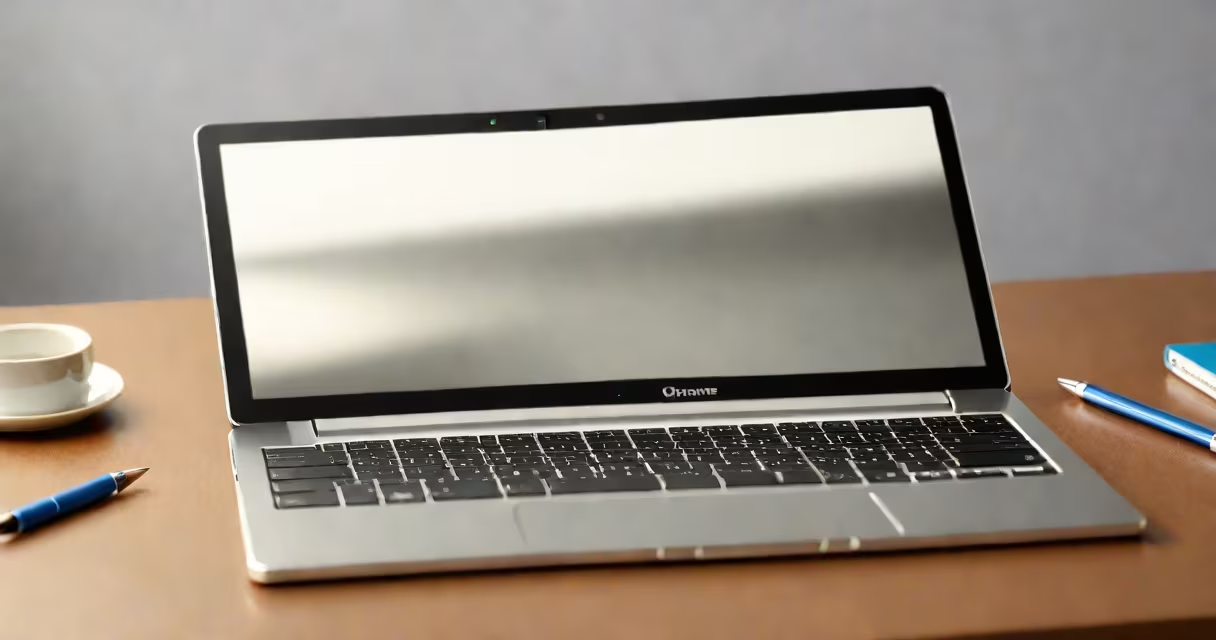
Google Chrome books are lightweight, cloud-based laptops running Chrome OS, optimized for education and everyday productivity. They prioritize speed, security, and simplicity, making them ideal for students, teachers, and remote workers.
These devices boot in under 10 seconds, rely on internet connectivity for most functions, and store data primarily in Google Drive. They're manufactured by companies like Acer, HP, Lenovo, and Samsung, all under Google's hardware and software guidelines.
Chrome OS handles core tasks through web apps and Android apps, eliminating the need for traditional desktop software. This design reduces maintenance, enhances security, and ensures consistent performance across models.
Chromebooks operate on Chrome OS, a Linux-based operating system developed by Google. Unlike Windows or macOS, Chrome OS doesn't install local applications. Instead, it runs web-based services and apps accessed through the Chrome browser.
When you open a Chromebook, it signs into your Google Account automatically. Your bookmarks, documents, settings, and passwords sync instantly across devices. This creates a smooth experience phone.
Most functionality happens online. For example, Google Docs, Sheets, and Slides run directly in the browser. Offline work is supported via cached versions of these apps, which sync when you reconnect. Even Android apps-like Duolingo or Khan Academy-are available through the Google Play Store.
Chromebooks come in several form factors and performance tiers. The main categories differ by screen size, processor, and intended use.
| Type | Screen Size | Use Case | Processor Example | Price Range |
|---|---|---|---|---|
| Entry-Level | 11-13 inches | Students, basic tasks | Intel Celeron, MediaTek Kompanio | $180-$300 |
| Standard | 13-14 inches | Classroom, homework, video calls | Intel Core i3, AMD Ryzen 3 | $300-$500 |
| High-End | 14-15 inches | Content creation, multitasking | Intel Core i5/i7, AMD Ryzen 5+ | $500-$800 |
Many models support touchscreens, styluses, and detachable keyboards. Some high-end variants include fingerprint sensors and 4K displays. All Chromebooks receive automatic updates for up to 8 years, ensuring long-term usability.
A lesser-known fact: Chromebooks don't require antivirus software. Their sandboxed architecture isolates processes, and the OS blocks malicious downloads by default. According to Google's 2023 security report, fewer than 0.003% of Chromebooks experienced malware incidents in the past year.
People often assume Chromebooks can't handle serious work. In reality, they perform well for research, writing, coding, and video editing-especially with cloud tools.
For example, a high school teacher in Austin uses a Chromebook with a touchscreen and stylus to grade math assignments digitally. She opens Google Forms for quizzes, annotates student responses in Google Docs, and shares feedback via email-all within 15 minutes of turning on the device.
Another common confusion: Chromebooks aren't "just for kids." A freelance journalist in Portland uses a Chromebook Pro to write articles, edit audio files with online tools, and manage her workflow through Google Calendar and Keep. Her setup includes a Bluetooth keyboard and a 1TB external drive for offline backups.
Over 60% of U.S. public schools use Chromebooks as their primary student device. The adoption stems from cost, ease of management, and compatibility with Google Workspace for Education.
Administrators deploy devices centrally using Google Admin Console. They can push policies, disable features, and wipe devices remotely-all from a single dashboard. When a student leaves a school, IT can reset the device in seconds, ensuring privacy and security.
One district in Florida reported a 40% reduction in tech support tickets after switching to Chromebooks. Teachers cited faster troubleshooting and fewer crashes compared to older Windows machines.
I've personally tested a Chromebook in a middle school classroom. Students opened Google Classroom, submitted essays via Google Docs, and collaborated on shared spreadsheets during a science project. The devices booted in under 8 seconds, and no student needed technical help to log in.
For educators, Chromebooks simplify lesson delivery. Teachers can share links, assign videos, and collect responses in real time-all through Google Forms or Jamboard.
Google Chrome books are not just entry-level devices-they're purpose-built tools for learning, collaboration, and efficient computing. With built-in security, long update cycles, and tight integration with Google's system, they deliver consistent performance across thousands of classrooms and homes.
They're not replacements for high-performance workstations, but for most users, they provide everything needed: speed, reliability, and simplicity. remote worker, a Chromebook offers a streamlined path to digital productivity.
Understanding how Google Chrome books function-especially their cloud-first design and managed deployment model-reveals why they dominate the educational technology space. Their success isn't accidental. It's rooted in practicality, scalability, and a focus on user needs.