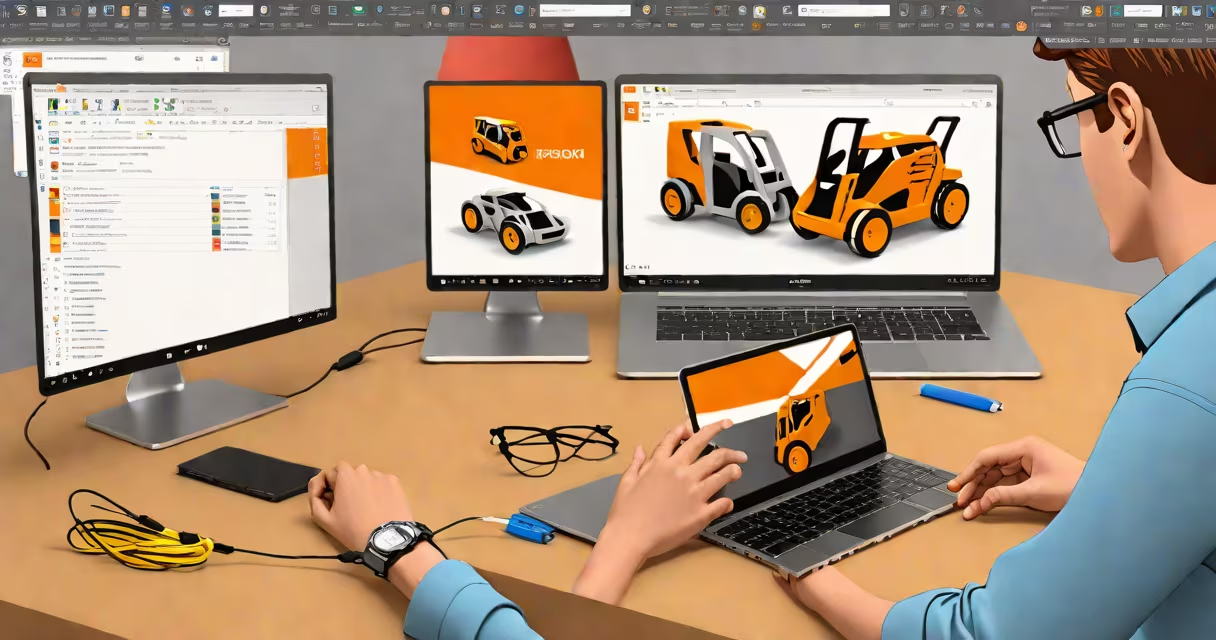
Fusion 360 is free for students, educators, and academic institutions through Autodesk's official education licensing program. Eligible users gain full access to all Fusion 360 features-including 3D modeling, simulation, CAM, and collaboration tools-for as long as they remain enrolled in an accredited educational institution.
The software runs on Windows, macOS, and web browsers. Access requires a valid school email address or institutional verification. Once verified, users download the desktop app or use the browser-based version with no time limits or feature restrictions.
Autodesk confirms that the education license includes all core capabilities: parametric modeling, generative design, real-time simulation, toolpath generation for CNC machines, and cloud-based project sharing. This is not a trial-it's a permanent license tied to academic status.
To qualify, you must be enrolled in a high school, college, university, or technical program recognized by Autodesk. The system checks your email domain against a list of approved educational institutions. Personal emails (Gmail, Yahoo) do not qualify unless linked to a school account.
After signing up on autodesk.com/products/fusion-360/education, you create an Autodesk account and verify your enrollment. The process takes under five minutes. Once confirmed, you can install Fusion 360 on up to three devices.
You retain access as long as you maintain active enrollment. If you graduate or leave school, the license expires. Re-enrollment or returning to school reinstates access. No credit card is required during registration.
Fusion 360 offers the same full-featured environment for students as it does for professionals. There are no hidden limitations on file size, export formats, or collaborative workflows.
| Feature | Available to Students? |
|---|---|
| Parametric 3D modeling | Yes |
| Generative design | Yes |
| Finite element analysis (FEA) | Yes |
| CNC toolpath generation | Yes |
| Cloud project storage (10 GB) | Yes |
| Team collaboration | Yes |
For example, a mechanical engineering student designing a robot arm can use Fusion 360 to model parts, simulate stress loads under motion, generate CNC code for milling, and share the project with teammates-all within the same interface.
A common misconception is that the student version lacks advanced functionality. That's incorrect. The software does not downgrade features. The difference lies solely in eligibility and usage terms.
Some users assume the student license is limited to 30 days. This confusion stems from older versions of Autodesk's programs. Fusion 360's education license is not time-limited-it remains active until graduation or withdrawal from school.
Another error is attempting to use personal accounts or non-academic emails. These fail verification. A student at MIT cannot sign up with a @gmail.com address unless they have a verified institutional email. Using a fake school name or forged documents violates Autodesk's Terms of Service and may result in account suspension.
The student license does not allow commercial use. Projects created with Fusion 360 for classwork, competitions, or personal portfolios are permitted. But selling designs, producing products for profit, or using them in business ventures requires a paid subscription.
In 2023, a group of five undergraduate students from the University of Washington used Fusion 360 to design a low-cost prosthetic hand for a national engineering challenge. They modeled the components, ran static load simulations, generated CNC toolpaths, and produced prototypes using a local maker space's 3D printer and mill.
All work was done using the free student license. The team submitted their design via Fusion 360's cloud workspace, shared files with judges, and presented results using embedded animations and renderings-all within the platform.
They won first place and later published their findings in a university research journal. Their success demonstrates that the student version supports professional-grade outcomes when applied correctly.
If you don't qualify for the education license, Fusion 360 offers a 30-day free trial with full access. After that, you must pay $50/month or $420/year for a personal subscription. The paid plan includes additional features like advanced rendering, enterprise-level support, and offline mode.
Verifying your student status takes less than ten minutes. Once approved, you gain immediate access to a tool used by NASA engineers, SpaceX designers, and Fortune 500 product teams. The barrier to entry is not skill-it's enrollment.
Yes, Fusion 360 is free for students. The program is legitimate, widely used, and backed by Autodesk's global support network. Confirm your eligibility at autodesk.com/products/fusion-360/education.