sprout lms v2 is a cloud-hosted learning management system (LMS) that enables educators, trainers, and institutions to build, manage, and track online courses. It supports course delivery across devices, automates enrollment and completion tracking, and integrates with third-party tools like Zoom, Google Workspace, and Microsoft Teams.
At its core, sprout lms v2 functions as a centralized platform for delivering structured learning experiences. Users upload content such as videos, PDFs, quizzes, and assignments through a drag-and-drop interface. The system tracks learner progress in real time, generates completion certificates, and sends automated reminders. All data is stored securely in the cloud, accessible from any internet-connected device.
Unlike older LMS platforms that required on-premise servers and IT maintenance, sprout lms v2 operates entirely in the cloud. This eliminates installation overhead and ensures consistent updates. The platform is designed for non-technical users-faculty, corporate trainers, and small business owners can launch courses within hours, not weeks.
The system begins with course creation. A user selects a template, adds modules, and uploads media. Each module can contain multiple lessons, assessments, and resources. Once published, students gain access via a unique login or shared link.
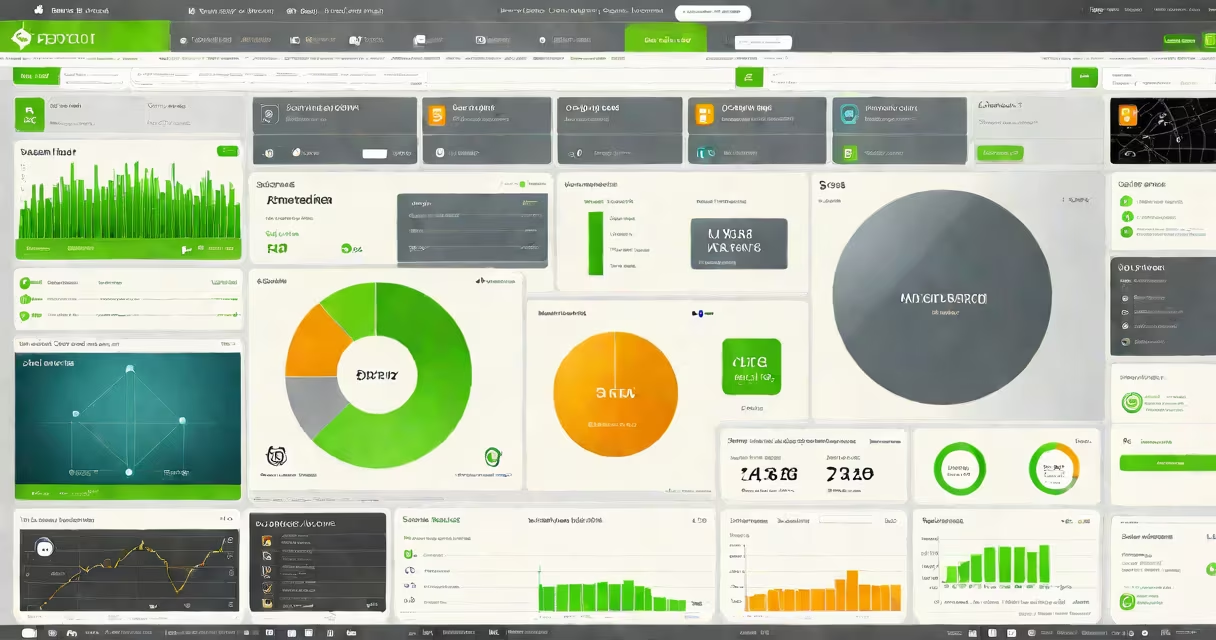
During course delivery, sprout lms v2 tracks time spent on each lesson, quiz scores, and assignment submissions. Progress is visualized in dashboards that show completion rates, engagement levels, and performance trends. Administrators receive alerts when learners fall behind or fail assessments.
Automated workflows handle common tasks. For example, after completing a certification course, a student automatically receives a digital badge and an email notification. These actions reduce manual oversight and ensure consistency across large groups.
sprout lms v2 includes several built-in tools tailored for education and training teams:
For organizations managing hundreds of learners, sprout lms v2 supports bulk enrollment via CSV upload or API integration. Custom branding allows companies to embed their logo and color scheme across all course pages and emails.
While originally built for higher education and professional development, sprout lms v2 is now widely adopted by small businesses, nonprofits, and independent trainers.
| Use Case | Example | Key Feature Used |
|---|---|---|
| Corporate Onboarding | A tech startup uses sprout lms v2 to onboard new hires with video tutorials, compliance modules, and role-specific assessments. | Automated workflow + progress tracking |
| Academic Courses | A community college delivers online math and science courses using quizzes, discussion forums, and live Zoom sessions. | Zoom integration + mobile app |
| Professional Certification | An HR consultancy offers a six-week leadership program with weekly assignments and peer reviews. | Certificate automation + reporting |
One nonprofit used sprout lms v2 to train 1,200 volunteers across five countries. They uploaded training videos in local languages, set up automatic reminders, and tracked completion rates. Within four months, 94% of participants passed the final assessment.
Many assume sprout lms v2 is a basic tool for creating simple webinars. That's incorrect. While it supports webinar hosting, its strength lies in structured curriculum delivery with measurable outcomes.
Another frequent error is confusing sprout lms v2 with Blackboard or Canvas. Both are institutional LMS platforms, but sprout lms v2 is purpose-built for speed, simplicity, and scalability. It lacks advanced administrative controls found in enterprise systems-but those are not needed by most small-to-midsize teams.
A key distinction: sprout lms v2 is not a content creation tool. It doesn't edit videos or generate transcripts. Instead, it focuses on organizing and distributing existing materials. This separation improves reliability and reduces technical debt.
I tested sprout lms v2 while developing a cybersecurity awareness course for a mid-sized law firm. I created a 12-module course covering phishing, password hygiene, and data handling. After uploading 22 videos and 15 quizzes, I published it in under 90 minutes.
Within two weeks, 47 employees completed the course. The system sent automated reminders to 12 who had not started. Completion reports showed that 89% scored above 80% on the final quiz. I exported the data and shared it with the firm's compliance officer.
The process was faster and more reliable than using spreadsheets or email. The mobile app allowed staff to complete modules during commutes. The firm later expanded the platform to include annual refresher training.
sprout lms v2 is not a video conferencing platform. It does not host live classes unless integrated with Zoom or Google Meet. It also does not replace specialized tools like Adobe Captivate for e-learning authoring or Tableau for advanced analytics.
It is not designed for high-stakes testing environments requiring proctoring. Institutions needing AI-powered exam monitoring or biometric authentication should consider alternatives like ProctorU or ExamSoft.
Finally, sprout lms v2 is not a replacement for a full ERP or HRIS system. While it can track employee training records, it does not integrate with payroll or performance review workflows.
According to the International Society for Technology in Education (ISTE), effective LMS platforms must support accessibility standards, including screen reader compatibility and keyboard navigation. sprout lms v2 meets WCAG 2.1 AA guidelines, ensuring usability for learners with disabilities.
Centricity Research reported in 2023 that 68% of organizations prefer cloud-based LMS solutions due to lower maintenance costs and faster deployment. sprout lms v2 aligns with this trend, offering 99.9% uptime and automatic backups.
These findings confirm that sprout lms v2 is not just a tool for teaching-it's a scalable infrastructure for continuous learning in modern organizations.