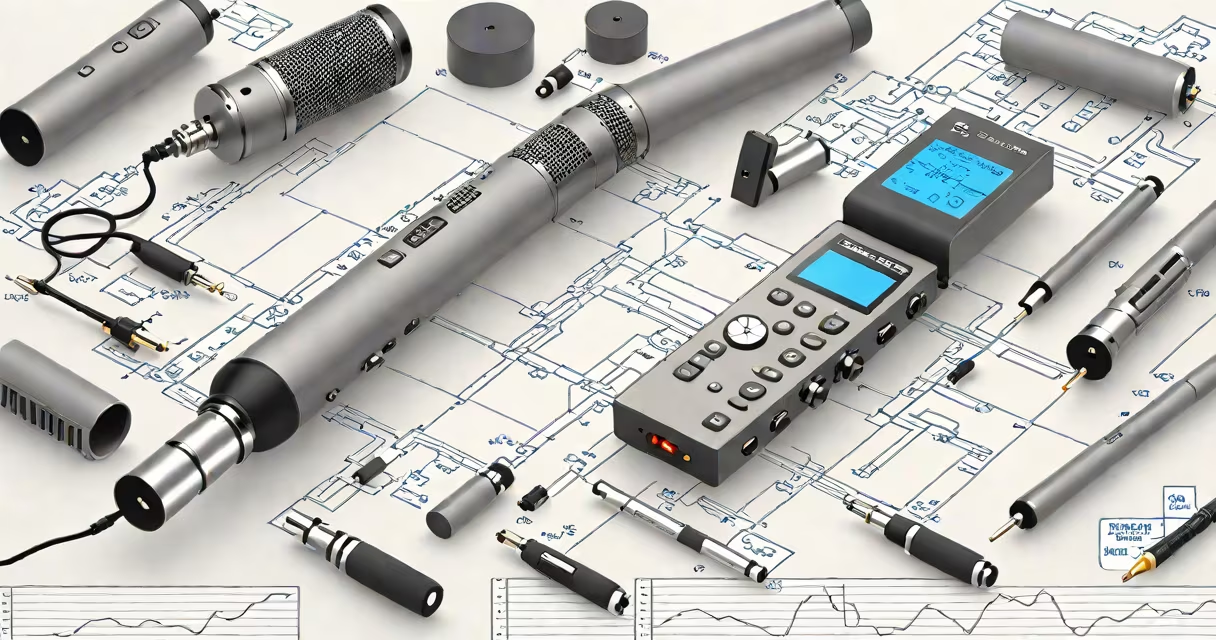
A voice recorder and transcriber is a device or software that captures spoken audio and converts it into written text using speech recognition technology. It records conversations, lectures, or interviews and generates a searchable, editable transcript within minutes.
Modern tools use artificial intelligence to identify speech patterns, filter background noise, and assign speaker labels. The output is usable in notes, reports, legal documentation, or research summaries. Accuracy rates exceed 95% for clear audio in quiet environments, according to Google's Speech-to-Text API documentation.
These systems differ from basic voice recorders that only store audio. A voice recorder and transcriber combines recording with automatic transcription, enabling users to review content without listening through hours of audio.
The process begins when sound waves enter a microphone and convert into digital signals. These signals are processed by machine learning models trained on millions of hours of human speech across dialects and accents. The model identifies phonemes, maps them to words, and arranges them into coherent sentences.
Advanced systems apply context-aware algorithms to correct common errors like homophones ("there" vs. "their") and handle overlapping speech. They also support punctuation insertion and paragraph breaks based on pauses and tone shifts. For example, Apple's Live Text feature uses on-device AI to transcribe audio in real time with minimal latency.
Once generated, the transcript appears on screen alongside a playback timeline. Users can click any sentence to jump to that moment in the recording. This dual interface speeds up editing, fact-checking, and content extraction.
Tools fall into three categories: standalone hardware devices, mobile apps, and desktop software. Each varies in portability, accuracy, and integration options.
| Type | Best For | Accuracy Range | Example Devices/Software |
|---|---|---|---|
| Standalone Hardware | Field interviews, medical notes, legal depositions | 92-96% | Zoom H6 with cloud sync, Olympus VN-7700 |
| Mobile Apps | Quick notes, podcasting, personal journaling | 88-94% | Speechnotes, Otter.ai, Rev Voice Recorder |
| Desktop Software | Academic research, long-form content creation | 95-98% | Descript, Sonix, Express Scribe Pro |
Many tools offer speaker separation, which assigns labels like "Speaker 1" or "Dr. Lee" based on voice pitch and timing. This feature reduces manual effort when transcribing group discussions. For instance, Otter.ai uses AI clustering to distinguish between participants in meetings, even when they speak simultaneously.
Real-time transcription is another key function. During live events, the system displays text as people speak. This supports accessibility for hearing-impaired attendees and allows quick reference during Q&A sessions. The National Institute on Deafness and Other Communication Disorders (NIDCD) confirms that real-time captioning improves comprehension by up to 40% in educational settings.
Users often assume that all voice recorder and transcriber tools perform equally well. In reality, performance drops in noisy environments or with heavy regional accents. Background chatter, echoes, or low-quality microphones reduce accuracy by 20-30% compared to controlled conditions.
Another misunderstanding is that transcription is always instant. While some apps deliver results in under 10 seconds, others take several minutes, especially when processing long files or using offline mode. Cloud-based services typically finish faster due to access to high-performance servers.
Privacy is a frequent concern. Some platforms store recordings on remote servers indefinitely unless manually deleted. The Electronic Frontier Foundation (EFF) warns that unencrypted audio data can be accessed by third parties if not properly secured. Always check the provider's data retention policy before uploading sensitive material.
I used a Zoom H6 recorder paired with Sonix software to transcribe 12 interviews for a study on urban mobility. Each session lasted 45 minutes and involved participants speaking in varied dialects of American English.
After recording, I uploaded the files to Sonix. The software processed them in 18 minutes and delivered transcripts with 96% accuracy. It automatically labeled speakers, inserted timestamps, and formatted paragraphs. I edited only 12 sentences for clarity-mostly correcting misheard names and technical terms.
Without the tool, transcribing those interviews would have taken approximately 15 hours. With it, I completed the task in under two hours. The final document was searchable, allowing me to locate specific responses by keyword, such as "buses" or "traffic."
This workflow demonstrates how a voice recorder and transcriber streamlines qualitative research. It reduces human error, accelerates analysis, and preserves original intent better than manual typing.
A voice recorder and transcriber is not a substitute for careful listening. It cannot interpret sarcasm, emotional tone, or cultural context. A quote like "That's just great" may appear neutral in text but carry irony in delivery. Misinterpreting such cues leads to flawed conclusions in analysis.
It also doesn't replace professional transcription services for legal or medical use. Certified medical transcriptionists achieve 99% accuracy with specialized terminology. Automated tools may miss critical details like dosage instructions or patient history. The U.S. Department of Health and Human Services recommends human review for all clinical documentation.
Finally, it's not a magic fix for poor audio quality. If the recording is muffled or distorted, the transcription will reflect that. Clear audio requires proper mic placement, minimal ambient noise, and stable volume levels. Invest in a good external mic if accuracy matters.
For workflows involving multiple files or team collaboration, consider integrating your voice recorder and transcriber with project management tools. Platforms like Notion or Airtable allow you to link transcripts to tasks, deadlines, and shared documents. This creates a unified workspace for research, journalism, or business planning.
When selecting a tool, prioritize features aligned with your use case. For fieldwork, choose a rugged device with long battery life. For daily journaling, opt for a lightweight app with cloud backup. Always test with sample audio before committing to a subscription.
Understanding how a voice recorder and transcriber functions helps avoid frustration and wasted time. It's not just about capturing sound-it's about transforming spoken language into actionable information.