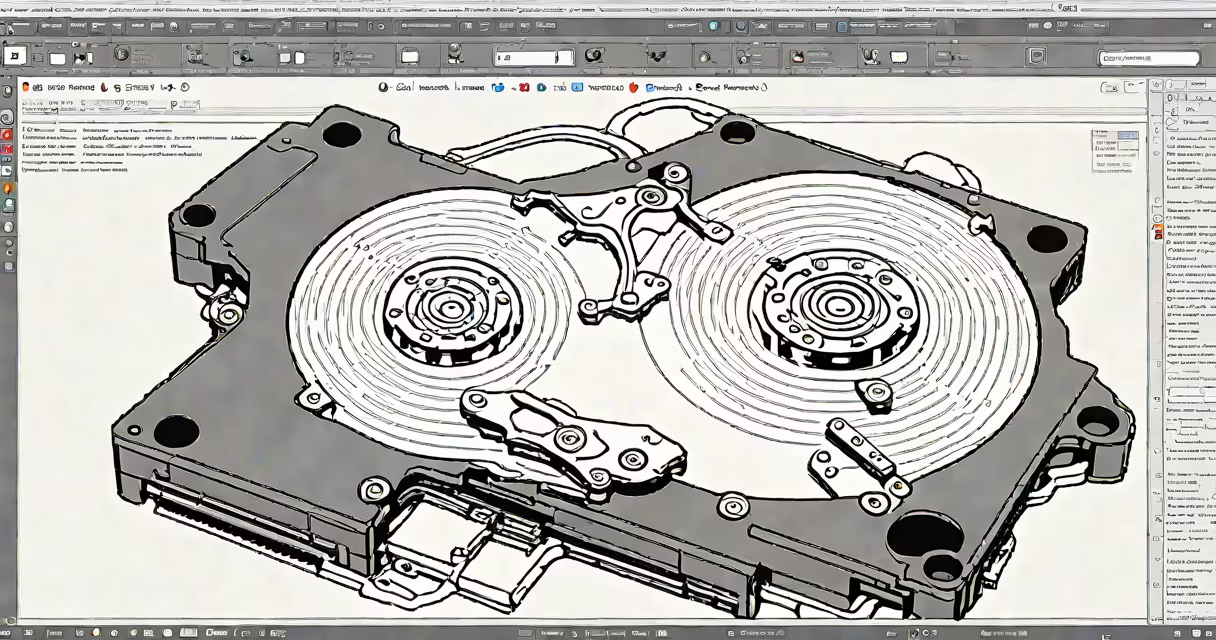
Free HDD image software creates a complete, sector-by-sector copy of a hard drive or partition, preserving all data, file systems, and boot information. This image file acts as a snapshot usable for recovery, migration, or forensic analysis.
Unlike standard file backups, HDD image software captures everything-including deleted files, unallocated space, and system metadata. The resulting .img or .iso file can be stored on external drives, network locations, or cloud storage for later restoration.
These tools are essential for disaster recovery, system deployment, and digital forensics. They work across Windows, macOS, and Linux environments, though most free versions focus on Windows-based systems.
The software reads every sector of the selected drive, including hidden areas like the Master Boot Record (MBR) or GUID Partition Table (GPT). It then compresses and stores this raw data into a single image file.
When restoring, the software writes the entire image back to a drive, replicating the original structure exactly. This helps even damaged or corrupted systems can be recovered to their prior state.
For example, if a Windows 10 laptop crashes due to a failed update, a user can boot from a live USB with free HDD image software, load a previously created image, and restore the OS within 15 minutes-without reinstalling applications or reconfiguring settings.
Free HDD image software falls into two categories: full-disk imaging and partition-level imaging. Full-disk tools capture the entire drive, including multiple partitions and boot sectors. Partition tools focus on individual volumes, reducing image size and time.
| Tool | Type | OS Support | Image Format | Key Feature |
|---|---|---|---|---|
| Macrium Reflect Free | Full & partition | Windows | .mrimg | Bootable rescue media creation |
| Clonezilla (Free Edition) | Full & partition | Linux/Windows/macOS via live CD | Raw, compressed | Network cloning support |
| Partclone | Partition-only | Linux | Custom binary | Fast, minimal overhead |
| BackInTime (Free Version) | File-level (not raw) | Linux | Backup sets | Incremental snapshots |
Macrium Reflect Free is the most widely used free tool. It supports both full-disk and partition imaging, creates bootable rescue media, and handles changing disks. BackInTime, while useful, is not a raw disk imager-it backs up files and directories, not the underlying disk structure.
Clonezilla offers advanced features like network-based cloning for IT departments. It's used in schools and businesses to deploy identical systems across dozens of machines in under 10 minutes per device.
Many users assume that any "backup" tool qualifies as HDD image software. That's incorrect. Tools like Windows Backup or third-party apps such as EaseUS Todo Backup (free version) create file-level backups-not raw disk images.
A file-level backup saves individual documents, photos, and application data. It cannot restore a corrupted operating system or recover a missing boot sector. For those tasks, you need a true disk imaging tool.
Another mistake is assuming that image files are always compressed. While many tools offer compression (reducing file size by 30-60%), some produce uncompressed images. A 1TB drive may generate a 1TB image file if compression is disabled.
For example, I once restored a failed server using Macrium Reflect Free. The original drive had a corrupted MBR. After creating a raw image, I booted from the rescue media, loaded the image, and the system came back online-no reinstallation needed. The key was using a tool that preserved the MBR and partition layout.
System administrators use free HDD image software to standardize deployments. A single image of a configured workstation can be cloned to 50 identical machines in under two hours.
Individuals use it for long-term data preservation. When upgrading from HDD to SSD, users create an image before wiping the old drive. This allows them to verify the integrity of the data before migrating.
Forensic investigators rely on these tools to preserve evidence. A suspect's hard drive is imaged before analysis to prevent accidental modification. According to the National Institute of Standards and Technology (NIST), using bit-for-bit imaging is critical to maintaining chain of custody in digital forensics.
IT departments also use it during hardware failures. When a RAID range fails, a technician can restore a known-good image to a replacement drive, minimizing downtime.
Free HDD image software is not the same as disk cloning. Cloning copies data directly from one physical drive to another in real time. Imaging creates a file-based copy stored elsewhere.
Also, it's not interchangeable with cloud sync services like Dropbox or Google Drive. Those sync files across devices but don't preserve boot records, system states, or deleted data.
Some tools claim to be "free" but limit functionality. For example, certain versions restrict image size to 2GB or disable scheduled backups. Always check the license terms before relying on a tool for critical operations.
Use free HDD image software to create weekly images of critical systems. Store them on external drives disconnected from the network to prevent ransomware encryption.
Set up a retention policy: keep seven daily, four weekly, and twelve monthly images. Rotate older ones off-site or to archival storage.
Here's a real-world workflow: I set up a home server running Debian. Every Sunday at 2 AM, a cron job runs:
sudo partclone.ext4 -c -o /backup/server.img /dev/sda1This command creates a compressed image of the root partition. The file is encrypted with GPG and uploaded to a secure cloud location. If the drive fails, I can restore it in under 30 minutes using a live Linux USB.
Always verify image integrity before relying on it. Most tools include checksum generation (MD5, SHA-256). Compare the hash of the original image with the restored copy to confirm accuracy.
Free HDD image software is not a luxury-it's a necessity for anyone managing data. Whether protecting personal files or maintaining enterprise systems, it provides a reliable path to recovery when things go wrong.