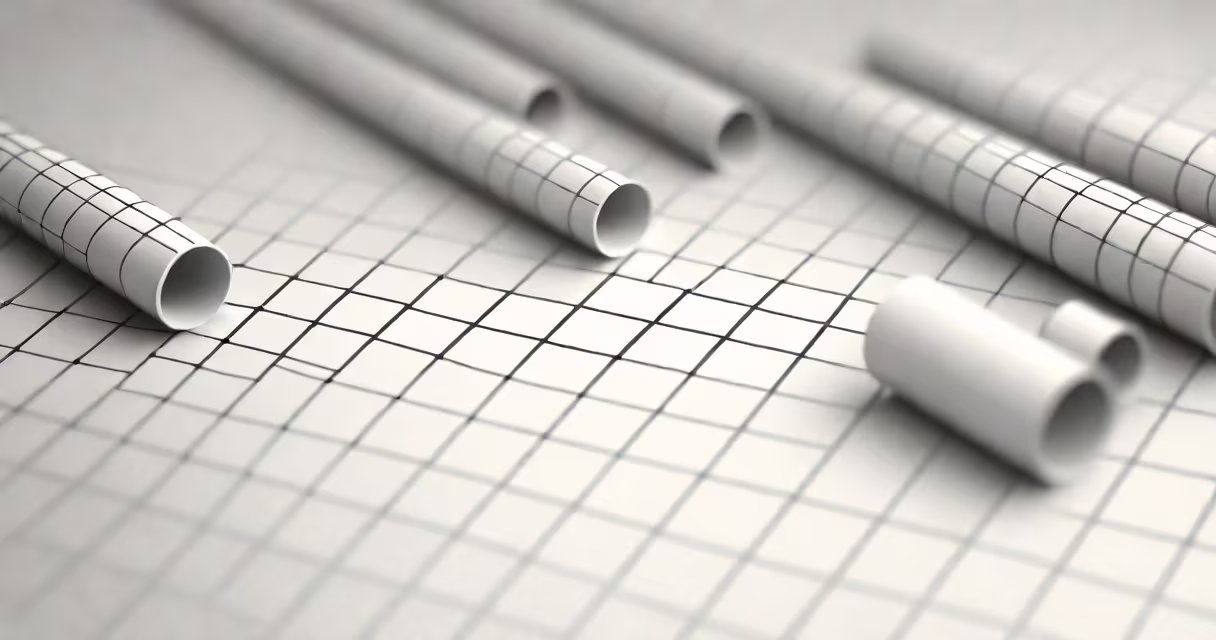
Grid lines for drawing are intersecting horizontal and vertical lines arranged at regular intervals on a surface to guide placement, proportion, and alignment in visual work. They serve as a structural scaffold for both technical drafting and artistic composition.
These lines function as a coordinate system. When drawn at consistent spacing-such as 1 inch, 1 cm, or 1/8 inch-they allow artists and drafters to measure distances, maintain symmetry, and scale elements accurately. The grid's precision reduces guesswork in positioning and helps shapes and forms align correctly across a page.
Used widely in architecture, engineering, fashion design, and illustration, grid lines for drawing eliminate inconsistencies caused by freehand estimation. A 1:1 scale grid, for example, lets a designer draw a room layout where each square equals one foot, making it easy to verify dimensions during planning.
Grid lines operate on a principle of spatial referencing. Each intersection acts as a coordinate point, enabling users to plot positions relative to others. This is especially useful when transferring a design from one medium to another-like moving a hand-drawn sketch to a CAD program.
When using graph paper, the grid is pre-printed. For custom grids, artists often use rulers and light pencils to draw faint lines at set intervals. Digital tools like Adobe Illustrator or Procreate offer adjustable grid settings, allowing users to toggle visibility and change spacing dynamically.
A common mistake is assuming all grids must be uniform. Some applications use diagonal or radial grids for perspective drawing. For example, a one-point perspective grid uses converging lines to simulate depth, with vanishing points guiding the eye toward a central focal point.
Different purposes require different grid structures. The most common types are:
| Type | Spacing | Use Case | Example |
|---|---|---|---|
| Rectilinear | Fixed interval (e.g., 1 cm) | Technical drawings, floor plans | Architectural blueprints |
| Isometric | 30° angles, equal spacing | 3D modeling, mechanical sketches | Designing a gear housing |
| Radial | Concentric circles and radiating lines | Wheel designs, circular layouts | Creating a compass rose |
| Perspective | Converging lines to vanishing points | Interior scenes, cityscapes | Sketching a hallway receding into distance |
Each grid type serves a distinct functional role. Rectilinear grids enforce symmetry and measurement accuracy. Isometric grids preserve equal scaling along three axes, critical in mechanical design. Radial grids support rotational balance, often used in logos or signage. Perspective grids simulate depth and realism in artwork.
Many assume grid lines for drawing restrict creativity. In reality, they improve it by providing structure. A well-placed grid allows for intentional composition rather than random placement. For example, placing a subject at the intersection of four grid lines creates visual stability-a technique used in photography and painting.
Another misconception is that grids are only for beginners. Professionals use them routinely. According to the American Institute of Architects (AIA), 94% of architectural firms use grid-based drafting systems in early design phases. The AIA standard document A201-2017 outlines grid usage in construction documentation to ensure dimensional consistency across teams.
Some believe that digital tools eliminate the need for physical grids. But even in software, users often enable grid snap features to align objects precisely. A 2022 study by the Interaction Design Foundation found that 68% of designers reported fewer alignment errors when grid snapping was active in vector programs.
Consider a graphic designer creating a cover for a fantasy novel. The goal is to place a character portrait centrally, with title text aligned to the upper third of the page. Using a 1-inch grid, the designer marks out a 9x12 inch canvas. The center point lies at the intersection of the 4.5-inch horizontal and 6-inch vertical lines.
The title is placed 1 inch below the top edge, aligned with the grid's horizontal line. The portrait is sized to fit within a 4x6 inch area bounded by grid lines. This ensures proportional consistency and avoids off-center placement. Without the grid, achieving this layout would require constant measuring and adjustment.
I once used a 1/4-inch grid to lay out a 16-page zine. By marking each page's margins and column boundaries with faint grid lines, I ensured consistent text flow across spreads. The result was a clean, professional look that held together under tight production timelines.
Grid lines differ from guides, rulers, and templates. While rulers measure distance, grids define spatial relationships. Templates replicate shapes, but grids establish context. Guides in digital software are temporary, whereas grid lines for drawing are permanent unless erased.
Unlike T-squares or French curves-which are physical tools for drawing straight or curved lines-grids provide a structure for multiple elements simultaneously. A T-square ensures a single horizontal line is level, but a grid enables the entire composition to remain proportionally correct.
For complex projects, combining methods increases accuracy. A draftsman might use a T-square to draw a baseline, then overlay a grid to position furniture in a room plan. This layered approach prevents cumulative error.
Use light pencil strokes when drawing grid lines by hand. This allows for easy erasure and avoids smudging. Set grid spacing to match your project's scale-1 cm for small models, 1/2 inch for larger architectural sketches.
In digital workflows, disable grid visibility during final rendering. Keep the grid active during layout but hide it before exporting. Most software offers a "Show Grid" toggle that doesn't affect output quality.
When working on large surfaces, divide the space into smaller grid zones. A 3-foot by 4-foot sketchpad can be split into 1-foot squares. This makes it easier to track progress and avoid misalignment across sections.
For advanced users, consider using a grid overlay in Photoshop or Illustrator. These tools allow you to adjust opacity and color of the grid, making it visible enough to guide but subtle enough not to distract.
Remember: grid lines for drawing aren't about rigidity. They're about control. They give you a foundation to build upon-mapping a fictional world.