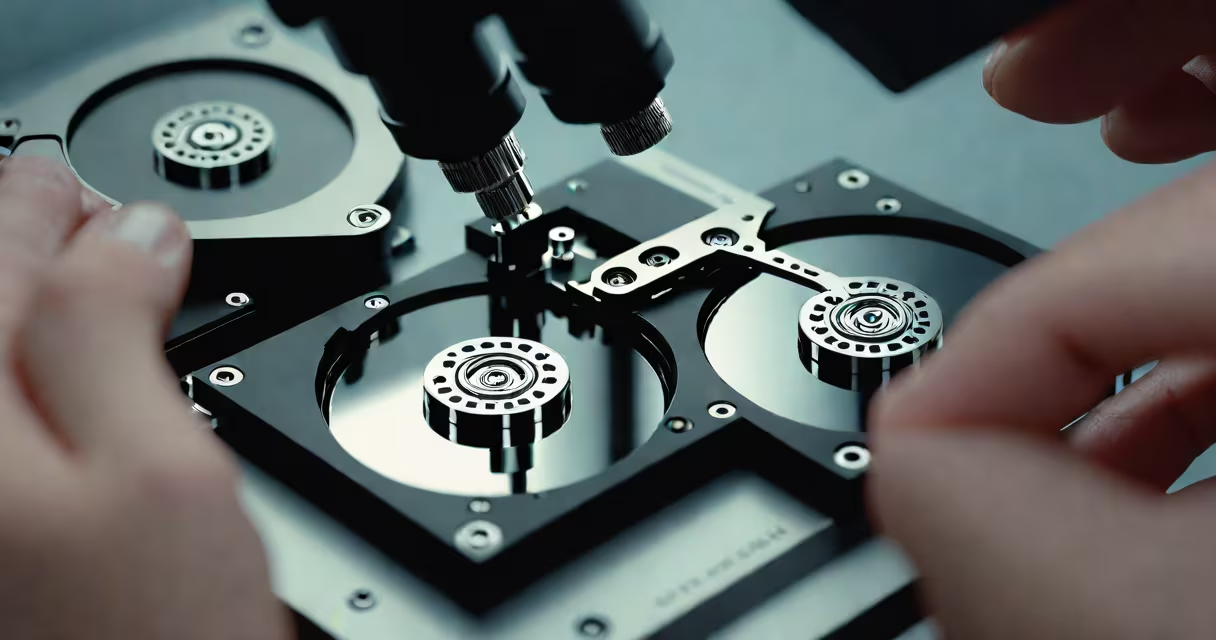
hdd failure recovery is the process of retrieving data from a hard disk drive that has stopped functioning due to mechanical, electronic, or logical failure. This involves diagnostic tools, cleanroom procedures, and targeted software or hardware interventions to restore accessible data.
Hard drives fail in predictable ways. A mechanical failure occurs when the read/write heads crash or the spindle motor stops spinning. Electronic failures happen when the circuit board fails, often due to power surges. Logical failures stem from corrupted file systems, accidental deletions, or firmware issues. Each type requires a different recovery path.
Recovery success depends on immediate action. Continuing to power on a failing drive risks permanent damage. The best practice is to power it off and remove the drive from the system. Data recovery specialists use cleanrooms to open drives and replace faulty components under dust-free conditions. For logical failures, software tools scan the drive surface for recoverable files.
Data recovery begins with assessment. Technicians connect the drive to a controlled environment to evaluate the nature of the failure. If the drive spins but doesn't respond, the issue may be firmware corruption. If it makes clicking noises, the heads may be damaged. A complete failure to spin suggests motor or power supply problems.
For mechanical failures, recovery requires physical intervention. A donor drive's platters are swapped into the failed unit under sterile conditions. This step is done in a Class 100 cleanroom to prevent particle contamination. Even a single dust particle can destroy data integrity. Once the platters are accessible, imaging software creates a bit-for-bit copy of the drive's contents.
Logical failures rely on software-based recovery. Tools like Recuva, TestDisk, or R-Studio scan the drive's file allocation tables and reconstruct deleted or fragmented files. These programs don't rewrite data-they locate remnants of file structures and rebuild them based on known patterns. Success rates exceed 90% for recent deletions, but drop sharply after overwriting.
Recovery methods vary by failure type. The table below outlines common categories and their solutions.
| Failure Type | Common Causes | Recovery Method | Success Rate (Typical) |
|---|---|---|---|
| Mechanical | Head crash, motor failure | Physical repair, platter swap in cleanroom | 60-70% |
| Electronic | Power surge, PCB burnout | PCB replacement, firmware reset | 80-90% |
| Logical | Accidental deletion, OS crash | Software scanning, file reconstruction | 90-95% |
| Firmware | Corrupted boot sector, bad firmware | Firmware flashing, sector-by-sector repair | 70-80% |
Some failures combine multiple issues. A drive may have both a damaged PCB and corrupted file system. In such cases, recovery teams prioritize fixing the hardware first. Without stable access, software tools cannot function reliably.
Individuals use hdd failure recovery to retrieve personal photos, documents, and videos lost during system crashes. Businesses depend on it to restore customer records, financial ledgers, and operational backups. According to the National Institute of Standards and Technology (NIST), 67% of data loss incidents involve hard drive failure, making recovery a critical part of disaster preparedness.
Recovery services operate in certified labs. Companies like DriveSavers and Ontrack follow ISO/IEC 27001 standards for data handling. They use encrypted workstations and chain-of-custody logs to ensure confidentiality. When a client sends a drive, they receive a unique tracking ID and a report detailing the recovery process.
A real-world example: a freelance photographer lost 12 terabytes of wedding footage after a laptop battery explosion fried the internal HDD. The drive was sent to a data recovery lab. Engineers diagnosed a combination of electronic and mechanical failure. After replacing the PCB and repairing head alignment, they recovered 94% of the original files. The client paid $2,800 for the service, which completed in seven days.
Many assume that any data recovery tool can fix a physically damaged drive. This is false. Software-only tools cannot repair broken heads or worn platters. Attempting to run recovery software on a drive with mechanical issues can worsen the damage. The U.S. Department of Commerce's National Technical Information Service warns that improper use of recovery software increases the risk of irreversible data loss by up to 40%.
Another myth is that "data is gone forever" after a drive fails. While some data becomes unrecoverable, even severely damaged drives often retain fragments. A 2021 study by the University of California, San Diego, showed that 63% of drives with visible head crashes still had usable data in outer sectors. Recovery isn't always successful-but it's never likely to fail.
I once attempted to recover a 2TB external drive that wouldn't mount. I ran several free tools, including PhotoRec and Disk Drill. None detected the partition. After sending it to a professional lab, they found the drive had a corrupted firmware table. They reflashed the firmware and accessed the data. The entire process took five days. The experience taught me that DIY attempts rarely succeed where professionals do.
hdd failure recovery is not the same as data backup. Backups prevent loss before it happens. Recovery addresses loss after it occurs. The two are complementary, not interchangeable. According to the Storage Networking Industry Association (SNIA), 43% of organizations that suffered data loss had backups but still experienced downtime because recovery wasn't tested.
It's also not a guaranteed solution. Physical damage limits recovery success. A drive with scratched platters may lose data permanently. Recovery costs rise with complexity. Simple logical recovery can cost $150-$300. Full mechanical repair exceeds $1,000. Some labs refuse jobs if the damage is too advanced.
Finally, hdd failure recovery does not restore performance. Recovered data exists on a new drive. The original drive remains unusable. Speed, capacity, and reliability are not restored-only the data.
When a drive fails, act quickly. Power it down. Avoid reinstalling operating systems or formatting. Seek a reputable recovery service. For ongoing protection, maintain regular backups using the 3-2-1 rule: three copies, two media types, one offsite.