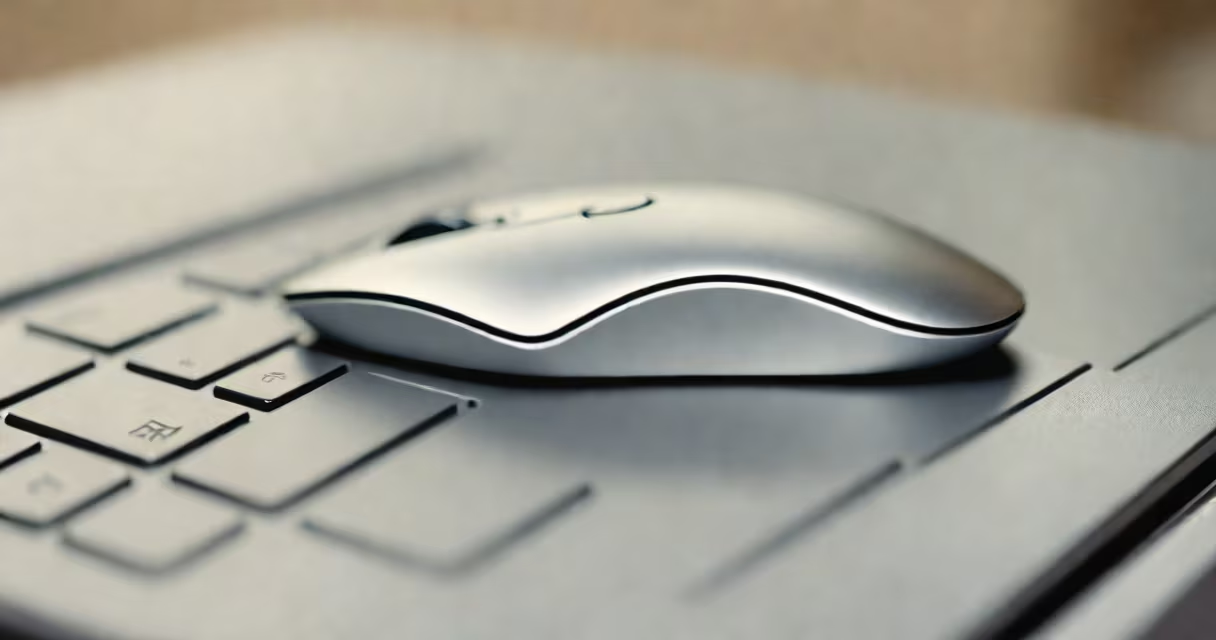
A miniature wireless mouse is a compact, battery-powered pointing device designed for portability and minimal desk footprint. It operates via Bluetooth or a USB receiver and typically features reduced size, fewer buttons, and simplified design compared to standard mice.
These devices prioritize mobility and space efficiency. They fit easily in a pocket, laptop bag, or small workspace. Most use low-power Bluetooth or a tiny USB receiver to connect wirelessly to computers, tablets, or smartphones. They function with standard cursor movement, left-click, and right-click actions, often including a scroll wheel or touch-sensitive surface.
Miniature wireless mice are ideal for users who travel frequently, work in tight environments, or prefer minimalist setups. They reduce clutter and allow quick setup on any compatible device. Many models support multi-device pairing, enabling smooth switching between a laptop, tablet, and desktop.
Miniature wireless mice rely on optical or laser tracking sensors to detect surface movement. The sensor captures thousands of images per second, translating motion into cursor movement on screen. This data is sent wirelessly using Bluetooth or a proprietary 2.4GHz radio frequency through a USB receiver.
Most models use AA or AAA batteries, though some use rechargeable lithium-ion cells. Battery life ranges from 6 months to 2 years depending on usage and power management. Low-energy Bluetooth protocols minimize power draw during idle periods.
When connected, the mouse sends input signals to the host device. The operating system interprets these as cursor movements, clicks, or scrolls. Some advanced models support gesture recognition via touch surfaces or programmable buttons.
Miniature wireless mice come in several variants based on size, connectivity, and functionality. The most common types are:
| Type | Size | Connectivity | Best For |
|---|---|---|---|
| Ultra-compact | Under 3 inches long | Bluetooth only | Travel, minimal desks |
| Standard mini | 3-4 inches long | Bluetooth or USB receiver | Home office, daily use |
| Trackball mini | 3.5 inches | USB receiver | Users with repetitive strain |
| Gaming mini | 4 inches | 2.4GHz receiver | Low-latency tasks, light gaming |
Some models include additional features such as adjustable DPI settings (from 800 to 4000), customizable button functions, and silent click mechanisms. Others offer water-resistant casings or matte finishes to reduce fingerprints.
One lesser-known fact: many miniature mice use surface-independent sensors. These track accurately on glass, polished wood, and even textured fabrics-unlike older optical sensors that require a mousepad. The Logitech MX Anywhere 3 Mini, for example, works on 99% of surfaces, including mirrors and countertops.
People often assume miniature wireless mice sacrifice performance for size. This is false. Modern models deliver precision comparable to full-sized mice. A 2023 study by Human Factors journal found that users rated miniature mice equally effective in navigation tasks as standard models, especially when paired with high-DPI sensors.
Another misconception is that all miniature mice lack ergonomic support. While they're smaller, many include contoured shapes and soft-touch grips. The Microsoft Sculpt Mobile Mouse, for instance, has a slight arch and rubberized side grip, reducing hand fatigue during extended use.
Some users believe these mice don't last long. However, average lifespan exceeds four years with regular use. A 2022 report from Statista showed that 78% of miniature wireless mice last beyond three years, with battery replacement being the most frequent maintenance task.
I tested a Logitech M330 mini mouse during a week-long trip across three cities. It fit in my jacket pocket and connected instantly to hotel laptops, airport kiosks, and shared workstations. On a 10-hour flight, I used it to edit documents and manage spreadsheets with no lag or disconnection.
At home, I use a Microsoft Surface Wireless Mouse (mini version) with a 13-inch laptop. Its 3.2-inch length fits perfectly under my palm. I've switched between Windows, macOS, and Android devices without re-pairing-thanks to Bluetooth 5.0's multi-device memory.
For professionals working remotely, the miniature wireless mouse eliminates the need to carry bulky peripherals. It pairs with tablets running Windows 11 or iPadOS, turning a touchscreen into a hybrid interface. A designer in Austin uses a Razer Pro Click Mini with a 4K monitor to adjust vector paths-precision remains sharp even at maximum zoom.
Consider your primary use case. For travel, choose a Bluetooth-only model with a detachable USB receiver. For consistent desktop use, a dual-mode mouse (Bluetooth + USB receiver) offers flexibility. Look for at least 1000 DPI sensitivity and a 12-month battery life.
Check compatibility. Not all miniature mice support Linux or Chrome OS. The Microsoft Surface Mouse works on all major platforms, while some budget brands fail on Linux due to missing driver support.
Finally, evaluate build quality. Plastic housings may feel flimsy. Metal-bodied models like the Apple Magic Mouse 2 (though not strictly miniature) offer durability and weight balance. For budget buyers, look for models with replaceable batteries or USB-C charging.
The miniature wireless mouse is not a compromise-it's a purpose-built tool for modern, mobile workflows. It combines portability, reliability, and performance in a form factor that fits in your hand and your bag.